Social posts
Animated social posts, in your brand
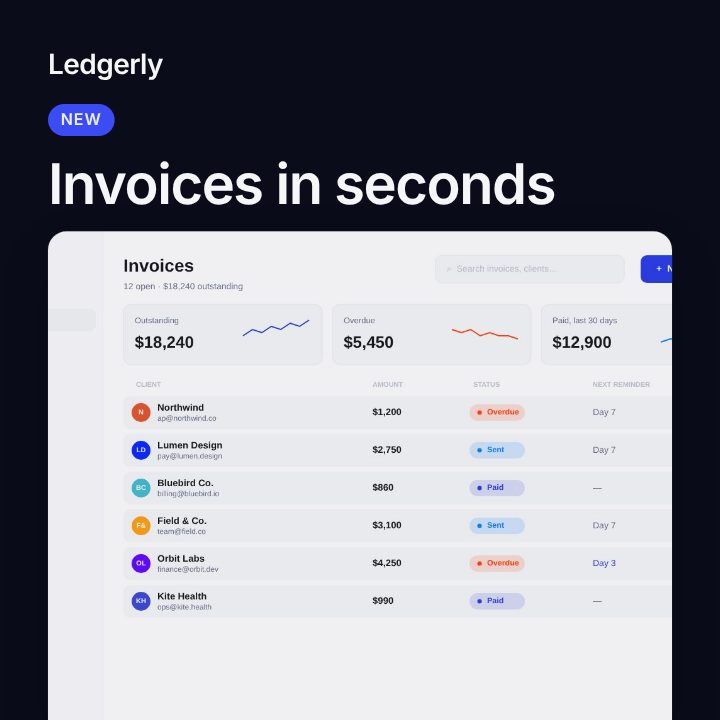
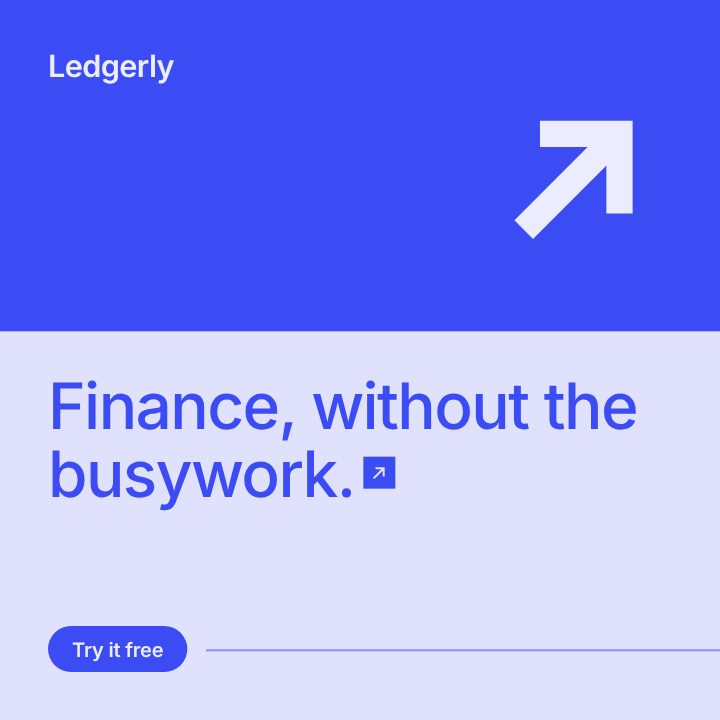
Pick a template, pick an idea, and Filmagic writes the post in your colours and fonts. Switch the layout any time, then export a 6 to 10 second video for any feed.
Free to preview, no account needed.
Templates that fit
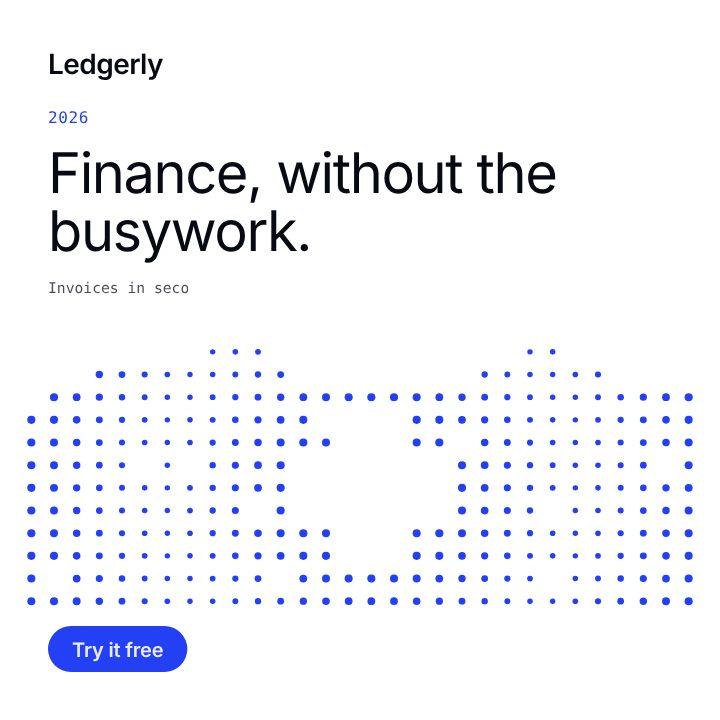
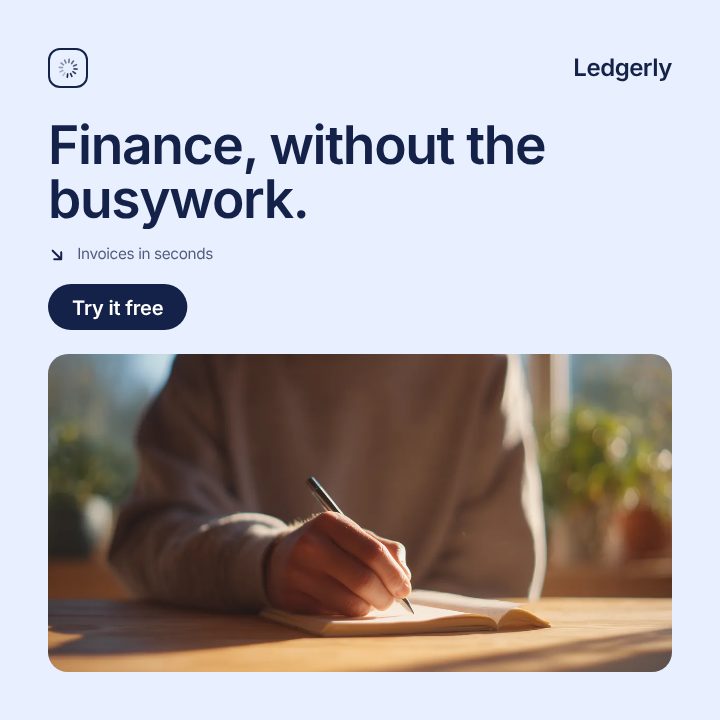
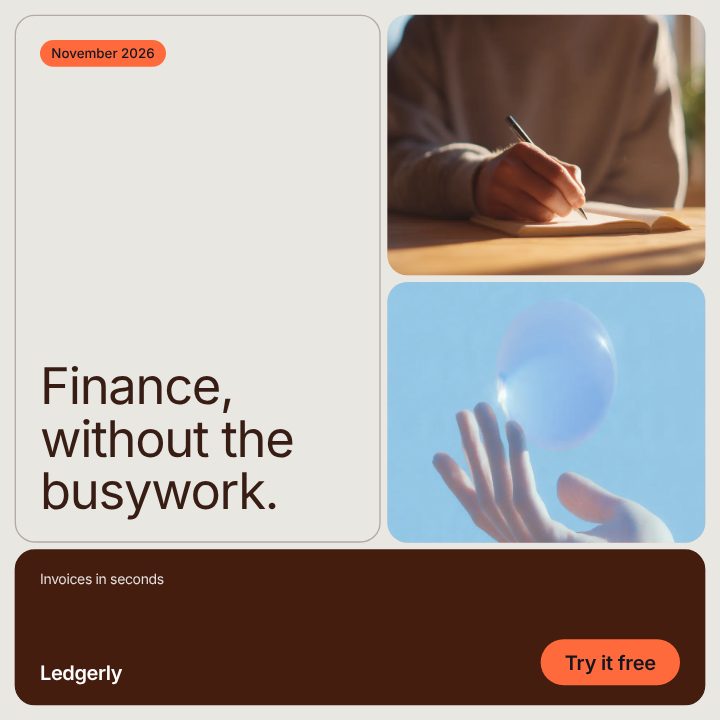
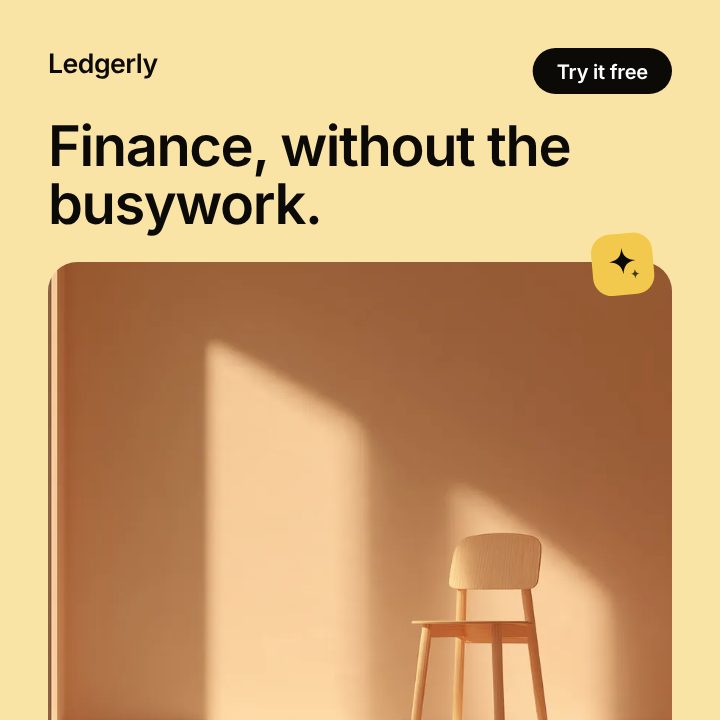
What you get
- Eleven templates, three layouts each. Dot Matrix, Circuit, Editorial, Soft, Ribbon, Neon, Metrics, Foundry, Carousel, What's New and Brand Post. Switch the layout and the words stay.
- Four sizes from one post. 1:1 square, 4:5 portrait, 9:16 for Stories and Reels, and 16:9 for X and LinkedIn.
- Thirty content ideas. Pick one, from a customer win to a quick tip or a new feature, and the post rewrites itself around your product. Where an idea needs your own words, like a customer quote, it tells you what to add.
- Your brand. Your colours, your logo, a headline font and a second font for the smaller words. Upload your own font file if it is not in the list.
- Motion that holds. Every post builds in over about two seconds and then holds, so the last frame works as a still image too.
How it works
- Open Social and pick a template.
- Pick a content idea, or type your own headline and line.
- Choose a layout and a size. Your images replace the sample ones.
- Export a 6, 8 or 10 second video and post it.
Which template to start with
| You want to post | Start with |
|---|---|
| A new feature or a release | What's New or Dot Matrix (Chart layout) |
| A tip, a guide or a checklist | Circuit or What's New (List layout) |
| A statement or a milestone | Dot Matrix or Brand Post (Statement layout) |
| A story, a case study or a quote | Editorial or Soft (Quote layout) |
| Everyday brand posts | Brand Post |
More on planning posts: product update posts, a month of SaaS posts, LinkedIn posts and every feed size.
Templates by platform
- Instagram post templates: 4:5 and 1:1 posts for the feed.
- Instagram carousel maker: a cover, feature slides and a close.
- Instagram story templates: 9:16 for Stories and Reels.
- LinkedIn post maker: posts for a company page.
- X post templates: built for a muted, autoplaying feed.
- Animated Instagram posts: how the motion works.
- All post templates, side by side.
Frequently asked questions
What does an export look like?
A short video, 6, 8 or 10 seconds long, in the size you picked. It plays in any feed that takes video.
Can I use my own photos and screenshots?
Yes. Add your images and the post uses them in order, in place of the sample pictures.
Can I change the fonts?
Yes. Pick a headline font and a second font for the smaller words, or upload your own WOFF2, WOFF, TTF or OTF file.
Do I need design skills?
No. Every layout is already arranged for each size, and the words are fitted to their space as you type.