LinkedIn posts
Animated posts for LinkedIn
LinkedIn rewards posts that teach something or show real work. Pick a template and an idea, add your screenshot, and export a short video sized for the feed.
Free to preview, no account needed.
Templates that fit

What works on LinkedIn
- Teach one thing. A tip, a lesson or a short how-to gets saved and shared.
- Show the work. A screenshot of the product, a behind-the-scenes look or a customer story.
- Write the headline for a scroll. Under eight words, the benefit first.
- Post as the people too. A company post shared by the team reaches further than the page alone.
Sizes for the LinkedIn feed
| Format | Size | When to use it |
|---|---|---|
| Square 1:1 | 1080 × 1080 | A safe default on desktop and mobile |
| Landscape 16:9 | 1920 × 1080 | Product screens and wide layouts |
| Vertical 9:16 | 1080 × 1920 | Mobile-first video |
LinkedIn also lists 4:5 for video ads. Filmagic exports all four from one post. Sizes as listed in SocialPilot's LinkedIn guide, updated November 2026.
Templates that suit the feed
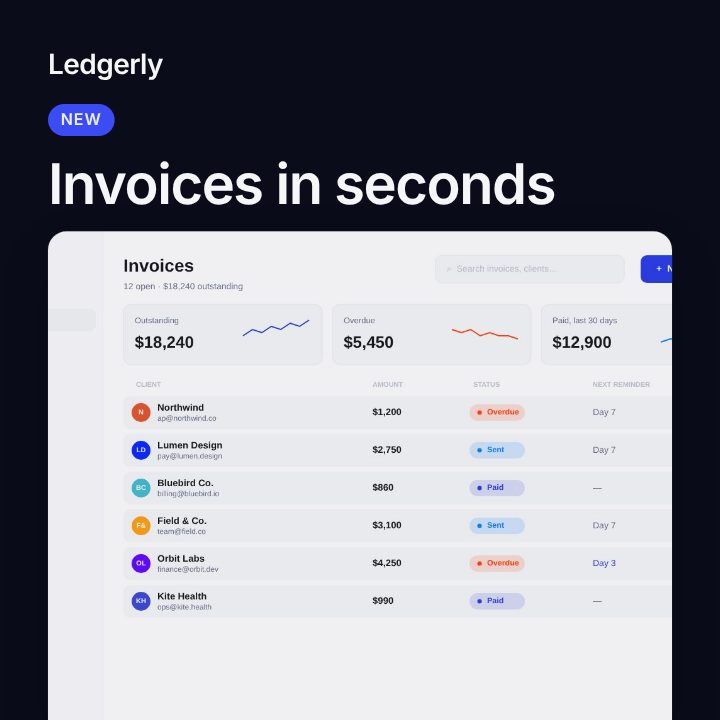
- Circuit: a clean tech look with tags and a framed product screen.
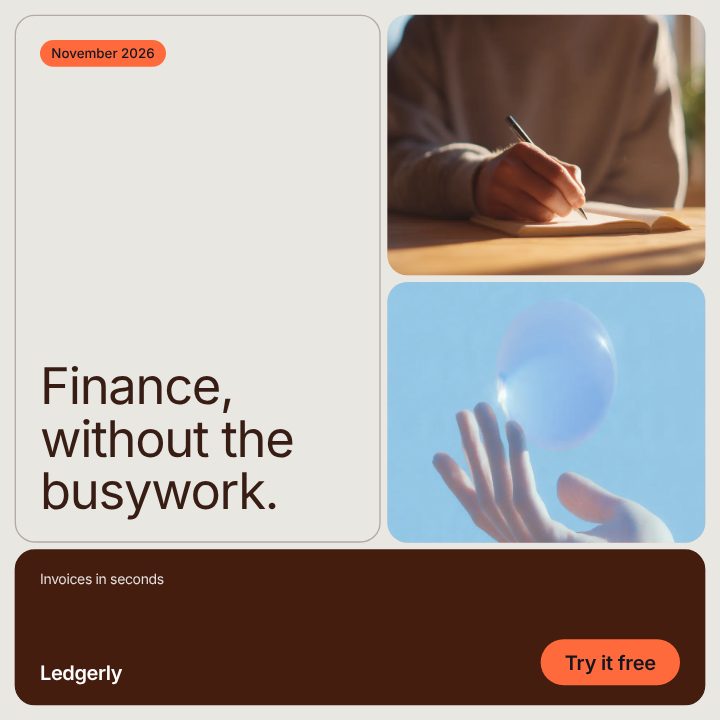
- Editorial: rounded tiles and large type for stories and case studies.
- What's New: feature announcements with your screenshot.
- Brand Post: everyday posts in your colours.
For the same posts on other networks, see Instagram post templates and X post templates, or browse all social media post templates.
Frequently asked questions
Does LinkedIn play video in the feed?
Yes. Videos play muted as people scroll, so every line in a Filmagic post is on screen as text.
How long should a LinkedIn video post be?
A 6 to 10 second post keeps the message to one idea and loops cleanly.
Can I post the same video on Instagram?
Yes. Export 4:5 for the Instagram feed and 9:16 for Stories from the same post.