Free tools
Free tools for your launch
Small, free tools for the jobs around a launch video. No sign-up, and the video tools run in your browser, so your files never leave your device.

Video to GIF converter
Turn a screen recording or MP4 into a crisp GIF for a README or launch post, with a live size estimate.
Make a GIFVideo · in your browser
Video compressor
Shrink a video to under 10, 25 or 50 MB, or any size, for X, Discord, Slack and email.
Compress a videoVideo · in your browser
Video trimmer
Cut a video to the exact frame on a timeline, add a fade, or remove the sound.
Trim a videoVideo · in your browser
Add subtitles to video
Load an .srt or .vtt file or type captions, style them, and burn them into an MP4.
Add subtitlesVideo · in your browser
App Store preview video resizer
Get Apple's exact app preview sizes at 30 fps H.264, with crop, fill, trim and a stereo sound track.
Resize for the App StoreVideo · in your browser
Video resizer for every platform
Turn one video into 9:16, 1:1, 4:5 and 16:9 for Reels, TikTok, Shorts, LinkedIn and X.
Resize a videoImage · in your browser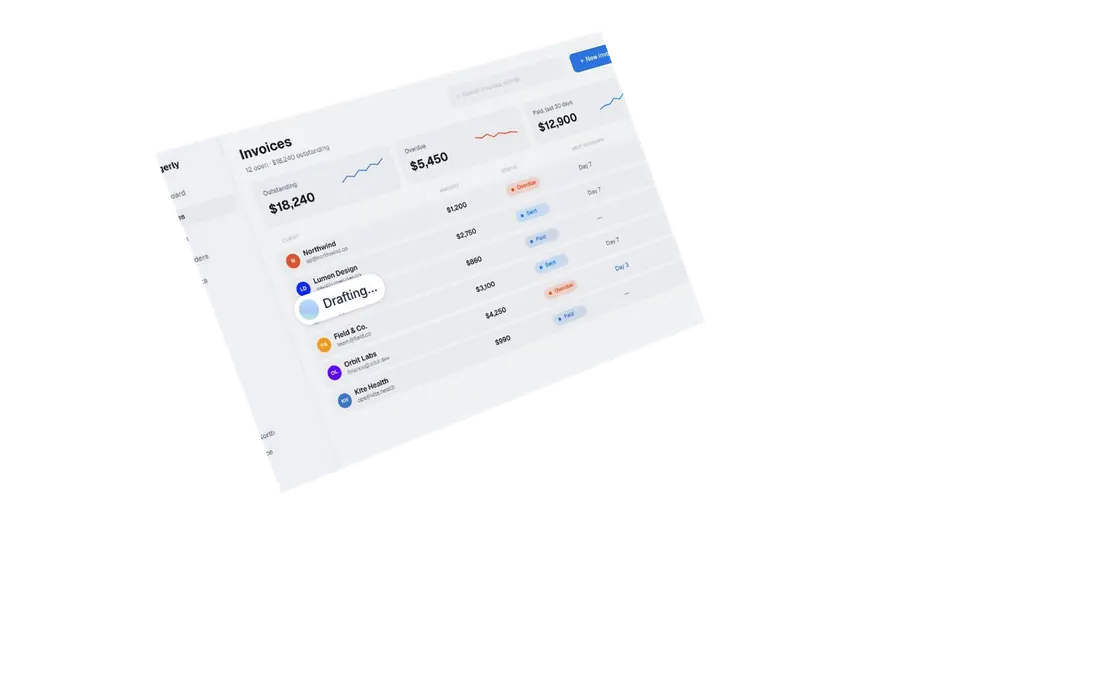
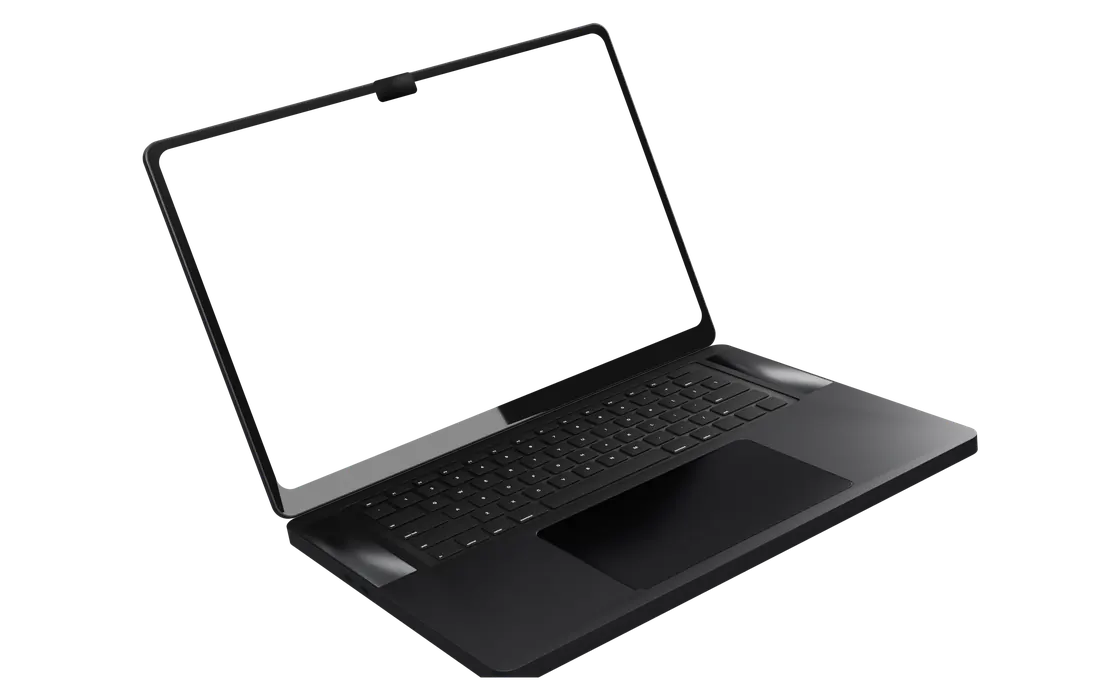
Screenshot to device mockup
Place a screenshot on a studio laptop, a browser window or a phone, then download a 2x PNG.
Make a mockupAI · from your URLLaunch video script generator
Paste your link and get three hooks, every scene's text, voiceover and shot, and an end card.
Write a script