Animated posts
Animated Instagram posts, no keyframes
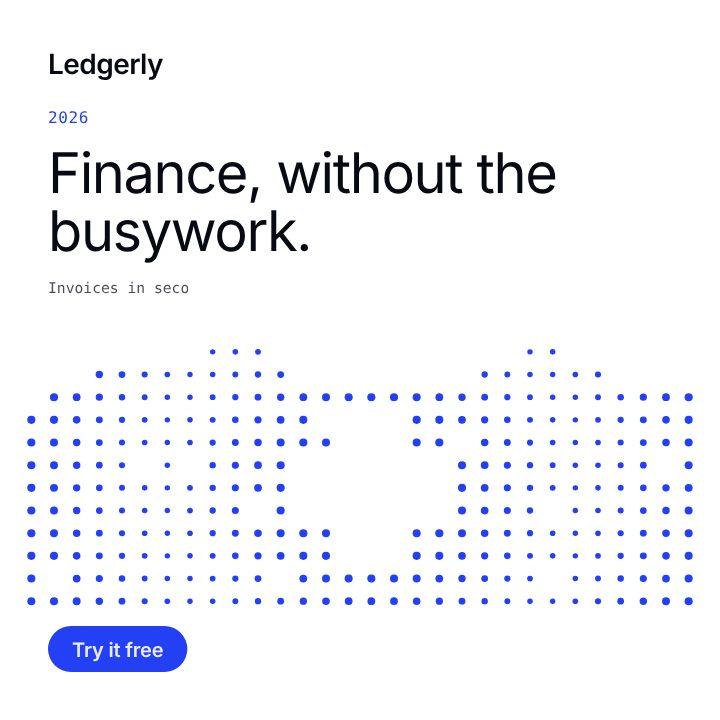
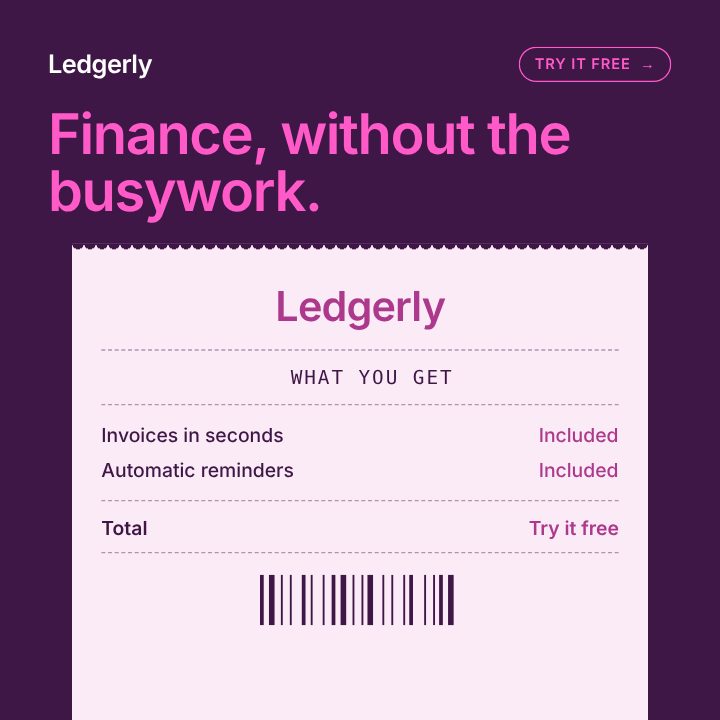
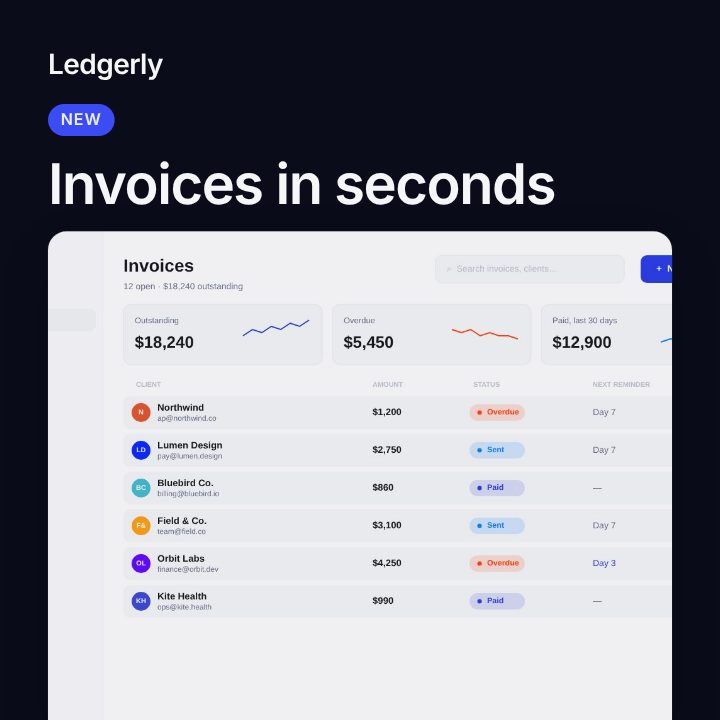
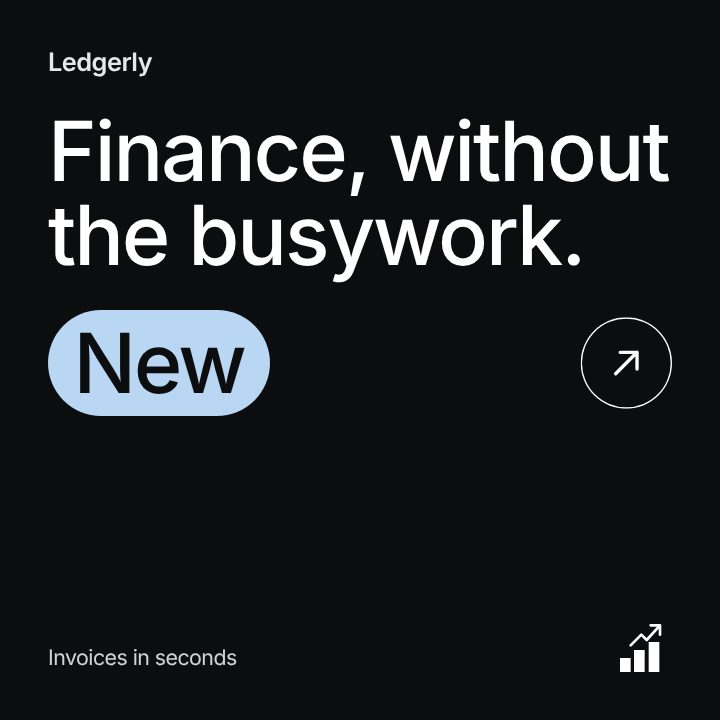
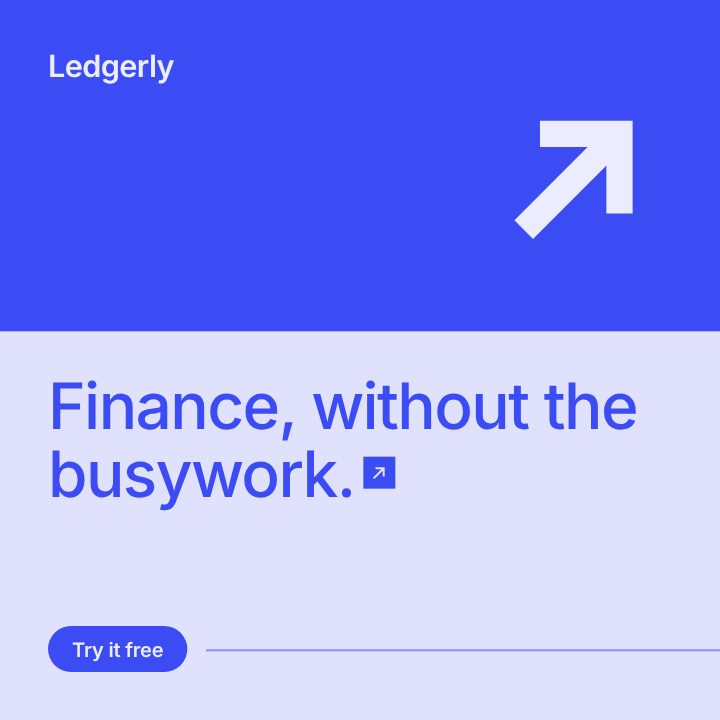
Every social template in Filmagic is animated: the words build in, your screenshot slides into place and the post holds on a clean last frame. You edit the words and pictures; the motion is already done.
Free to preview, no account needed.
Templates that fit


Why animate an Instagram post
A moving post catches the eye in a feed of still ones. Instagram also treats a short MP4 as a video, so the same post can run in the feed and as a Reel. The motion has to stay short and simple, though: one entrance, then a hold long enough to read.
How the motion works
- Build in. Over about two seconds, the label, headline and picture arrive, each with its own timing.
- Hold. The finished post stays on screen so it can be read, 6 to 10 seconds in all.
- Loop. The last frame is the finished post, so the loop and the still image match.
There is nothing to keyframe. Change the words, the pictures, the colours or the layout, and the motion follows.
Animated templates by mood
| Mood | Templates |
|---|---|
| Calm and clear | Soft, Metrics, Brand Post |
| Bold and loud | Neon, Dot Matrix |
| Technical | Circuit, What's New |
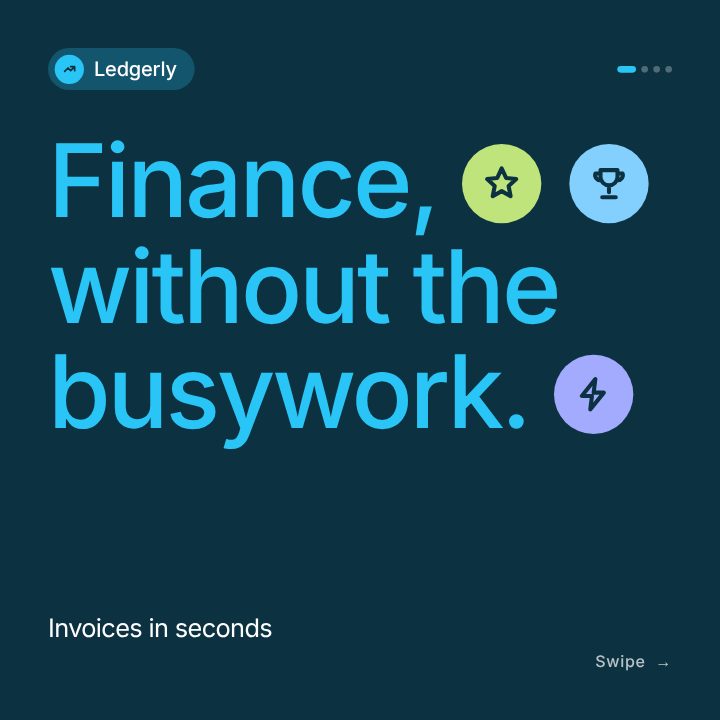
| Several slides | Carousel, each slide animated |
Export settings
| Setting | Value |
|---|---|
| File | MP4 (H.264), or a PNG of the finished post |
| Length | 6 to 10 seconds |
| Sizes | 4:5 and 1:1 for the feed, 9:16 for Stories and Reels |
Frequently asked questions
Do animated posts get more reach than images?
Instagram doesn't publish that, and results vary by account. What is clear is that motion catches attention in a still feed, so try both and compare in your insights.
Can I add music?
Each animated post comes with a light music bed, and you can pick another style or mute it. Many people scroll muted, so every line is on screen as text. For a Reel, you can also add a trending sound in Instagram.
Is there a free animated post maker?
You can make and preview every animated post free, with no account. A free account exports 3 posts a month. See pricing.