Instagram stories
Instagram story templates for your product
Every social template has its own vertical layout for Stories and Reels, rearranged for the tall screen instead of cropped. Paste your link, pick a template and export at 1080 × 1920.
Free to preview, no account needed.
Templates that fit

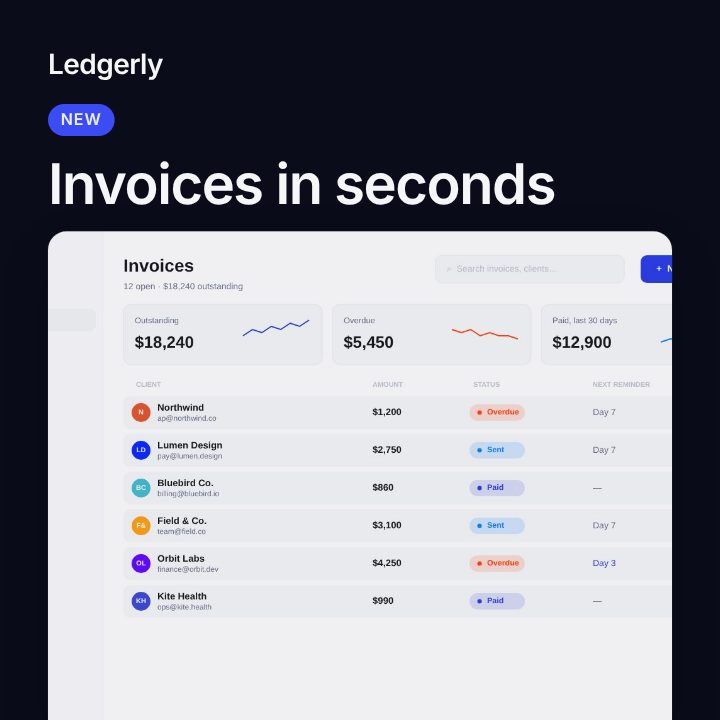
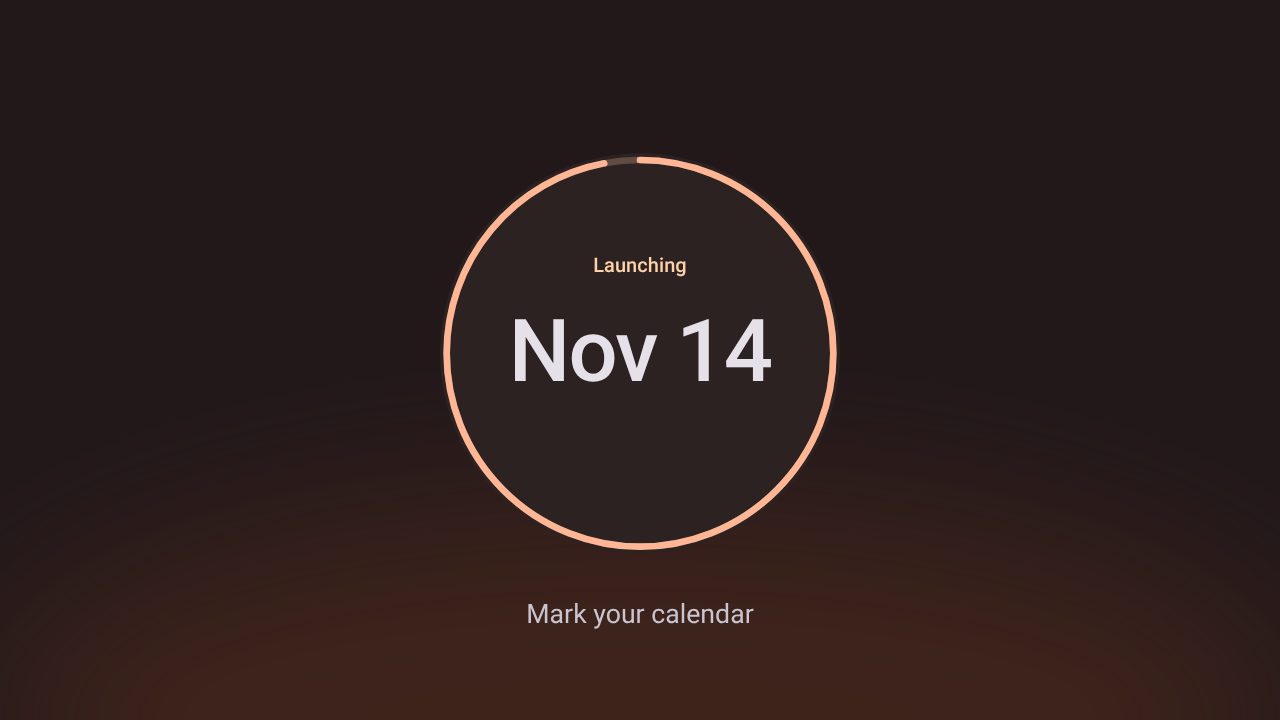
What to post in a story
Stories disappear after a day, so they suit news that is happening now:
- A launch or a release today: What's New with your screenshot.
- A countdown or coming soon: Eclipse for a teaser, then a link sticker to the waitlist.
- A number worth celebrating: Metrics.
- A customer's words: Soft, with the quote large.
- A short product clip: Reel, a full-screen vertical cut of your product.
The story screen and its safe zones
| Setting | Value |
|---|---|
| Size | 1080 × 1920 (9:16) |
| Keep clear | About 250 pixels at the top (profile and progress bar) and at the bottom (reply box and stickers) |
| Length | Up to 60 seconds per story; 6 to 10 seconds is enough for one message |
Check the 9:16 preview in Filmagic before exporting: keep the headline and button out of those two bands, so nothing sits under Instagram's own controls. Leave room near the bottom if you plan to add a link sticker.
One design, every size
The same post exports at 9:16 for Stories, 4:5 for the feed and 1:1 for everywhere else. Switching size rearranges the layout instead of cropping it. See all the social media post sizes.
Frequently asked questions
Can I add a link to a story made in Filmagic?
Add the link sticker in Instagram after you upload. Keep the bottom of the story free for it.
Should a story be a video or an image?
Video. An animated story holds attention for its full length, while a still one is often tapped past. Filmagic exports both from the same edit.
Do these templates work for TikTok and YouTube Shorts?
Yes. Both use the same 9:16 size, so the export works on all three.