Free tool
Screenshot to device mockup
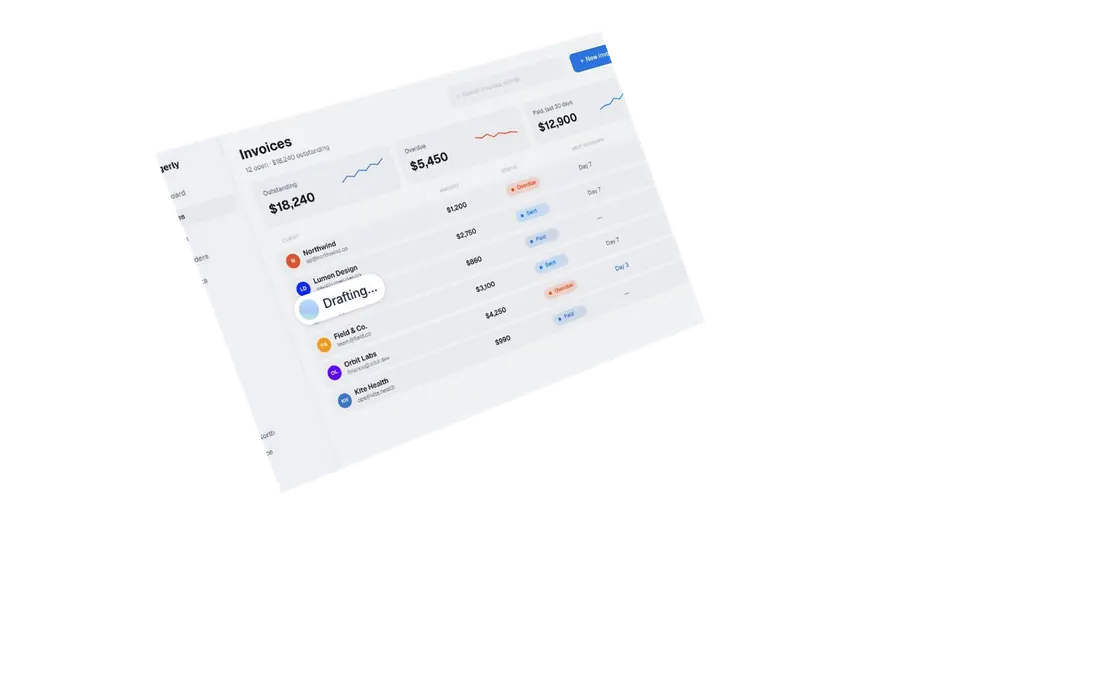
Drop or paste a screenshot and place it on a studio laptop, a browser window or a phone. Pick a background and download a sharp PNG at 2x.
How it works
- Add a screenshot. Drop it, choose a file or paste it with Ctrl or Cmd + V.
- Pick a frame and a background. Laptop, browser window or phone, on transparent, light, dark or your colour.
- Download the PNG. It comes out at 2x, ready for your landing page, launch post or deck.
What you get
| Frame | Best for | PNG size |
|---|---|---|
| Laptop, angled | Hero images and launch posts | 2614 × 1800 |
| Laptop, front | Feature sections and decks | 2504 × 1792 |
| Laptop, close-up | Showing detail in the UI | 2304 × 1752 |
| Browser window | Websites and web apps | 2816 wide, height follows your screenshot |
| Phone | Mobile apps and mobile sites | 1112 × up to 1719 |
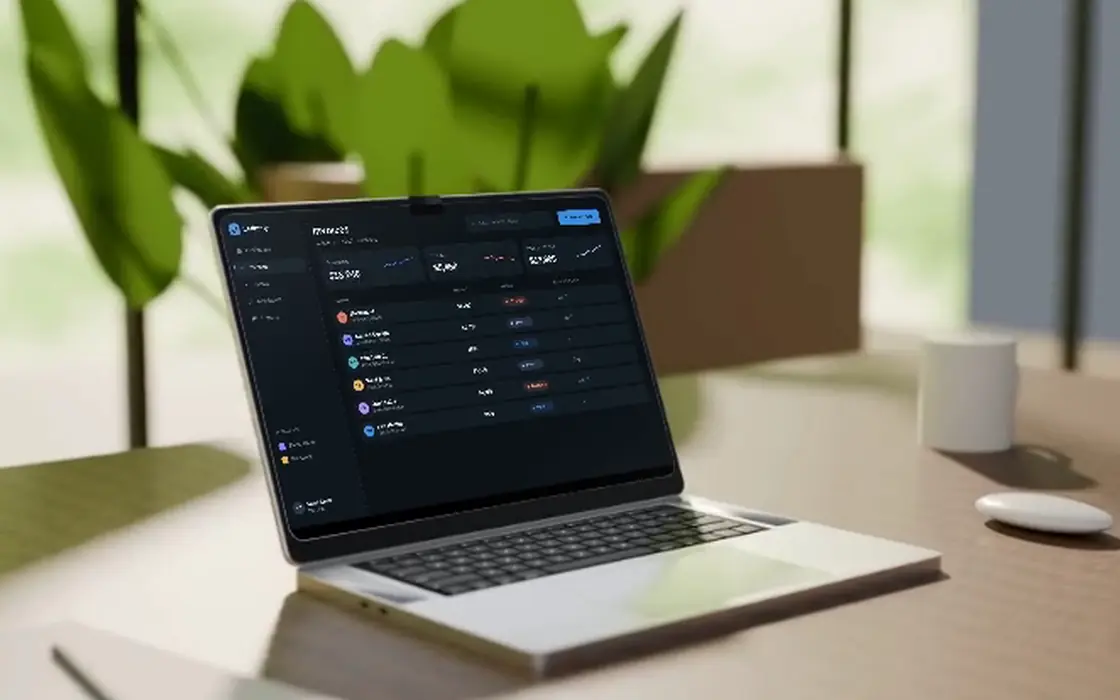
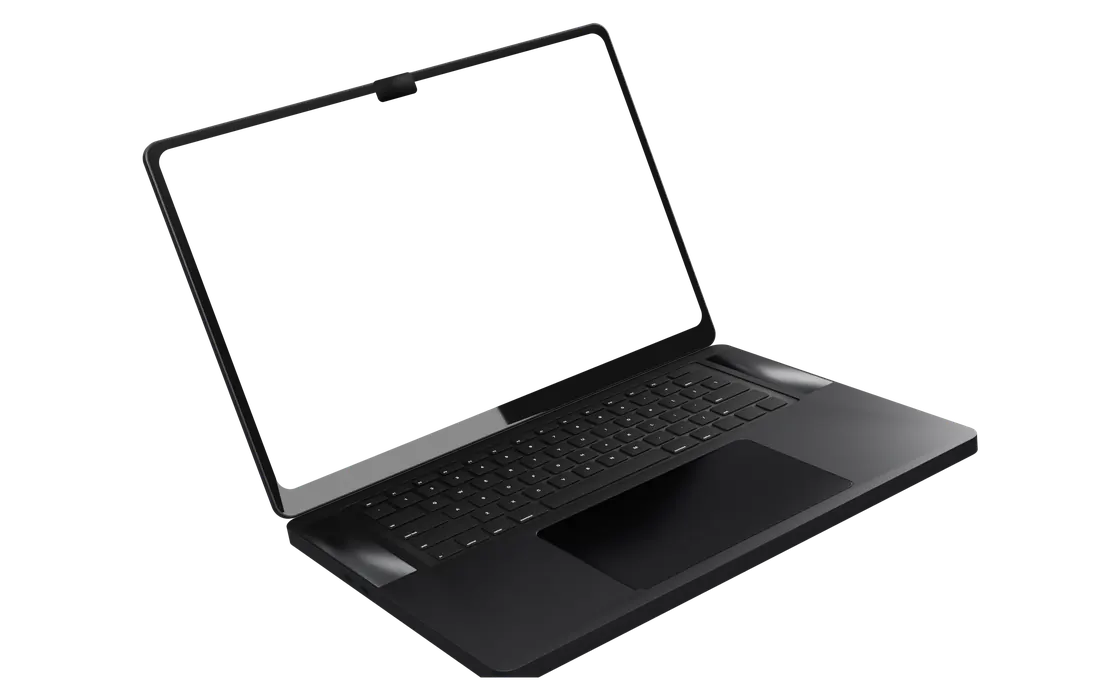
The laptops are Filmagic's own studio renders, the same ones the Laptop Mockup video template uses. Your screenshot is laid into the display in true perspective. Wide screenshots fill the display; tall, full page screenshots show from the top.
Tips for a clean mockup
- Take the screenshot at 2x (a Retina or high DPI screen) so the text stays sharp inside the frame
- Hide bookmarks, browser extensions and notifications before you capture
- Use a transparent background when the mockup goes onto a page with its own colour
- For a phone, capture at the phone's own size, or use your browser's device mode at 390 pixels wide
Frequently asked questions
Is this mockup generator free?
Yes. No sign-up, no limit. Coloured backgrounds carry a small "Made with Filmagic" note in the corner, and you can turn it off with one click.
Is my screenshot uploaded?
No. The mockup is drawn in your browser, so the screenshot never leaves your device.
Can I get a transparent PNG?
Yes. Pick the transparent background. The frame and its shadow keep their transparency, so the mockup sits on any colour.
What screenshot size works best?
For the laptop, a 16:10 or 3:2 screenshot at 2x, like 2880 × 1800, fills the display. Taller screenshots show from the top. For the phone, a portrait screenshot around 1170 × 2532.
Can I turn the mockup into a video?
Yes. Paste your product link into Filmagic and pick the Laptop Mockup template. It places your screens on the same laptop renders and animates them to music.