URL to video
Turn your website into a launch video
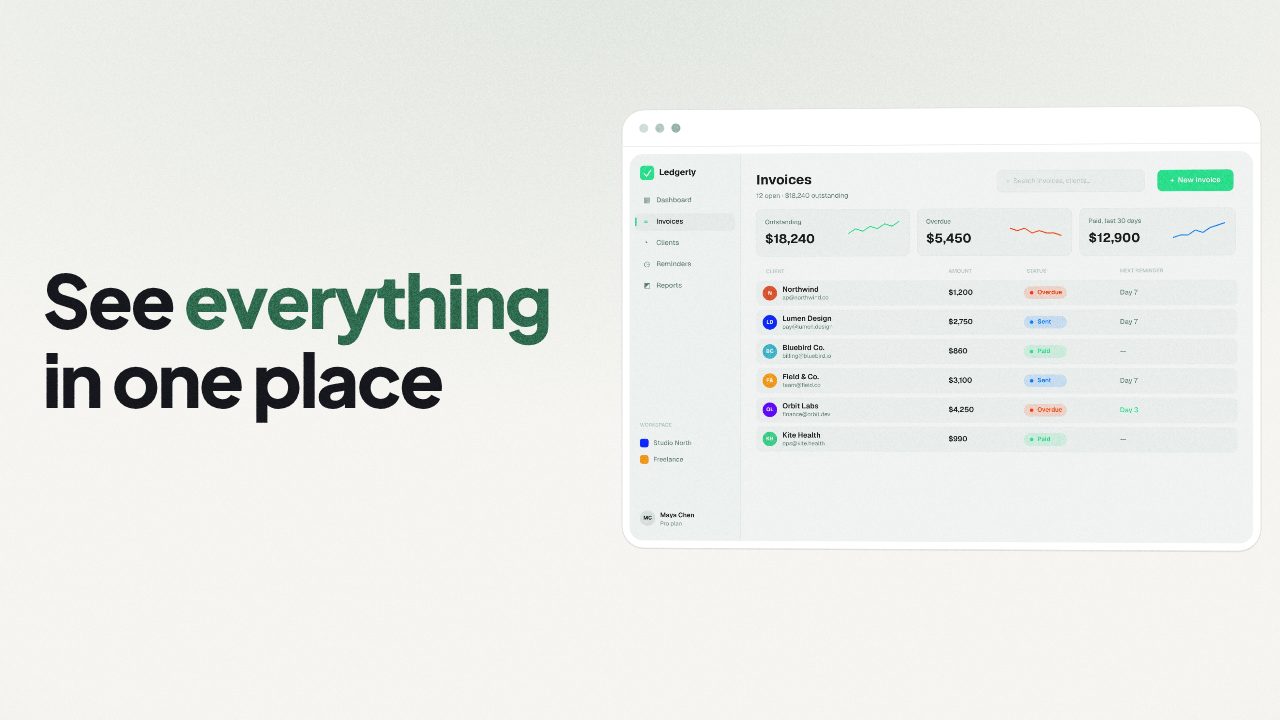
Paste your product URL. Filmagic reads your site, writes the scenes, picks up your colours, fonts and logo, and cuts a launch trailer to music. Edit any line, then export for every channel.
Free to preview, no account needed. Free exports have no watermark.
Templates that fit
How it works
- Paste your link. Your homepage, a product page or a landing page.
- Filmagic reads the page. It pulls your product name, tagline, the lines that explain what you do, your brand colour, fonts, logo and images.
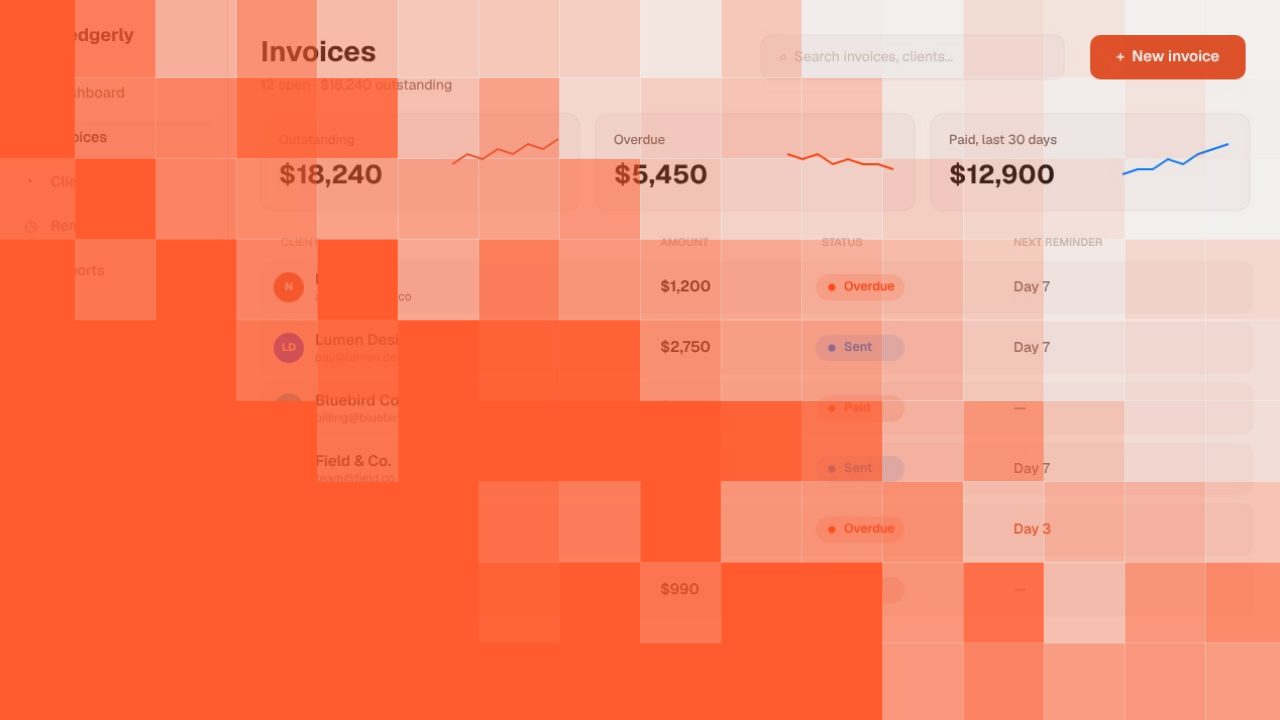
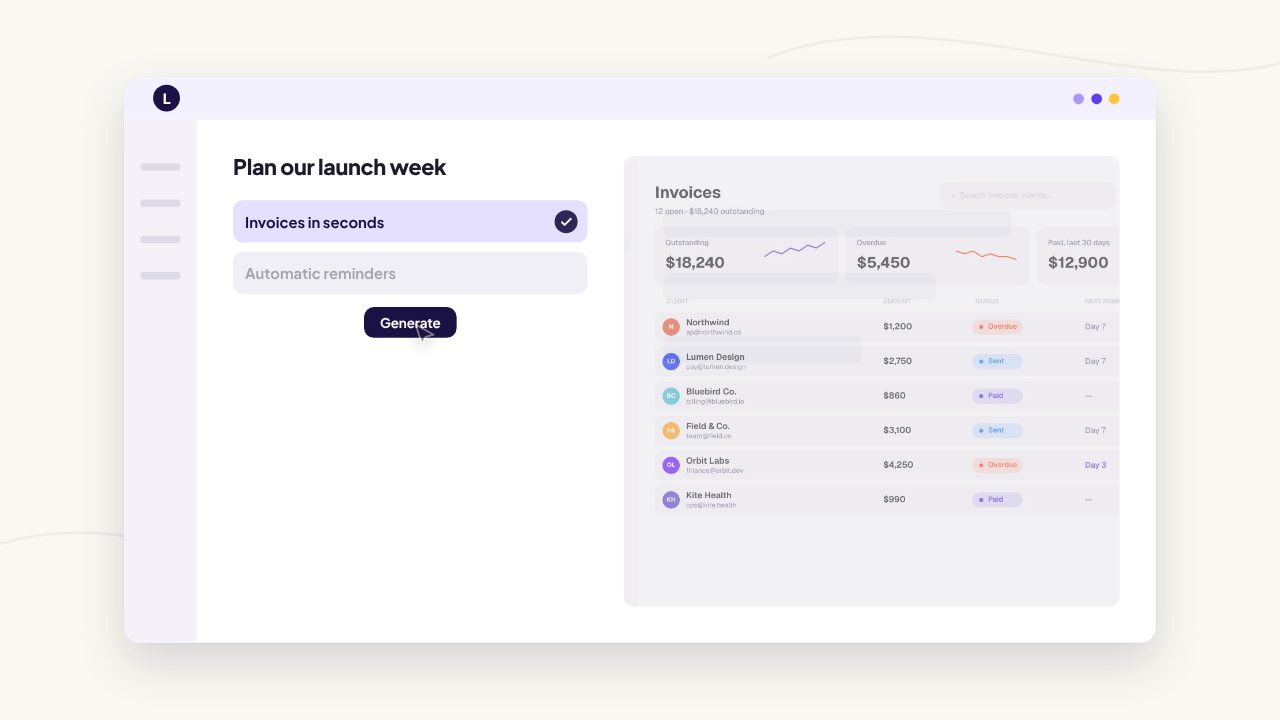
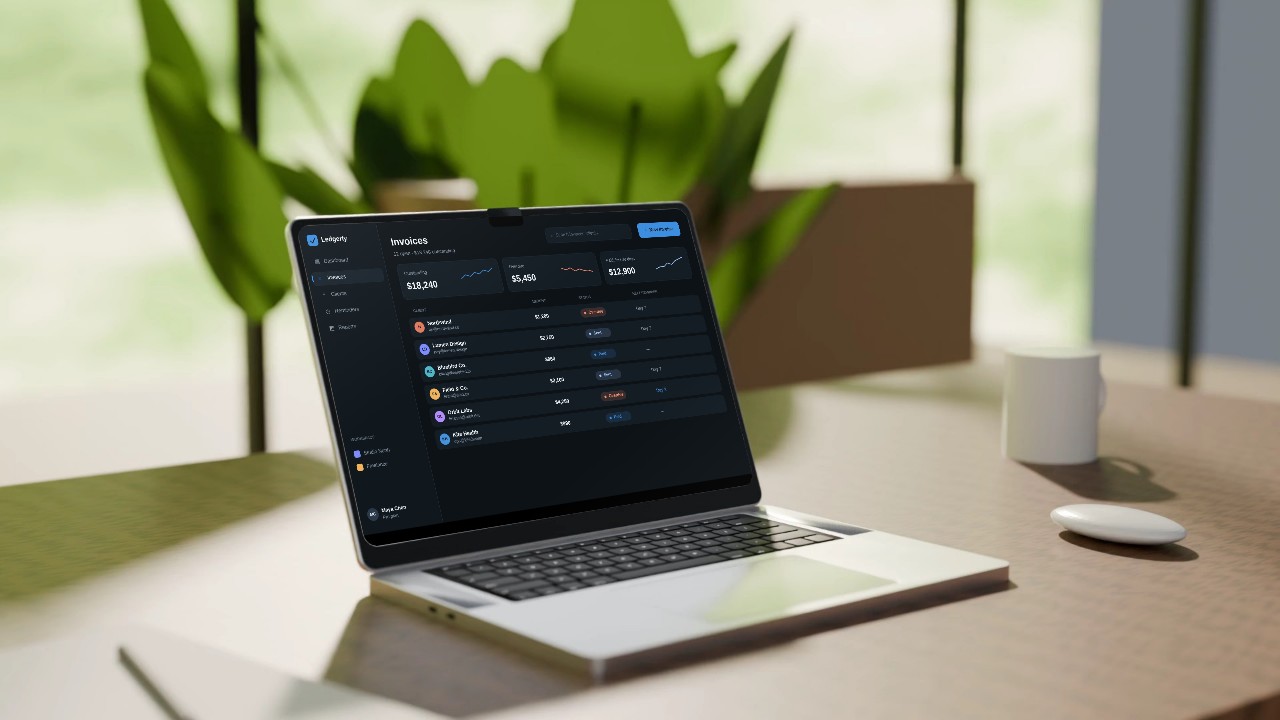
- Pick a style, or let Filmagic choose. It writes a storyboard, places your screens, adds music and sound effects, and cuts to the beat.
- Fix anything. Every line, image and scene is editable. Swap a screenshot, rewrite a headline, change the music.
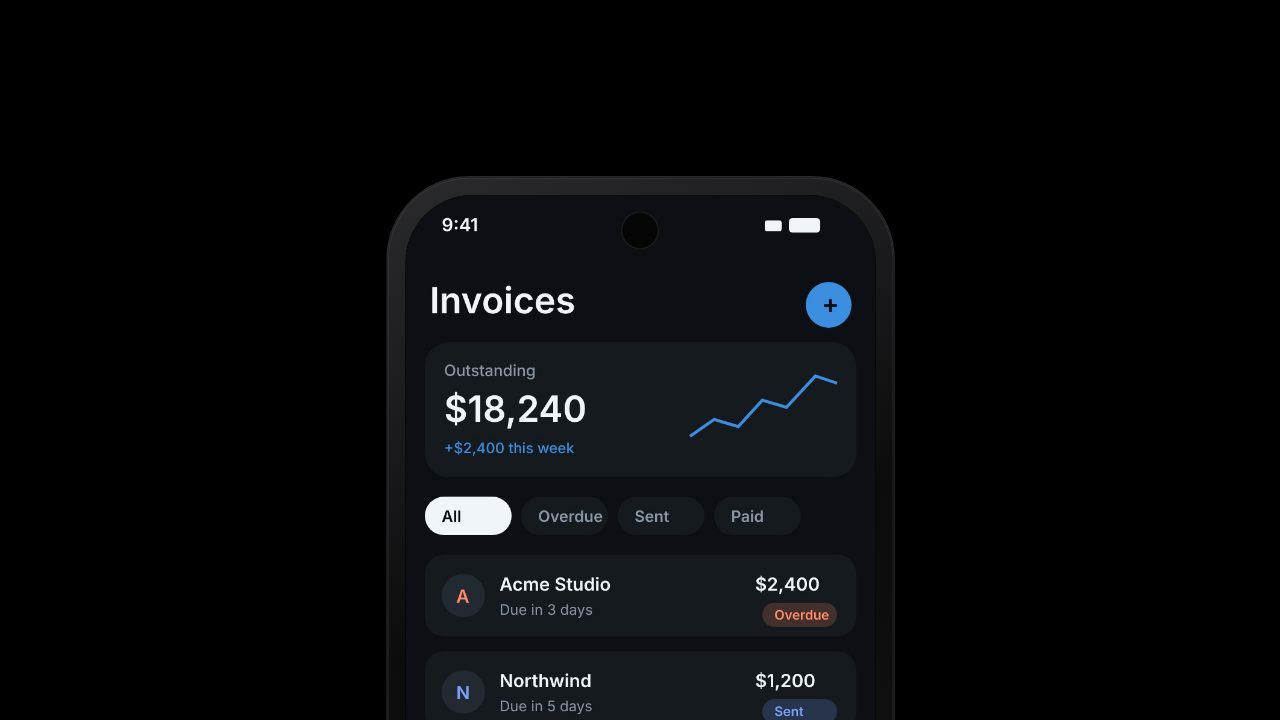
- Export for every channel. 16:9, 9:16 and 1:1 from one edit, rendered in your browser and saved straight to your device.
What Filmagic takes from your site
| From your page | Where it ends up in the video |
|---|---|
| Product name and tagline | The opening and closing titles |
| Headline and feature lines | The scene copy, which you can rewrite |
| Brand colour | Backgrounds, highlights and buttons |
| Fonts | The titles, when the font is a common web font |
| Logo and images | The intro, the end card and the product shots |
What you can make from a URL
- A launch video for Product Hunt, X and LinkedIn on launch day. See how to make a Product Hunt launch video.
- A feature announcement when you ship something new.
- A homepage hero video that loops quietly above the fold.
- An App Store preview for your app's listing. See the App Store preview video guide.
- Social ads in 9:16 and 1:1 for Reels, TikTok and paid posts.
URL to video, without a talking avatar
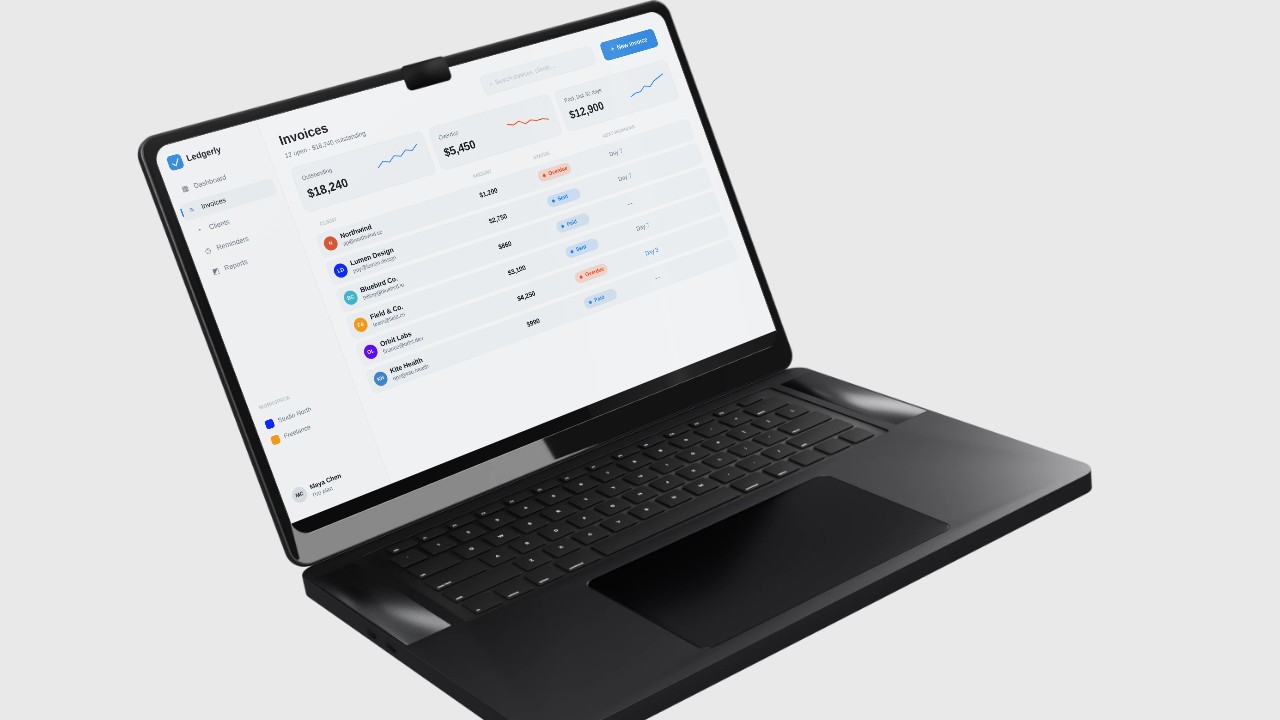
Most "URL to video" tools turn a page into a narrated slideshow or an AI presenter reading your copy. Filmagic makes a product trailer instead: your real screens, your brand, short lines on screen and a cut timed to music. It reads like a launch film, not a generated explainer.
Frequently asked questions
Is Filmagic a URL to video converter?
Not in the download sense. Filmagic doesn't save videos from a link. It reads your product's website and makes a new launch video from it.
Is it free?
Building and previewing is free, no account needed, and a free account exports the free templates at 720p with no watermark a few times a month. Reading a website uses 2 credits from a plan, as do AI rewrites; plans start at $12 a month for 150 credits.
What kind of website works best?
A public homepage or landing page with a clear headline, a few lines about what the product does and some product images. Pages behind a login can't be read, so add screenshots instead.
How long does it take?
The first cut is ready in about a minute. After that, take as long as you like fixing lines and picking shots.
Which formats can I export?
16:9 for YouTube, Product Hunt and your site, 9:16 for Reels, TikTok and Shorts, and 1:1 for feeds, all from one edit. Higher plans export up to 4K and 60 fps.
Can I use my own screenshots or a screen recording?
Yes. Add them next to your link and Filmagic places them in the scenes. A screen recording is trimmed to its most active moments.