Instagram posts
Instagram post templates in your brand
Paste your product link and every template below fills in your name, colours, fonts and screens. Pick a layout, switch the size to 4:5 for the feed, and export it as an image or a short animated post.
Free to preview, no account needed.
Templates that fit
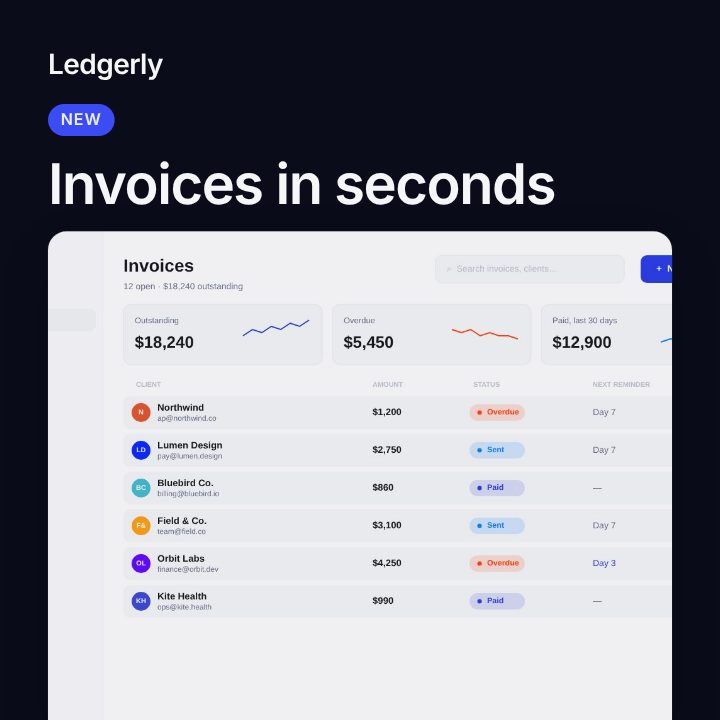
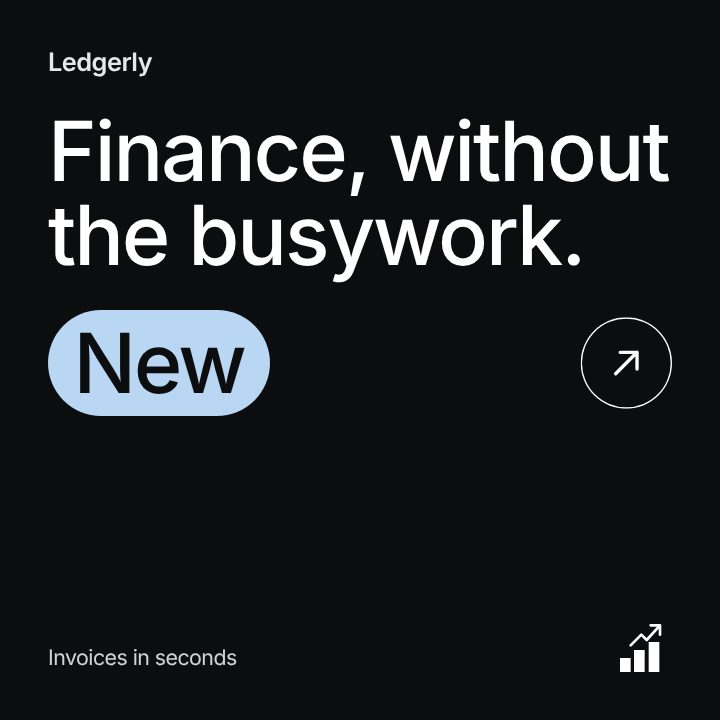
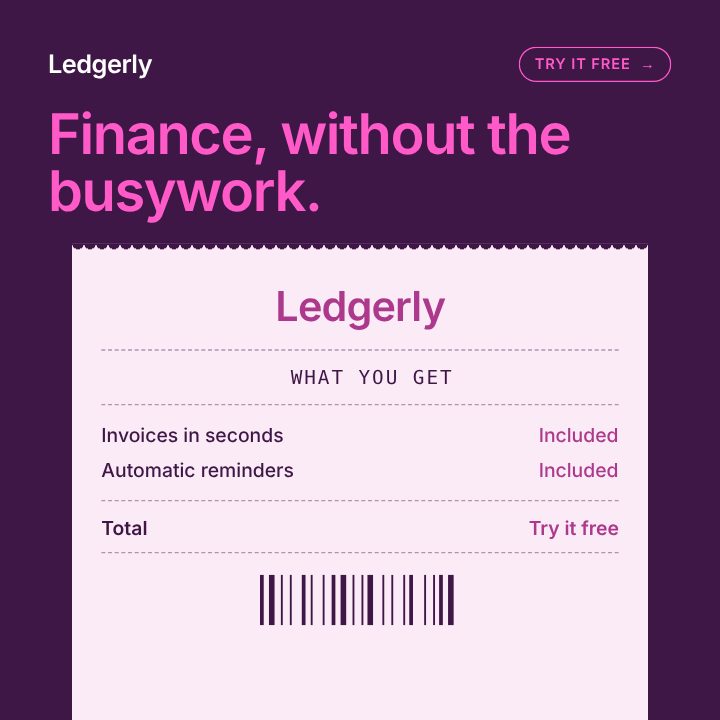
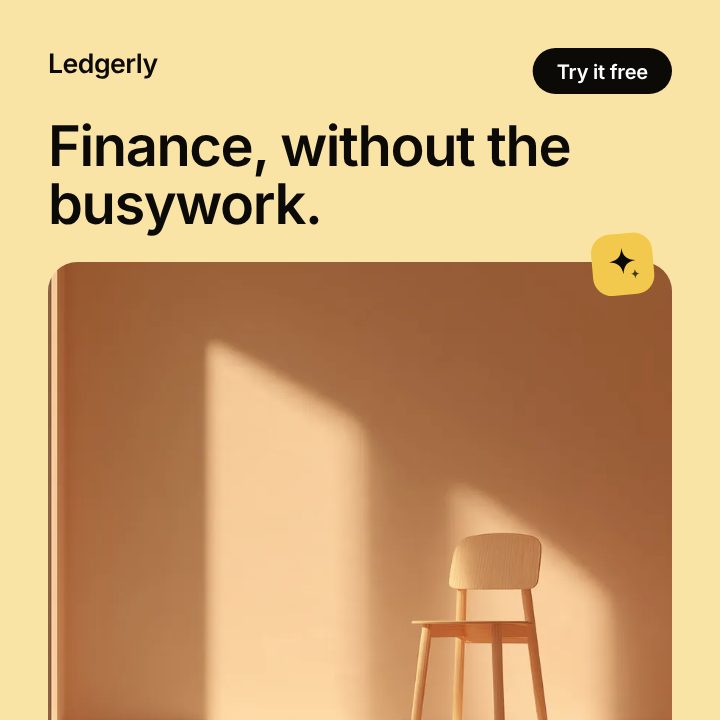
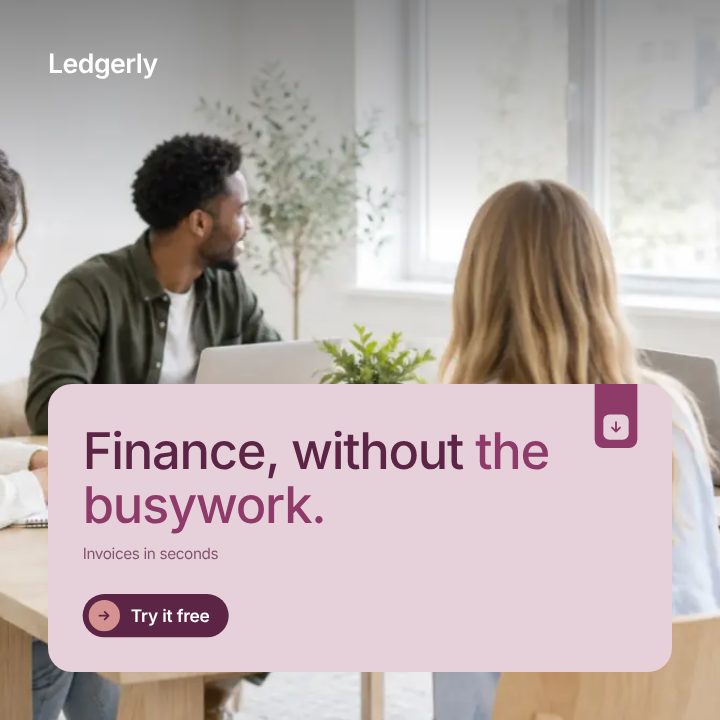
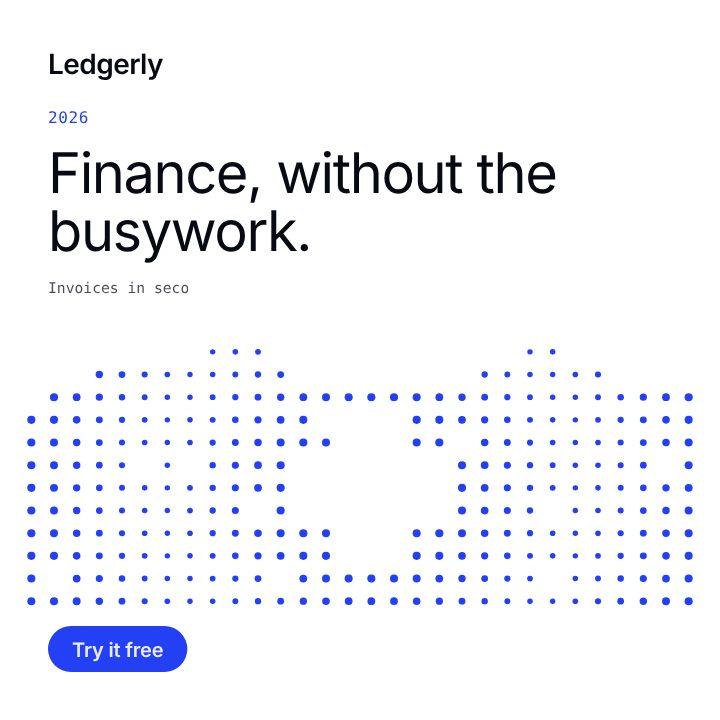
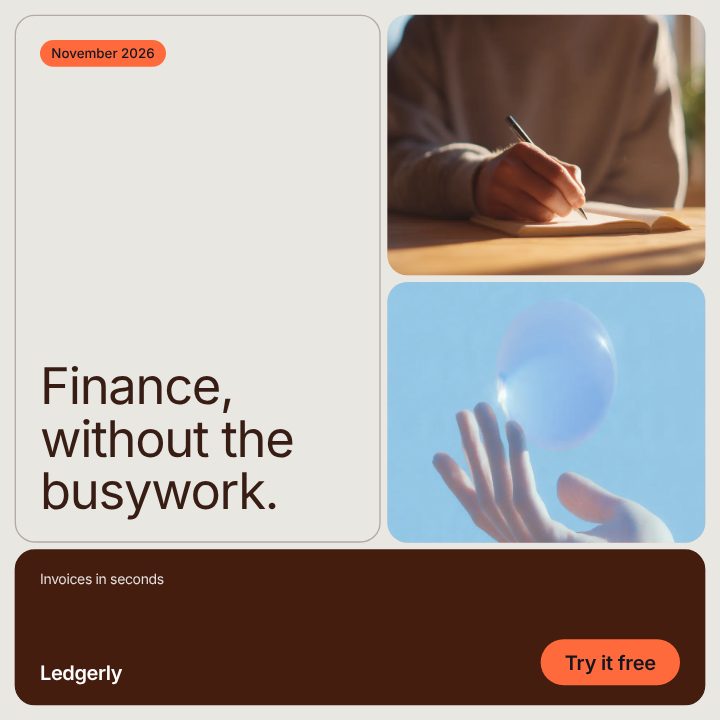
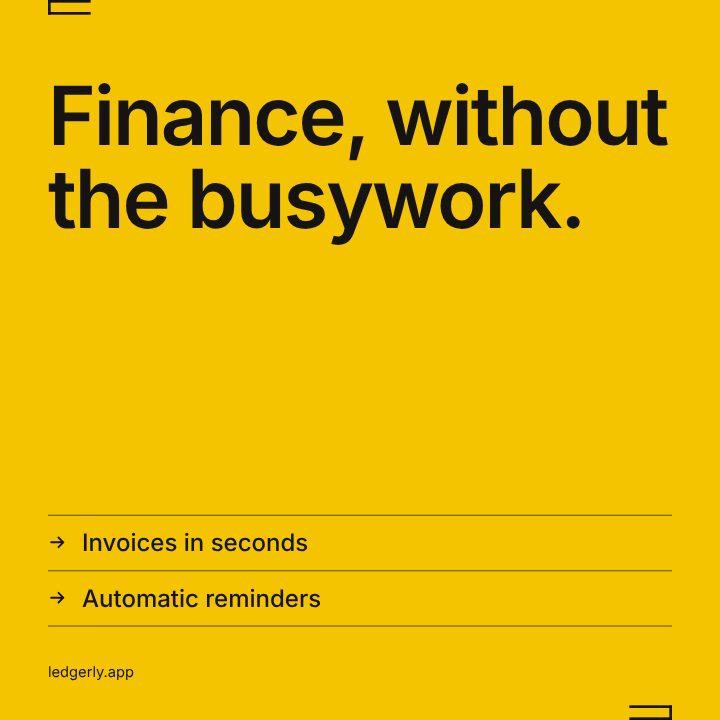
What makes an Instagram post work for a product
- One idea per post. A feature, a number, a quote or a tip. The feed moves fast, so the headline carries the whole post.
- Your product on screen. A real screenshot beats a stock photo. Each template has a slot for your screen and frames it for you.
- The same look every time. Posts that share colours and type read as one brand in the grid. Filmagic takes both from your site, so every template starts on-brand.
- Motion in the first second. An animated post stops the scroll better than a still. Every template builds in over about two seconds and then holds, so the last frame also works as an image.
Sizes for the Instagram feed
| Placement | Ratio | Size in pixels |
|---|---|---|
| Feed, recommended | 4:5 | 1080 × 1350 |
| Feed, square | 1:1 | 1080 × 1080 |
| Stories and Reels | 9:16 | 1080 × 1920 |
Instagram's profile grid previews posts at 3:4, so keep key words away from the top and bottom edges of a 4:5 post. Each template is laid out again for each size instead of cropped. See the full social media post sizes guide.
Which template for which post
| Post | Template |
|---|---|
| A new feature or release | What's New |
| A milestone or a number | Metrics or Dot Matrix |
| A bold statement or offer | Neon |
| A customer quote | Soft or Ribbon |
| A story or case study | Editorial |
| A product catalogue post | Foundry |
| Several points in one post | Carousel |
Not sure what to post? Every template has a content ideas menu that rewrites the post from what Filmagic read on your site, with thirty ideas from launches to behind the scenes. For a month of them, see SaaS social media posts.
Image or animated
Export a PNG for a still post, or an MP4 of 6 to 10 seconds for an animated one. Both come from the same edit, so you can post the still to the grid and the animated version as a Reel. More on that in animated Instagram posts.
Frequently asked questions
Are these Instagram templates free?
You can make and preview every post without an account. A free account exports 3 times a month; templates marked Free export with no watermark. See pricing for what each plan adds.
Can I use my own images and fonts?
Yes. Your screenshots replace the sample pictures, and you can change the primary and secondary fonts or upload your own font file.
What's the best size for an Instagram post?
4:5 (1080 × 1350) fills the most screen in the feed. Use 1:1 when you want one size for every network.
Can I post the same design on LinkedIn or X?
Yes. Switch the size and export again. See LinkedIn posts and X post templates.