On this page
Make your launch video from a link Paste your product URL and Filmagic writes the scenes, picks up your brand and cuts the film to music.
Filmagic started as a way to make a launch video from a product link. The most common request since then has been the posts that go around it: the feature announcement on LinkedIn, the tip on Instagram, the milestone on X. Today those are in Filmagic too.
Nine templates, three layouts each
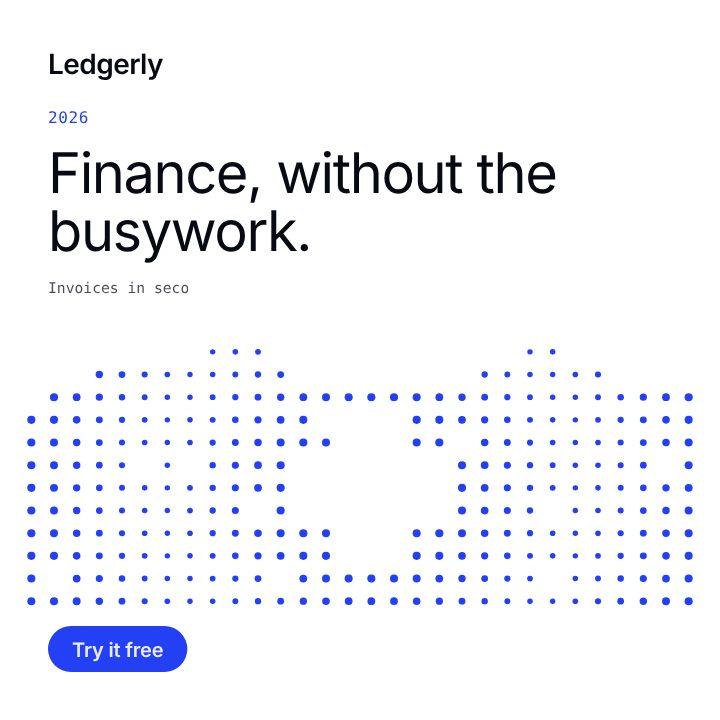
- Dot Matrix: a field of dots in your colour. A dot grid with a cross cut out, a dotted line that climbs, or columns that light up.
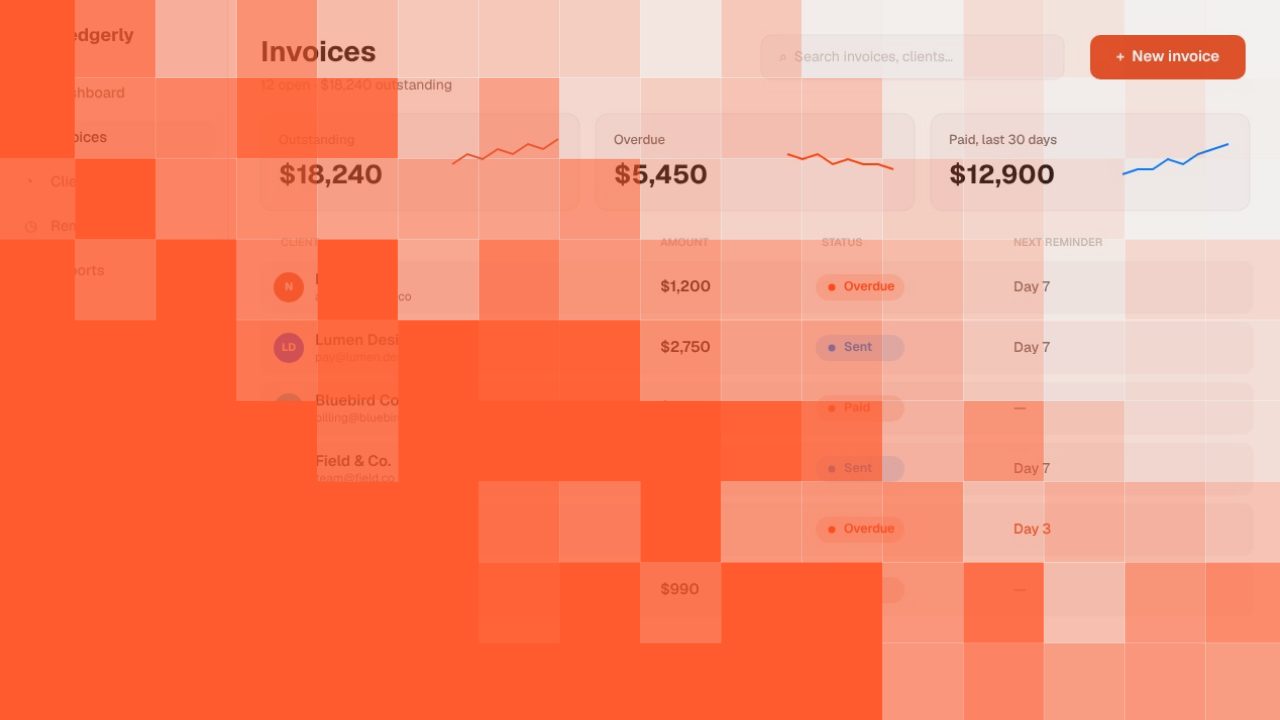
- Circuit: a clean tech look with tags, a turning badge and a framed product screen.
- Editorial: rounded tiles with fine edges and large, light type.
- Soft: warm grounds, big rounded type and a small sparkle that floats.
- Ribbon: a deep or cream ground, a headline whose last words light up, a ribbon tab and a line of steps that fills in.
- Neon: a bright take on your colour, with a receipt that lists what you get, a short chat, or a huge squeezed headline.
- Carousel: a set of slides to post together: a cover, as many feature slides as you like and a closing slide, each exported as its own image or video.
- What's New: made for product updates, over your screenshot or as a list of changes.
- Brand Post: everyday posts in your colours, with a colour block, a photo or the words alone.
Switch the layout at any time and your words stay where they are.
Thirty content ideas
Every social template has a Content idea menu: a tip, a customer win, a team spotlight, a new feature, a milestone and twenty-five more. Pick one and the post is rewritten around your product. When an idea needs something only you know, like a customer's own words, the post says what to add rather than inventing it.
Four sizes, laid out for each
Each layout is arranged separately for 1:1, 4:5, 9:16 and 16:9, so changing size rearranges the post instead of cropping it. See which size each network shows best.
Your fonts
Pick a headline font and a second font for the smaller words, or upload your own font file. It stays with your project and goes into the export.
Try it
Open Social and make your first post. If you post product updates, start with the product update guide.