On this page
There are two quick ways to get a product video without hiring anyone. You can paste your URL into a tool that builds a video from your website, or you can record your screen and edit it down. They produce different videos, and most teams end up needing both.
Side by side
| URL to video | Screen recording | |
|---|---|---|
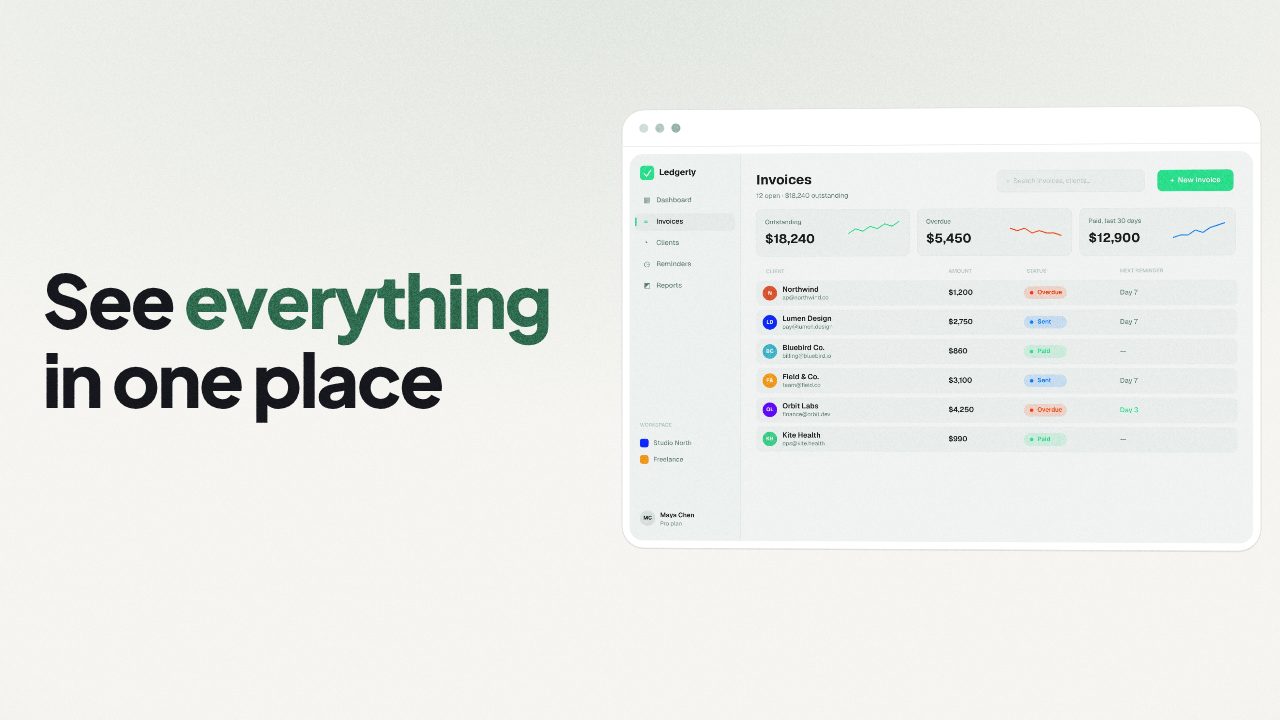
| What you start with | Your public web page | Your live product |
| What you get | A short, branded trailer cut to music | A real-time walkthrough |
| Typical length | 15 to 45 seconds | 1 to 5 minutes |
| Time to first cut | Minutes | As long as the recording, plus editing |
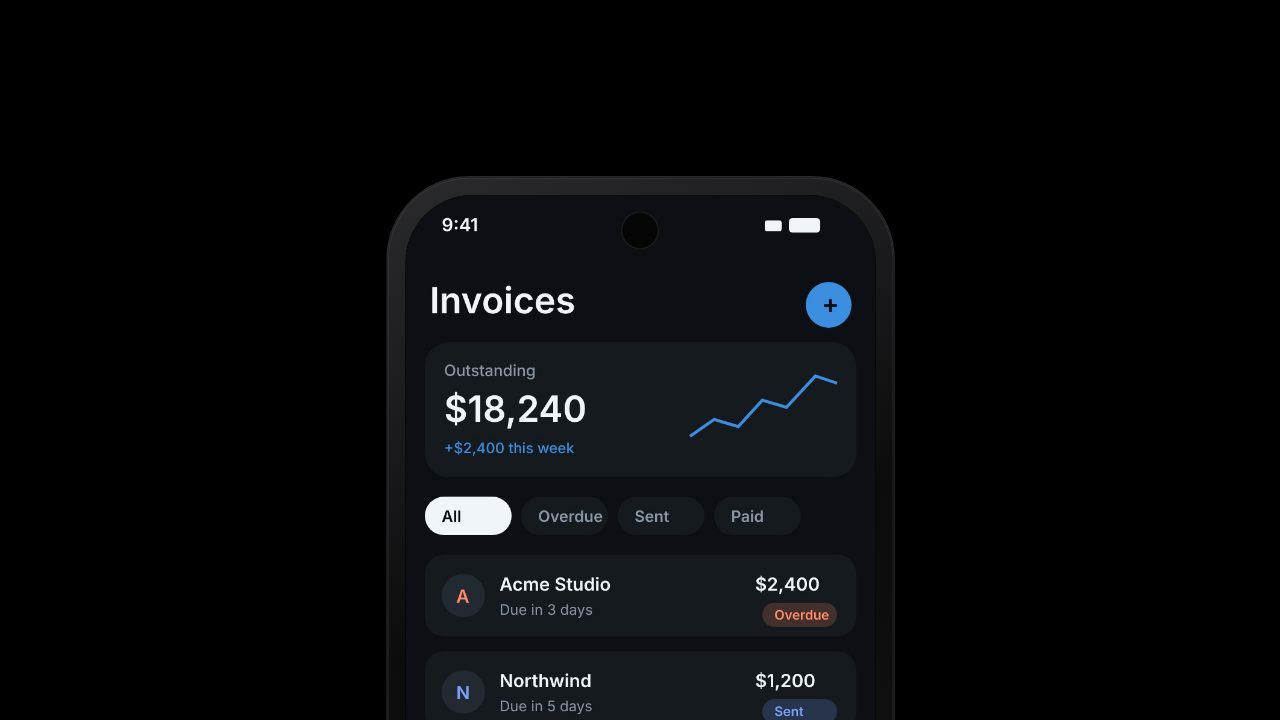
| Shows the logged-in product | Only if you add screenshots or a clip | Yes |
| Best for | Launch posts, ads, homepage hero, feature drops | Demos, onboarding, docs, support |
When URL to video is the better choice
- Launch day. You need something short and polished for Product Hunt, X and LinkedIn, in several shapes.
- Ads. Paid placements reward a fast hook and a clean look, not a full walkthrough.
- Your homepage. A quiet loop above the fold shouldn't show a cursor hunting for a menu.
When a screen recording is the better choice
- How-to content. People following along need every click.
- Sales demos. A prospect wants to see the real product, at real speed.
- Bug reports and support. Accuracy beats polish.
Use both
The strongest launch videos often mix the two: a branded opening and closing from your website, with a few seconds of real product footage in the middle. Record one short clip of the moment your product does its job, then add it to a URL-built video.
In Filmagic, paste your URL and add the recording next to it. Filmagic trims the recording to its most active moments and places it in the scenes alongside your screens, colours and lines. Export 16:9, 9:16 and 1:1 from one edit.
For recording tips, see how to make a product launch video. For still images, see how to turn screenshots into a product video.
Frequently asked questions
Is a URL-built video less honest than a recording?
Not if it uses your real screens and lines. Show what your product actually does, and keep any numbers as they are on your site.
How long should a screen recording be for a launch video?
Five to ten seconds of the key moment is usually enough. The rest of the story comes from titles and screenshots.
Can I turn a long demo recording into a short video?
Yes. Pick the few seconds where something visibly changes, such as a result appearing or a list filling in, and build the short video around them.