Descript alternative
A Descript alternative when you have nothing to record
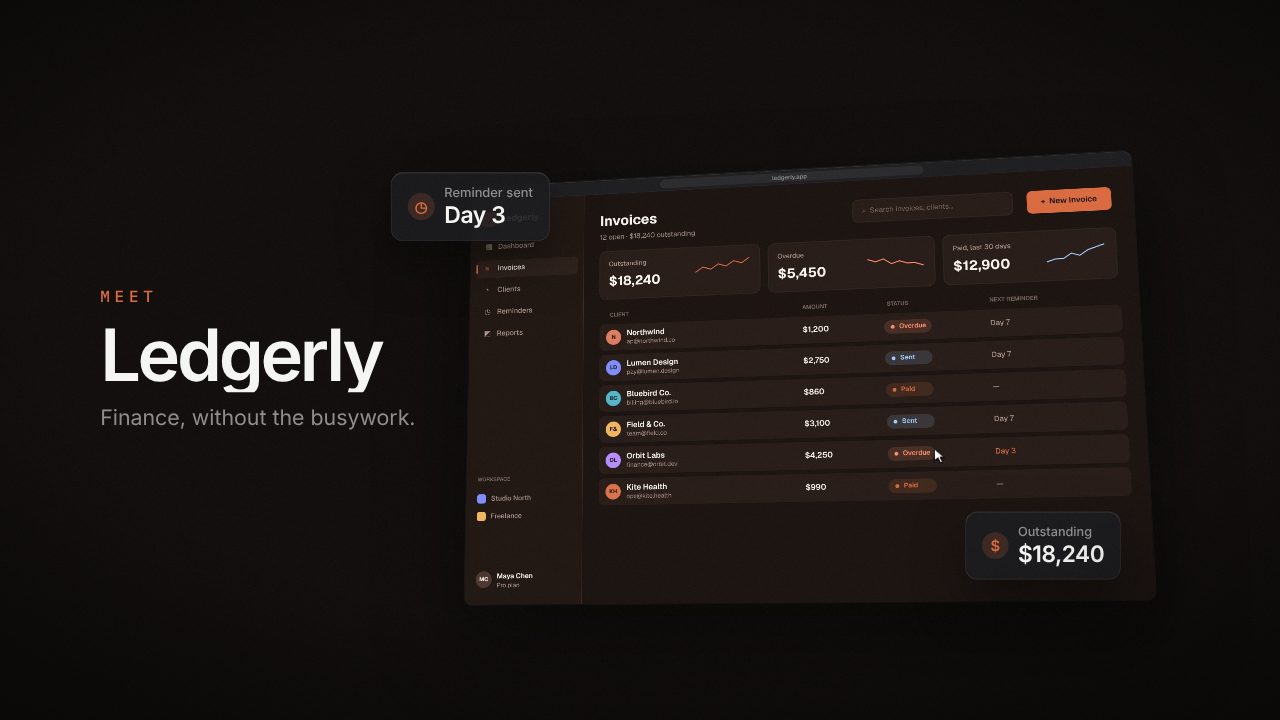
Descript edits video by editing its transcript, which is great when you have a recording. Filmagic is for when you don't: it builds a launch video from your product link and screens.
Free to preview, no account needed. Free templates export with no watermark.
Templates that fit

Why people look for a Descript alternative
- You need footage first. Descript edits what you record.
- Editing takes time, even with a transcript.
- Launches need motion design, not a talking head.
Filmagic vs Descript at a glance
| Filmagic | Descript | |
|---|---|---|
| Starting point | Your product link | A recording or upload |
| Editing | Edit lines and scenes | Edit the transcript and timeline |
| Best for | Launch trailers and product posts | Podcasts, tutorials, talking-head video |
| Free plan | 3 exports a month at 720p | Yes; 60 media minutes, 720p |
| Price | Paid from $12/mo | Hobbyist $24/mo, or $16/mo billed yearly |
Prices are monthly, in US dollars, as published (descript.com/pricing as read Oct 14, 2026). Check their site for today's price.
Other Descript alternatives
- Screen Studio for polished screen recordings.
- VEED for captions and quick edits.
- Filmagic for a launch trailer with no footage.
When to stick with Descript
- You record podcasts, tutorials or demos.
- You want transcript-based editing.
- You need screen and camera recording.
Screen Studio vs Filmagic compares recording-first and link-first.
See all alternatives or browse the templates.
Frequently asked questions
Can Filmagic edit my recording?
You can add a short screen recording and Filmagic places it in a scene. For long edits, Descript fits better.
Do I need to record anything for Filmagic?
No. It uses your screenshots or captures your site.