On this page
Screen Studio and Filmagic both help you show off your product, but they solve different problems. Screen Studio makes your screen recordings look great. Filmagic turns your product into a finished launch trailer. Here is how to choose, and why many teams use both.
How each one works
Screen Studio is a Mac app that records your screen and polishes it automatically: the cursor glides instead of jumping, the view zooms in where you click, and motion blur smooths it all out. You get a clean recording of you using the product.
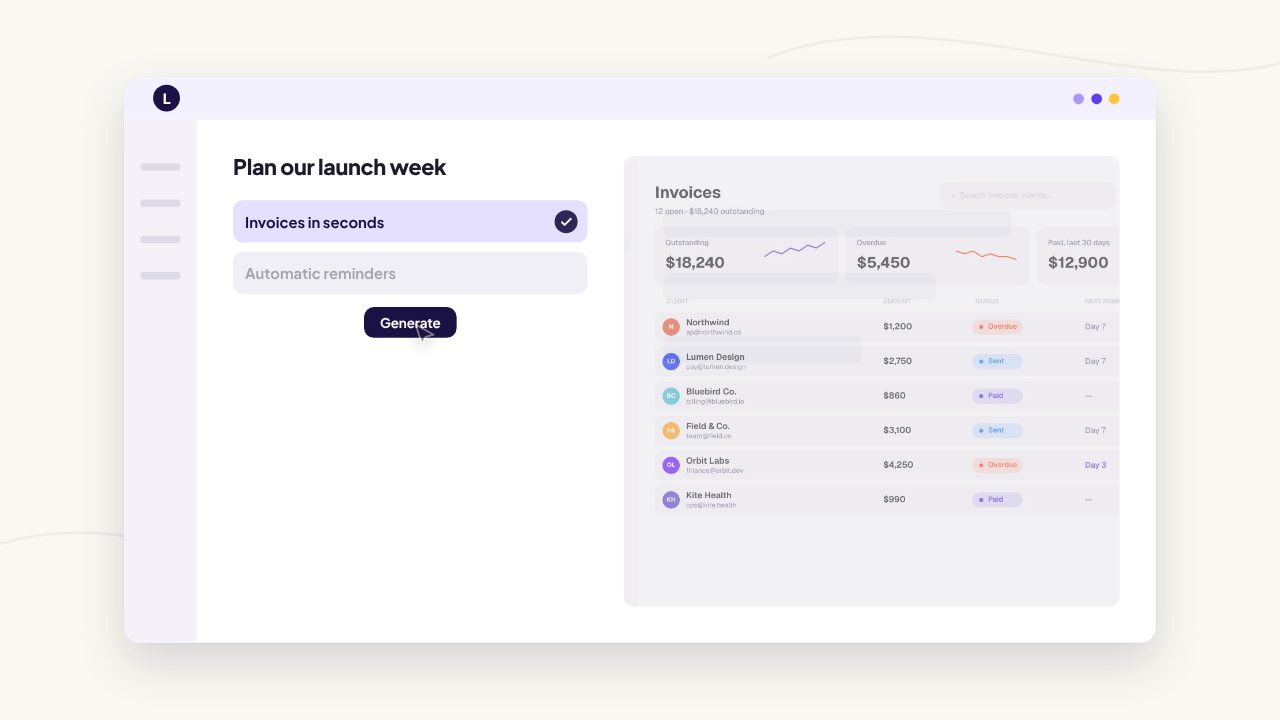
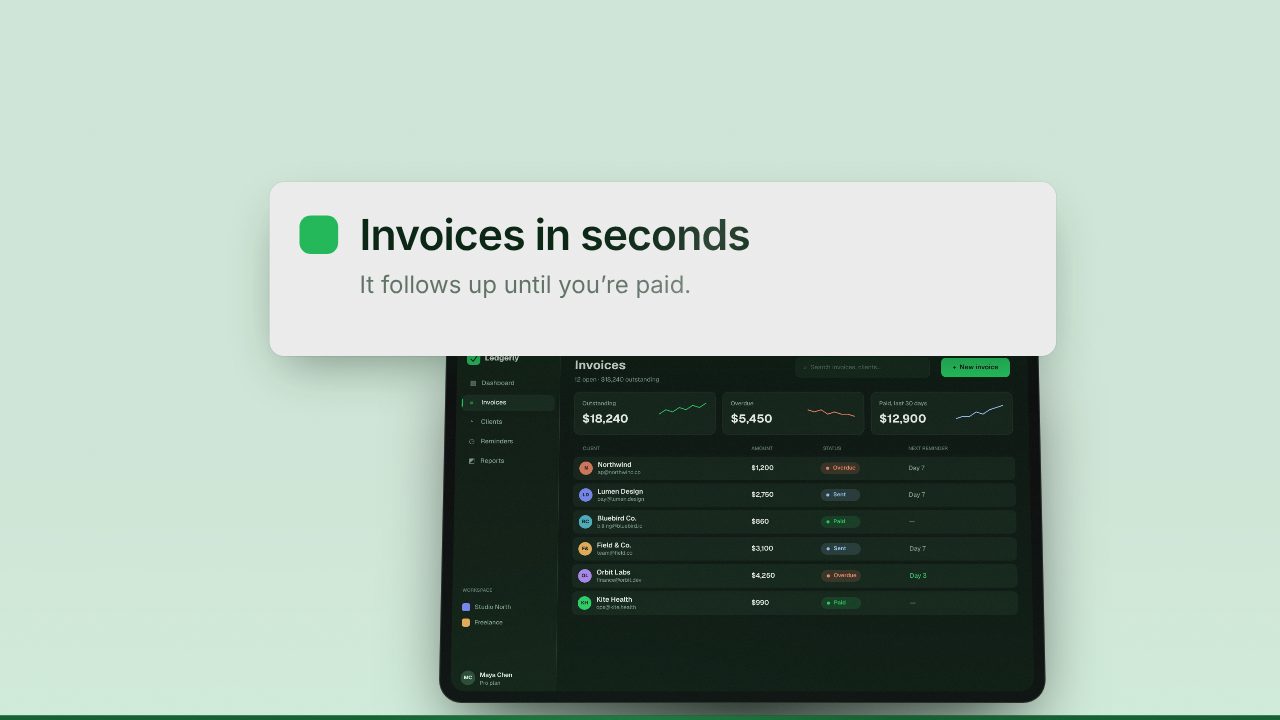
Filmagic starts from your product link. It reads your site, writes the scenes, picks up your brand colours, fonts and logo, places your screenshots or recording, and cuts a launch trailer to music. You edit any scene and export for every platform.
Side by side
| Screen Studio | Filmagic | |
|---|---|---|
| Made for | Polished screen recordings | Launch trailers |
| Starting point | Recording your screen | Your product link |
| Story and titles | Up to you | Written for your product, editable |
| Brand colours and fonts | Background and styling you set | Picked up from your site |
| Music | Add your own | Cut to the scene changes |
| Formats | Export presets | 16:9, 9:16 and 1:1 from the same cut |
| Platform | Mac only | Web, any computer |
| Price | About $29/mo or $108/yr | Free tier, paid from $12/mo |
When Screen Studio is the better choice
- You want to show a real flow, click by click: onboarding, a feature walkthrough, a tutorial.
- You are on a Mac and want recordings that look professional with almost no editing.
- The video is longer and explanatory rather than a short trailer.
When Filmagic is the better choice
- You need a 15 to 60 second launch trailer for Product Hunt, X or LinkedIn.
- You want titles, pacing, music and brand styling done for you.
- You are not on a Mac, or you want versions for every platform from one edit.
- You launch often and want a new video each time without re-editing.
Use them together
The best launch videos often combine both. Record a short flow in Screen Studio, then drop the recording into Filmagic. Filmagic builds the trailer around it, with a hook, your name, the recording as the product moment, and a clear ending, then exports every format.
Frequently asked questions
Is Filmagic a Screen Studio alternative?
Not exactly. Screen Studio records and polishes your screen; Filmagic makes a launch trailer from your product. Many teams use Screen Studio for the recording and Filmagic for the trailer.
Does Screen Studio work on Windows?
No. Screen Studio is a Mac app. Filmagic runs in the browser on any computer.
Can I use a screen recording in Filmagic?
Yes. Add a short screen recording and Filmagic uses its moments as scenes in your launch video.
Which is cheaper?
Screen Studio is about $29 a month or $108 a year. Filmagic has a free tier and paid plans from $12 a month. Check both pricing pages for current details.
Try it with your recording
Try Filmagic free, or see the best launch video makers in 2026 for more options.
Screen Studio details are from published 2026 pricing guides and may have changed. Check screen.studio for current information.