On this page
A product video does one job: show the product well enough that someone on your page, or scrolling past in a feed, wants to tap Buy. It doesn't need a studio, a model or an editor. Your product page already has most of what it needs: photos, a name, a price, the key points and often a star rating.
This guide shows how to turn that page into a 15 to 30 second product video for your Shopify store, Instagram Reels and TikTok.
1. Pick one product
A product video sells one thing. If you want to show a collection, make one short video per product and post them as a series. A single product lets every scene stay on the same photos, the same price and the same reason to buy.
Pick a product page that already has:
- 3 to 6 good photos, ideally on a plain background and from different angles
- a clear name that fits on one line
- a price, and the earlier price if it's on sale
- 3 or 4 key points in the description or bullet list
- a star rating, if your store shows reviews
If a photo or point is missing, fix the product page first. It helps your store as much as the video.
2. Use a simple structure
For 15 to 30 seconds, this order works for almost any product:
| Scene | What it shows | Time |
|---|---|---|
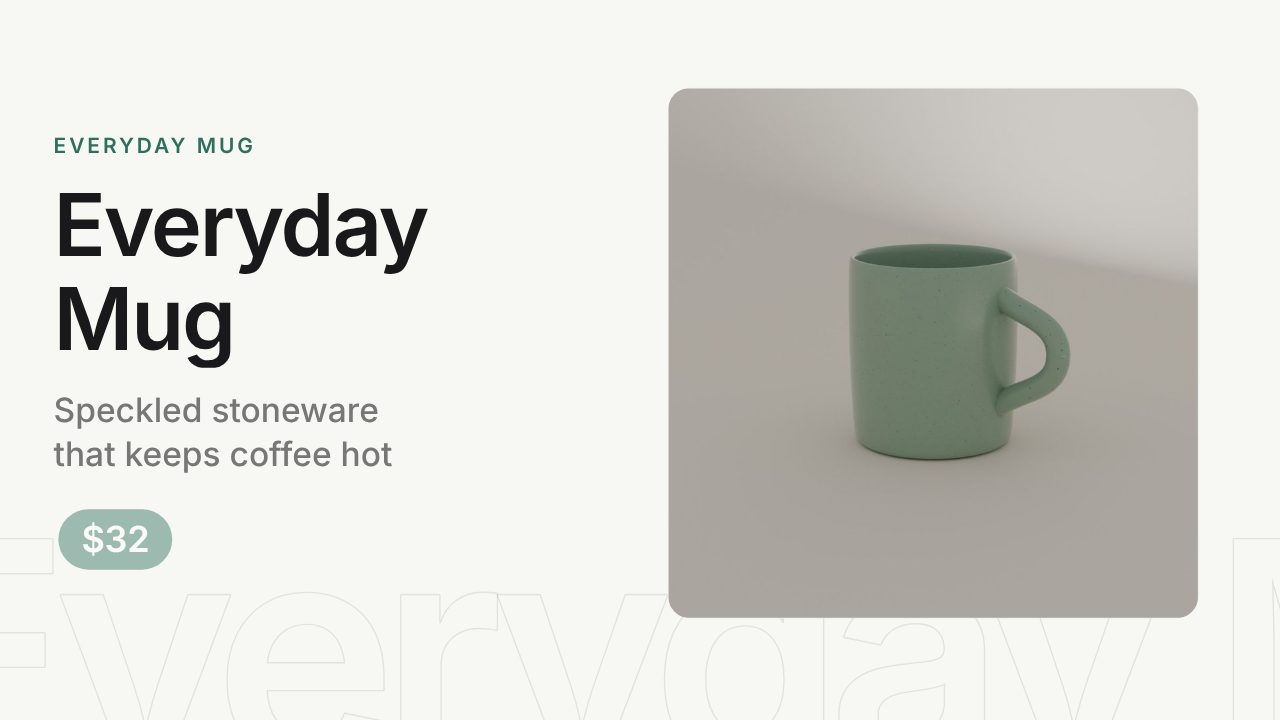
| Hero | The best photo, the product name and one benefit line | 3 to 5 s |
| Key points | Two to four short benefits around the photo | 4 to 5 s |
| More photos | A quick gallery of the other angles | 4 to 5 s |
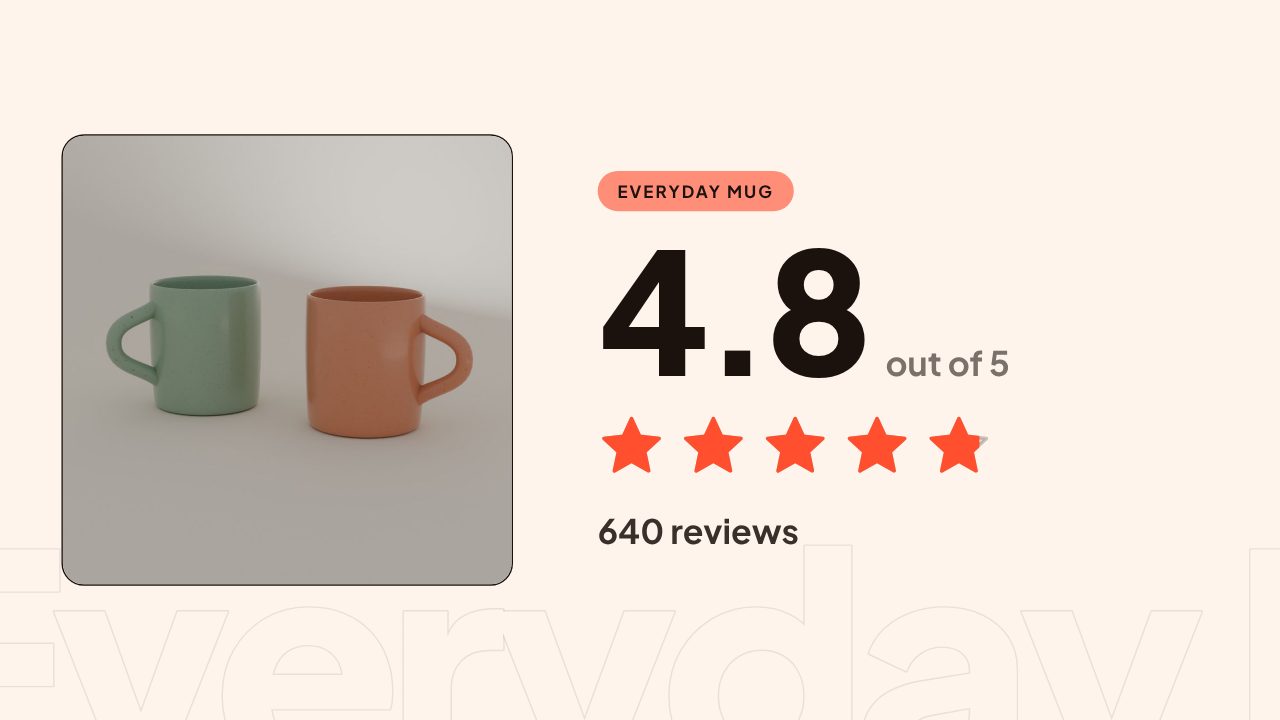
| Proof | The star rating and review count, if the page has them | 3 to 4 s |
| Price and Shop now | The price, the earlier price if it's a sale, and a button with your store's address | 3 to 5 s |
For a 15 second cut, keep the hero, one benefit scene and the ending.
3. Keep the words short and true
Each scene gets one line, short enough to read in two seconds on a phone with the sound off:
- Benefits, not specs: "Keeps coffee hot for hours" reads faster than "double-wall stainless steel, 350 ml".
- The price exactly as your page shows it, in your currency. If there's no sale, don't invent one.
- A rating only if your store shows it, with the real review count.
- One ending: Shop now and your store's address. Don't add a second offer.
4. Export the sizes you need
| Where | Shape | Notes |
|---|---|---|
| Shopify product page | 16:9 or 1:1 | Shopify accepts MP4, MOV and WebM up to 1 GB and 10 minutes |
| Instagram Reels | 9:16 | Reels can be up to 3 minutes; product ads work best short |
| TikTok | 9:16 | TikTok's in-feed ads take up to 10 minutes and 500 MB, 9:16 recommended |
| Instagram and Facebook feed | 1:1 or 4:5 | Square crops well everywhere |
Make one edit and export each shape from it, rather than three separate videos. See the full product video specs for Shopify, Instagram, TikTok and Amazon.
5. Add it to your Shopify product page
- In your Shopify admin, go to Products and click the product.
- In the Media section, click Upload new and pick the video file, or drag the file into Media.
- Drag it to the position you want in the gallery and save.
Most themes show the video in the product gallery and play it when it's opened. Check the page on your phone after uploading.
Make it from the page in Filmagic
Filmagic's product URL to video does the steps above for you:
- Paste one product's page from your Shopify store.
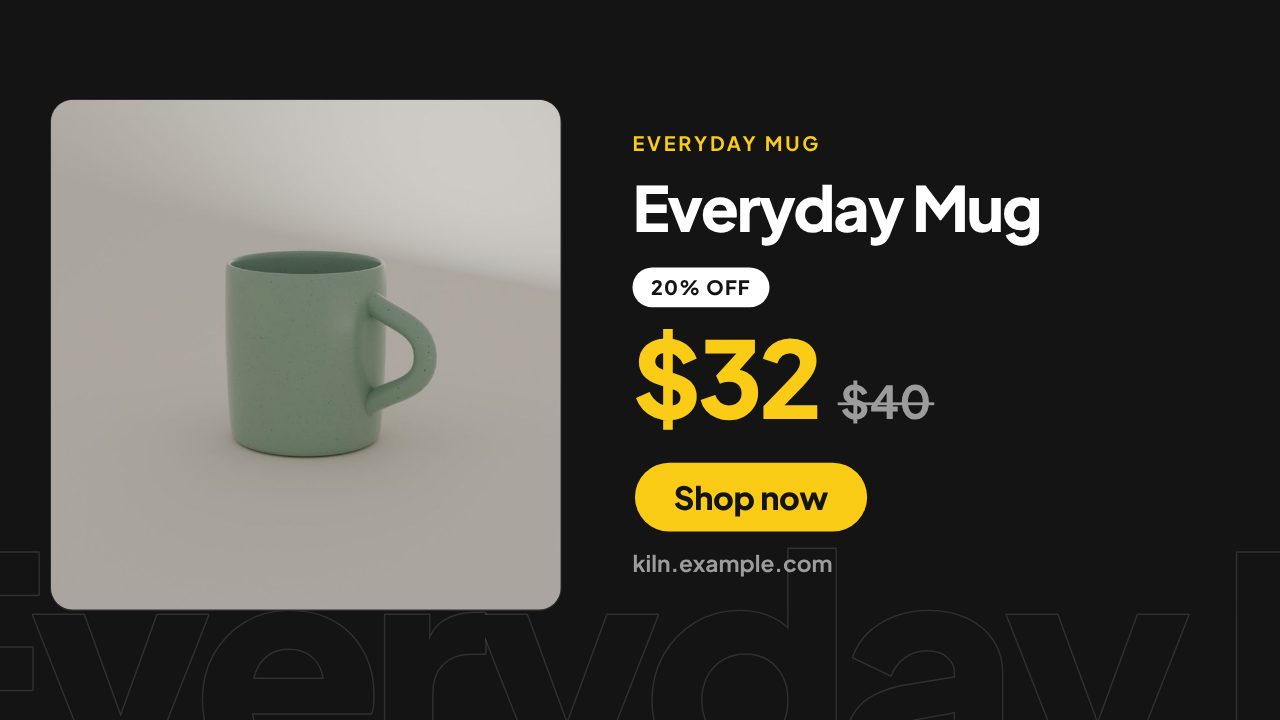
- Filmagic reads its photos, name, price, star rating and key points, and builds the video with the Product Drop template: the photo hero with its price, the key points around the photo, a gallery, the rating, and Shop now with your store's address.
- Rewrite any line, swap a photo or pick Shop Promo or Sale Offer instead.
- Export 16:9, 9:16 and 1:1 from the same edit.
Nothing is made up. If your page shows no price, there's no price scene; if it shows no rating, the video doesn't mention one. A sold-out product ends on See details instead of Shop now. Reading a product page uses 2 credits from a plan.
Frequently asked questions
How long should a Shopify product video be?
15 to 30 seconds. Long enough for the product, two or three benefits and the price; short enough that people watch to the end on a phone.
What size should a product video be for Shopify?
16:9 or square works best on most product pages. Shopify accepts MP4, MOV and WebM files up to 1 GB, 10 minutes and UHD resolution.
Do I need to film my product?
No. A product video made from good product photos works well, especially for Reels, TikTok and your product page. Film a short clip later if you want to show the product in use.
Can I make a product video from my Shopify URL?
Yes. Paste the product page into Filmagic and it builds a short product video from the page's photos, price and rating, ending on Shop now.
Does it work with WooCommerce or other stores?
Yes, for any store whose product pages publish standard product data (schema.org Product), which WooCommerce does by default. Amazon often blocks automated readers, so some listings can't be read; use your own store's page or add the photos yourself.