On this page
A product ad is short, so the order of the scenes does most of the work. Open on the product and it reads as a showcase. Open on the price and it reads as a deal. Cut fast and it reads as a social ad.
Filmagic has three product ad templates, each built from the same product page (its photos, name, price, rating and key points), each 15 to 30 seconds. Here's what each one does and when to pick it.
Product Drop: the product, calmly
Product Drop is the default when you paste a product page. It's light and unhurried:
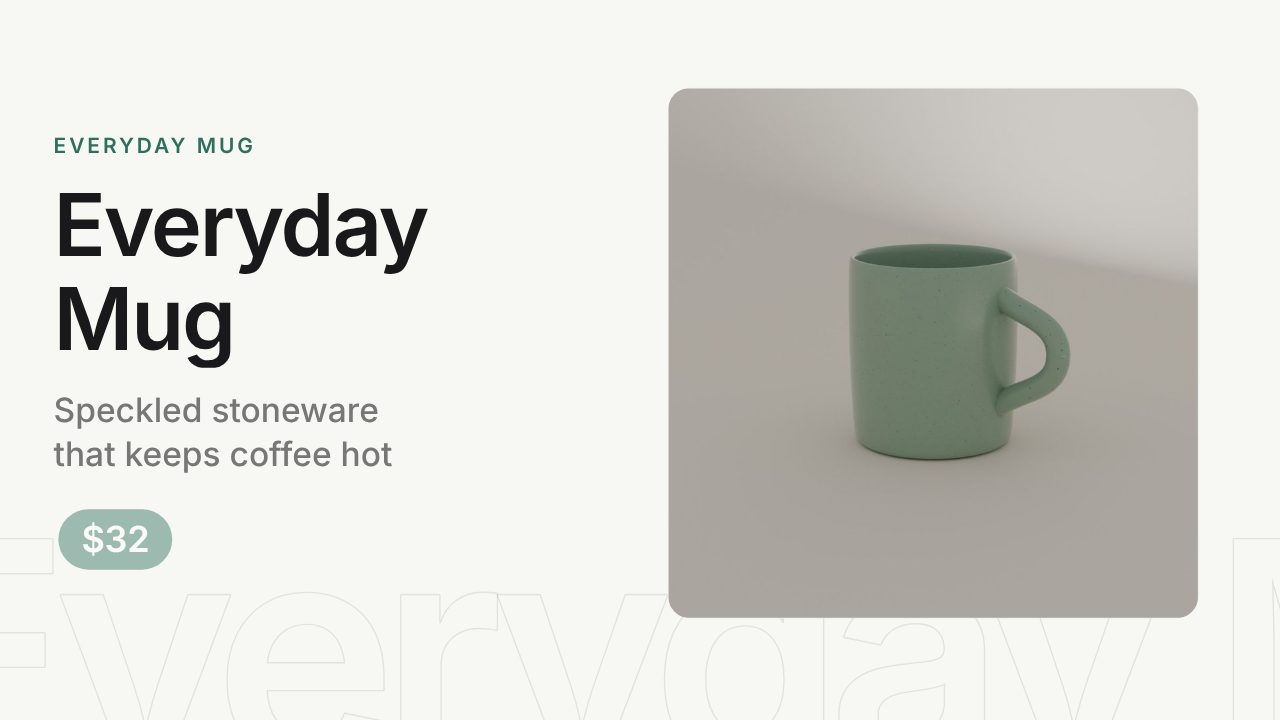
- The product photo rises into a card beside its name, one benefit line and its price.
- The key points appear in pills around the photo.
- A gallery of the other photos.
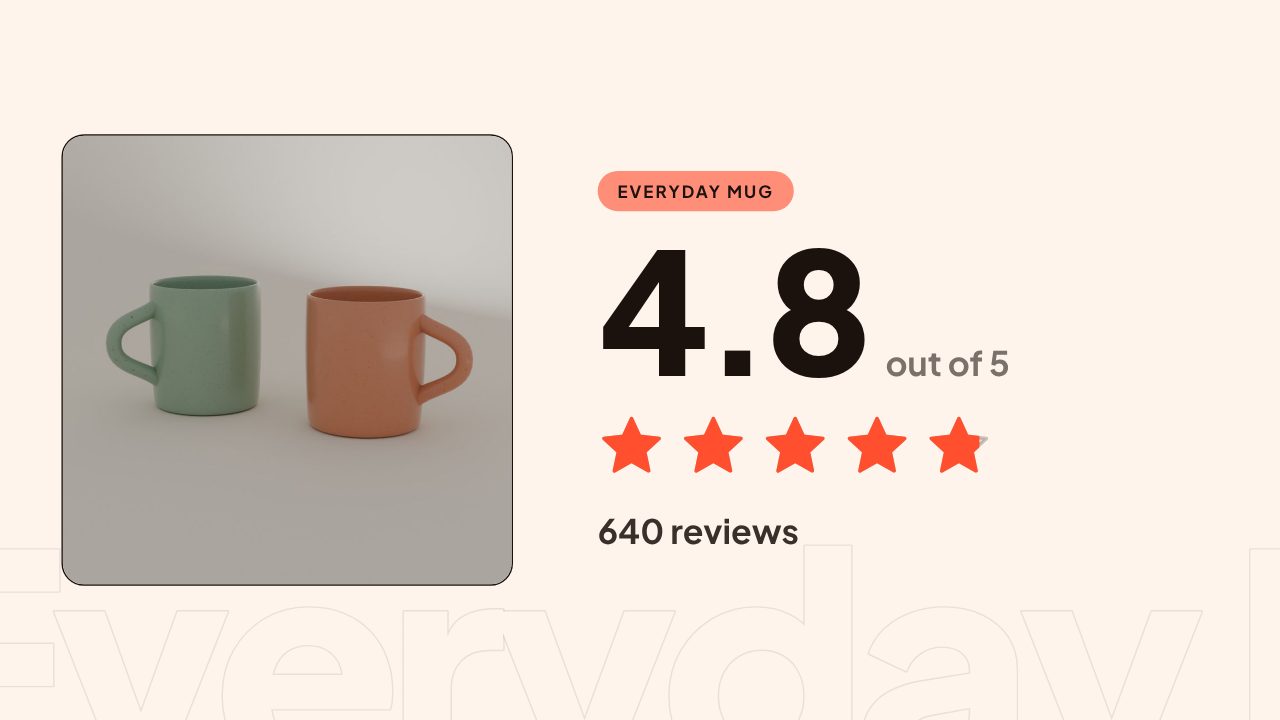
- The star rating fills in, when the page has one.
- An end card with the price and a Shop now button.
Use it for: a new product, your product page, and anything where the product itself is the reason to buy. It suits clean photos on a plain background best.
Shop Promo: a fast social ad
Shop Promo is built for Reels, TikTok and Shorts, with hard cuts on the beat:
- A blurred photo with the product line.
- The product hero with its price.
- The key points around the photo.
- The star rating.
- A split panel with a button.
- The price and Shop now.
Use it for: paid social and organic posts, where the first second has to stop the scroll. Defaults to 15 seconds.
Sale Offer: the price up front
Sale Offer leads with the price on a dark ground:
- The product hero with its price.
- A big price over two photos.
- The key points around the photo.
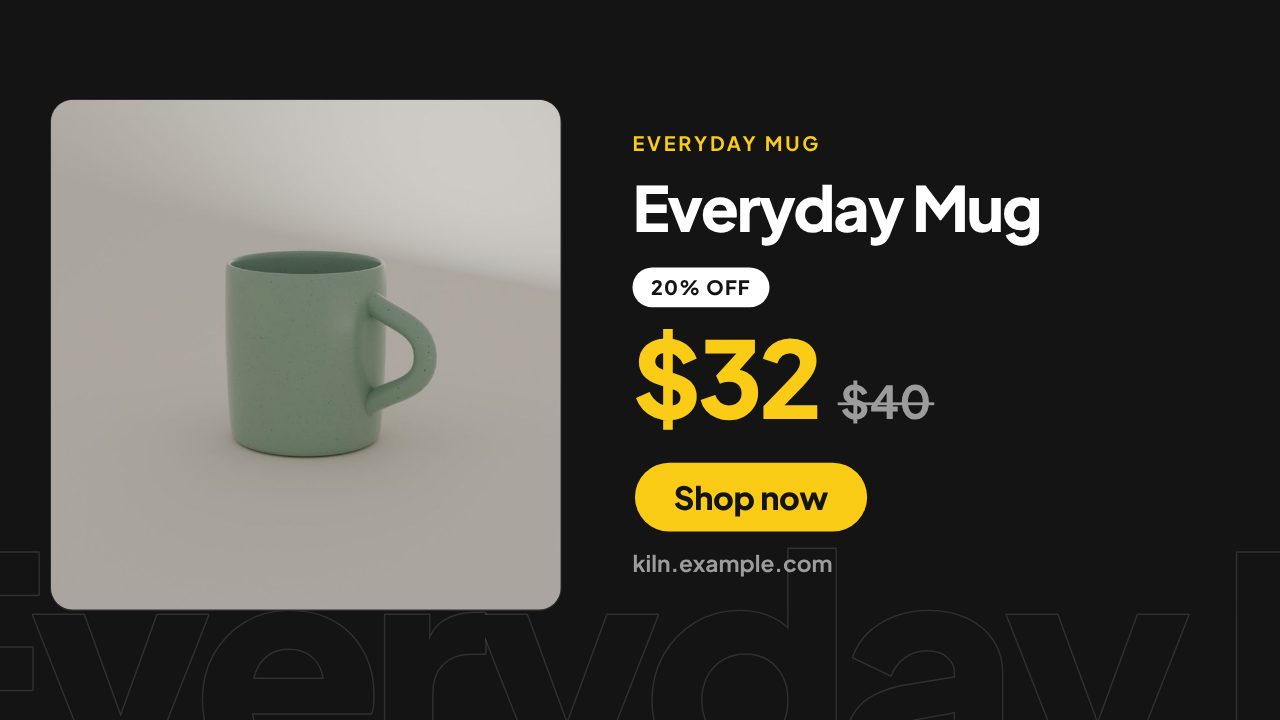
- The price with the earlier price struck through, the percent off and Shop now.
Use it for: sales, launches with an intro price and offers. When your store shows an earlier price (a Shopify compare-at price or a marked sale price), the old price is struck through and the percent off is worked out from the two prices. When it doesn't, the ending simply shows the price.
Which one to pick
| Product Drop | Shop Promo | Sale Offer | |
|---|---|---|---|
| Feel | Light, calm | Bold, fast cuts | Dark, price first |
| Opens on | The product and its name | A blurred photo and a line | The product and its price |
| Best for | Product pages, new products | Reels, TikTok, paid social | Sales and offers |
| Default length | 20 s | 15 s | 15 s |
All three export 16:9, 9:16 and 1:1 from the same edit.
The rules all three follow
- Nothing is made up. The price, the earlier price, the rating and the review count come from the page as given, and stay that way even after an AI rewrite.
- A missing fact leaves its scene out. No price, no price scene. No rating, no rating scene.
- Sold out reads as such. The button says See details instead of Shop now.
Make one
Paste a product page into Filmagic's product URL to video. It opens as Product Drop; switch to Shop Promo or Sale Offer from the template list. For the steps from page to Shopify upload, read how to make a Shopify product video, and for the sizes each platform takes, see product video specs.
Frequently asked questions
Which template is best for Instagram Reels and TikTok?
Shop Promo. It cuts fast and opens with a photo and a line that stops the scroll. Export it in 9:16.
Can I show a discount?
Yes, when your product page shows an earlier price. Sale Offer strikes it through and shows the percent off, worked out from the two prices. Filmagic doesn't add a discount the page doesn't have.
What if my product has no reviews?
The rating scene is left out and the video still ends on the price and Shop now.
Can I use my own photos?
Yes. Add them next to the link and they're used in the photo scenes.