Website to video
Turn your website into a video
Paste your website address. Filmagic reads the page, turns your headline and sections into scenes, uses your colours, fonts and logo, and cuts it to music. Edit any line, then export for every channel.
Free to preview, no account needed. Free exports have no watermark.
Templates that fit
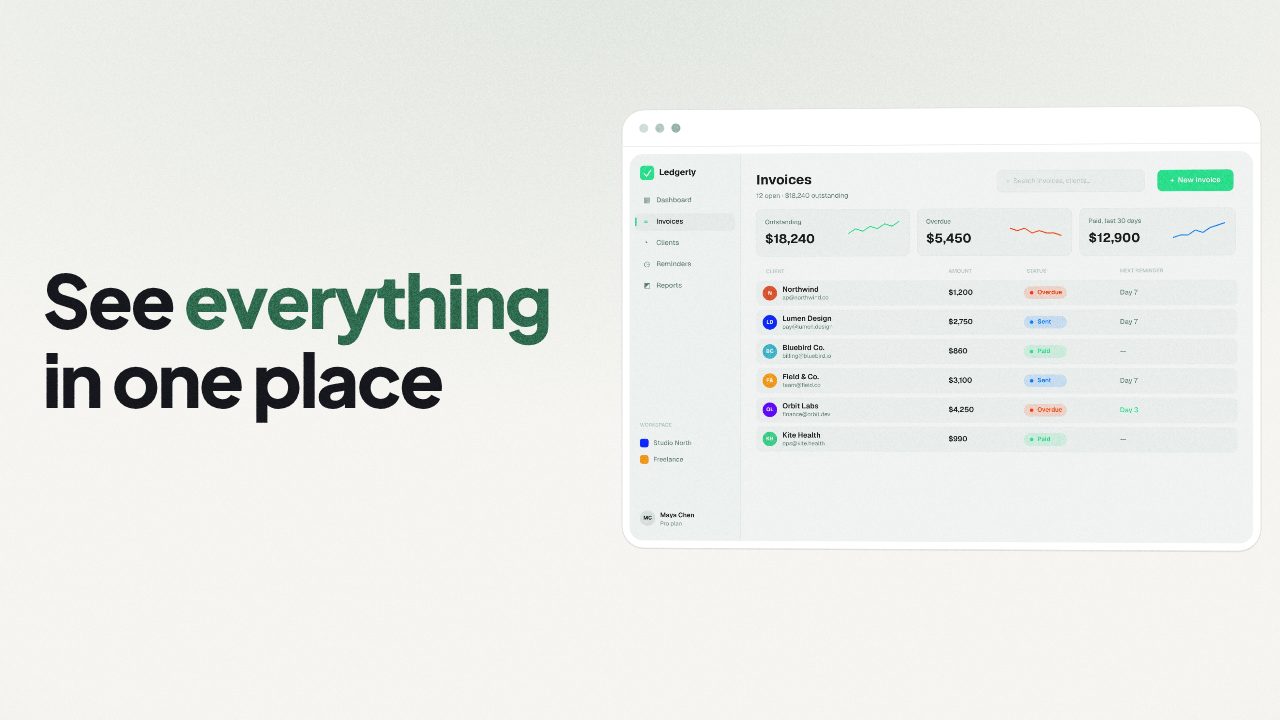
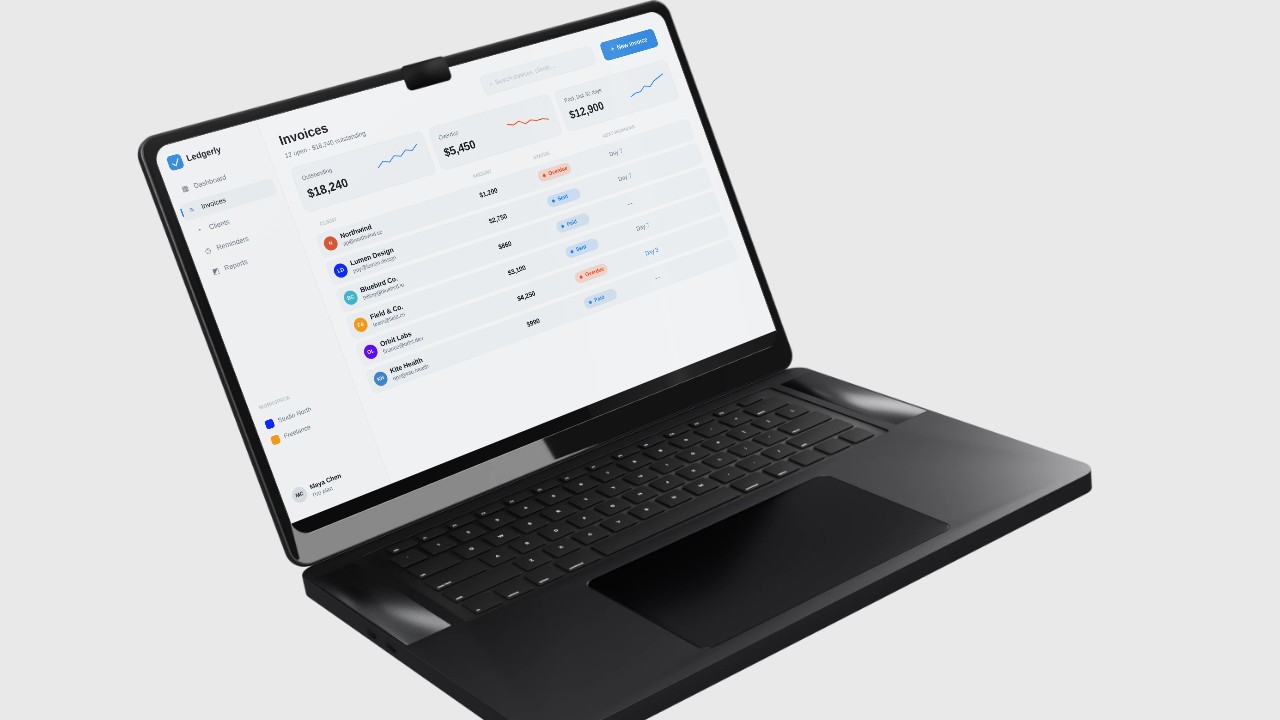
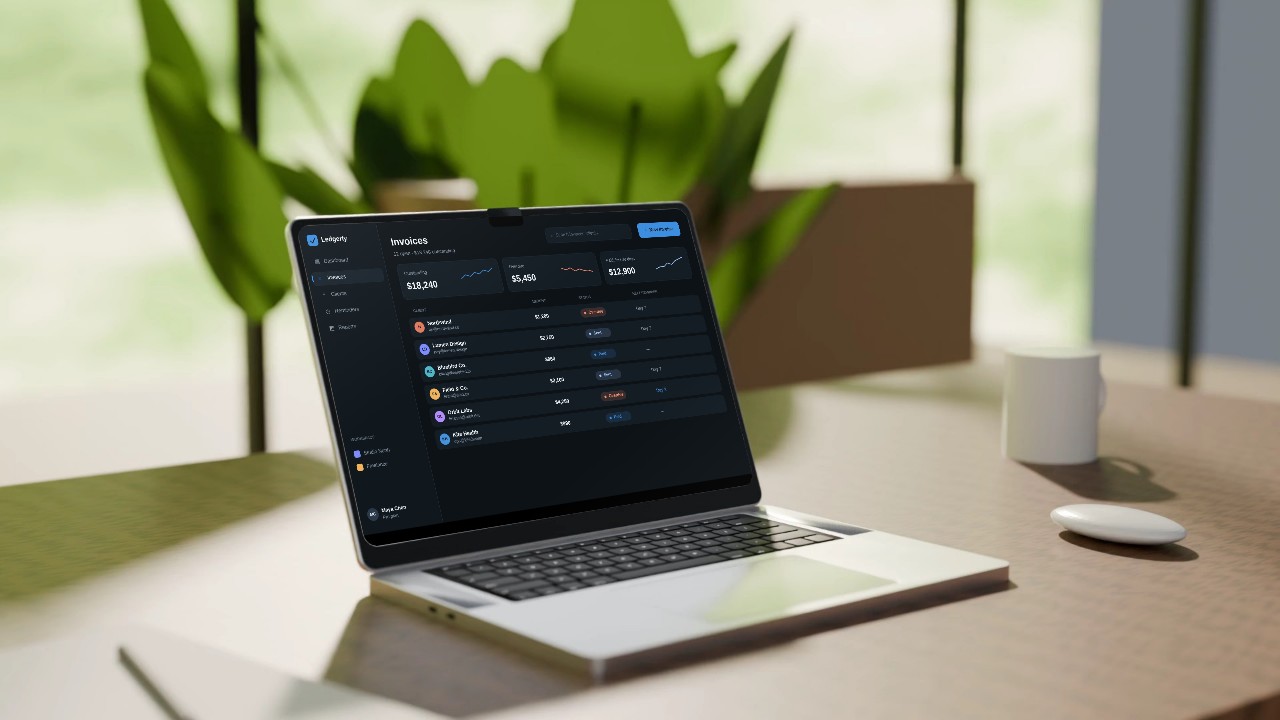
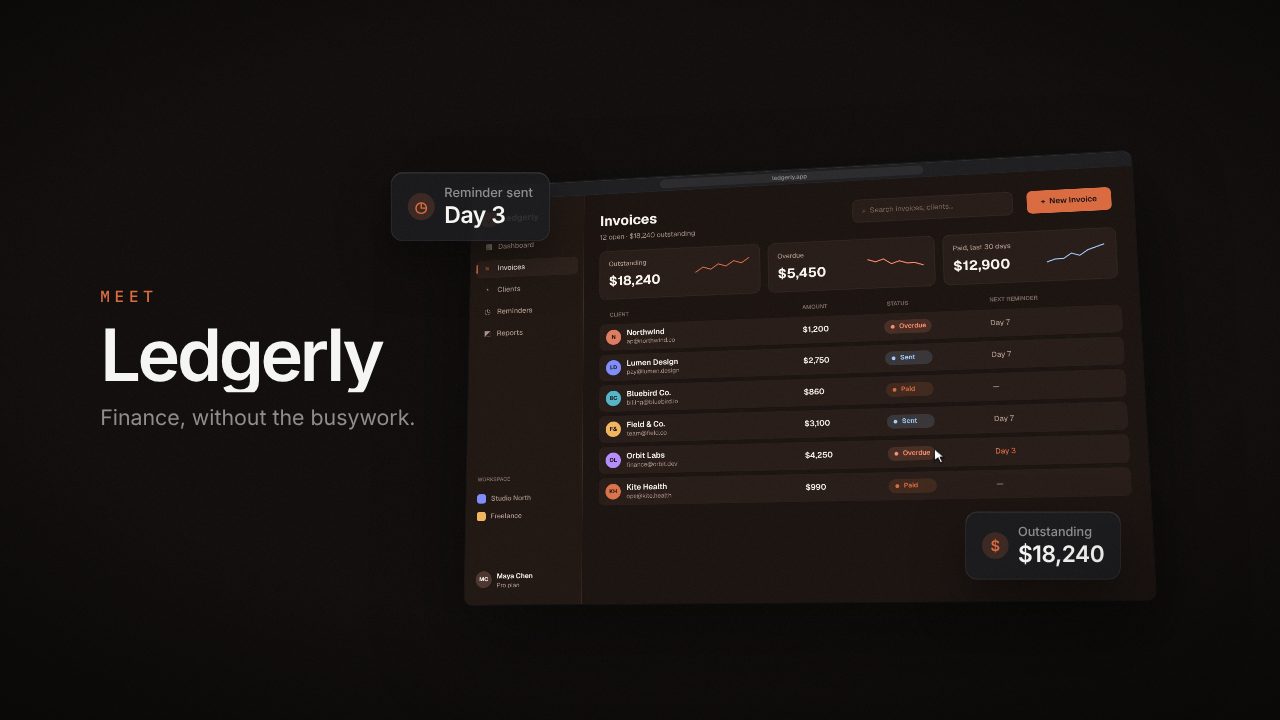
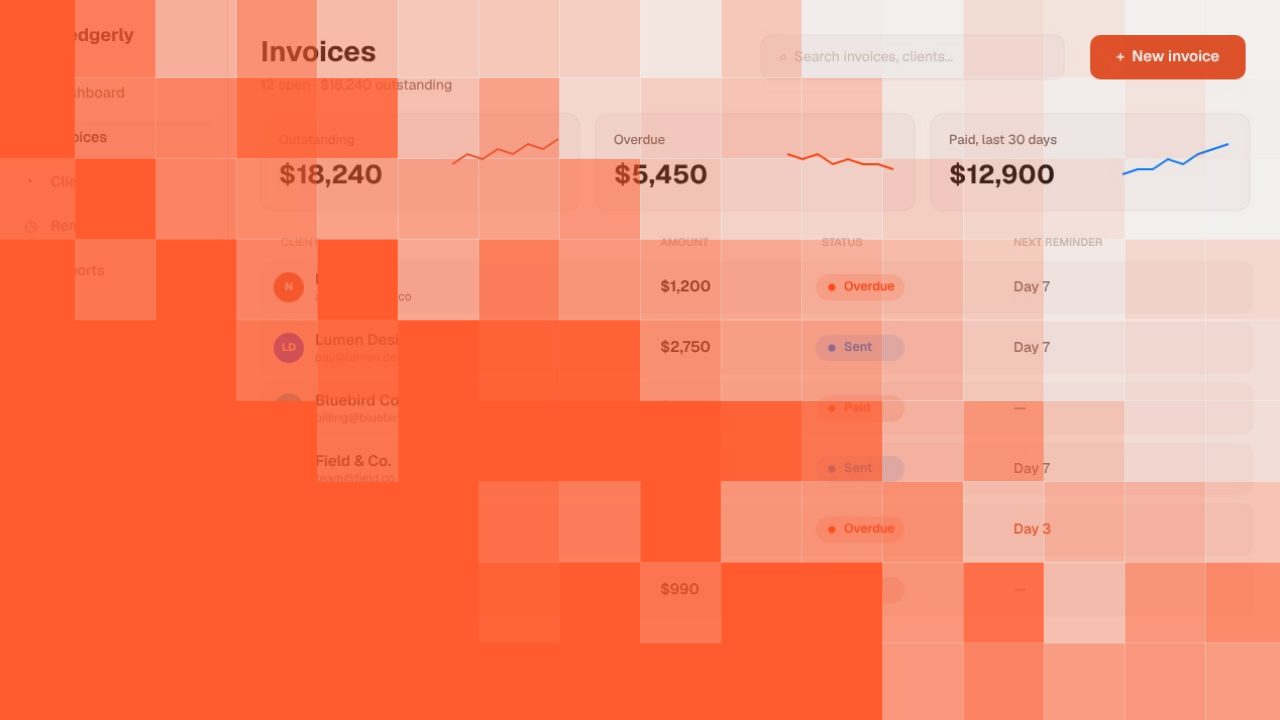
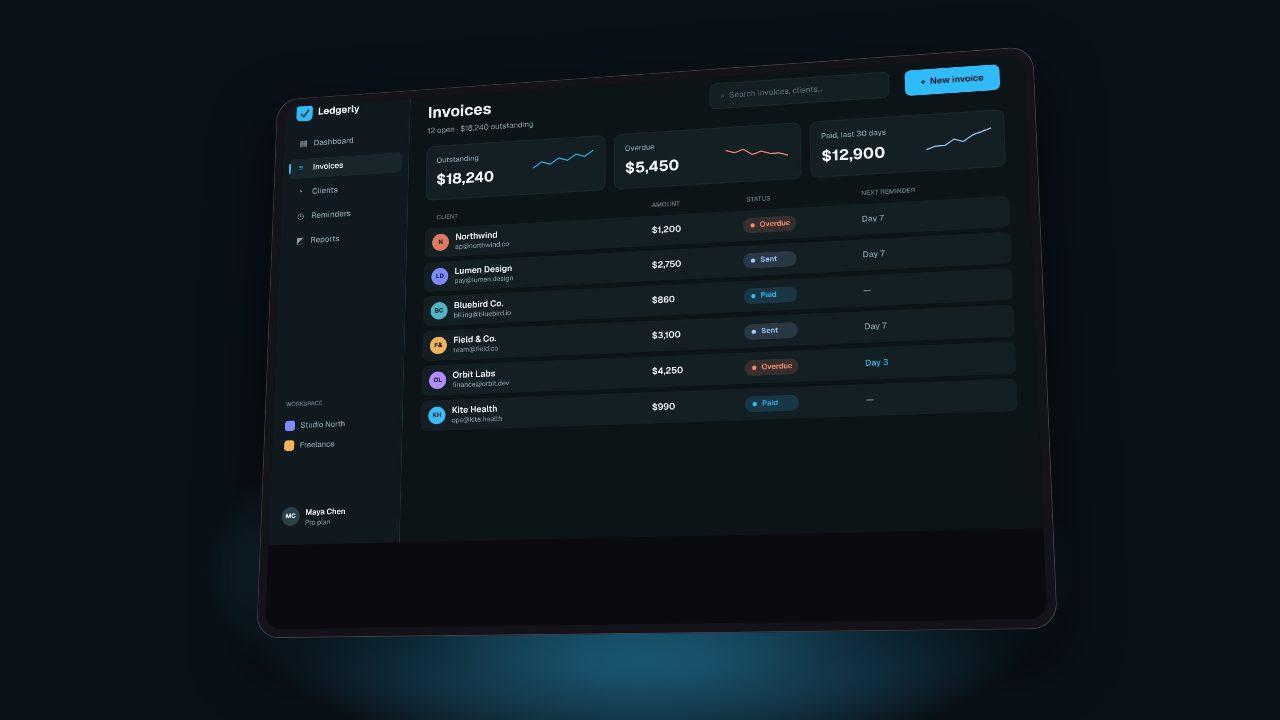
Your website is already a storyboard
| On your website | In the video |
|---|---|
| Hero headline | Opening title |
| Hero screenshot or product image | First product shot |
| Feature sections | One scene each, with one short line |
| Brand colour, fonts and logo | Backgrounds, titles, intro and end card |
| Call to action | Last scene, with your address |
How it works
- Paste your website address. A homepage, a feature page or a landing page.
- Filmagic reads it. Your name, headline, feature lines, brand colour, fonts, logo and images.
- Pick a style, or let Filmagic choose. It writes the scenes, places your screens and cuts to music.
- Edit anything. Rewrite a line, swap an image, change the music.
- Export. 16:9, 9:16 and 1:1 from one edit.
Works with any public site
Filmagic reads the public page, so it works whether your site is built with Framer, Webflow, WordPress, Shopify, Next.js or hand-written HTML. Pages behind a login can't be read: add screenshots of the logged-in product instead.
What people make from a website
- Launch videos for Product Hunt, X and LinkedIn.
- Homepage hero loops. See the homepage hero video guide.
- Social ads for Reels, TikTok and Shorts. See URL to video ad.
- Feature announcements from a changelog or feature page.
For a step by step walkthrough, read website to video: turn your homepage into a launch video. For everything a URL can become, see URL to video.
Frequently asked questions
Can I turn a Framer or Webflow site into a video?
Yes. Paste the published address. Filmagic reads the live page the same way a visitor's browser would.
What if my site uses illustrations instead of screenshots?
Add two or three real screenshots of your product. They show more than an illustration, and Filmagic places them in the scenes.
Does it make a narrated explainer?
No. Filmagic makes a product trailer: your screens, short lines on screen and a cut timed to music. You can add a voiceover if you want one.
How long is the video?
You choose the length when you pick a template, usually 15 to 30 seconds for a launch or ad.