Homepage hero video
A hero video that shows your product working
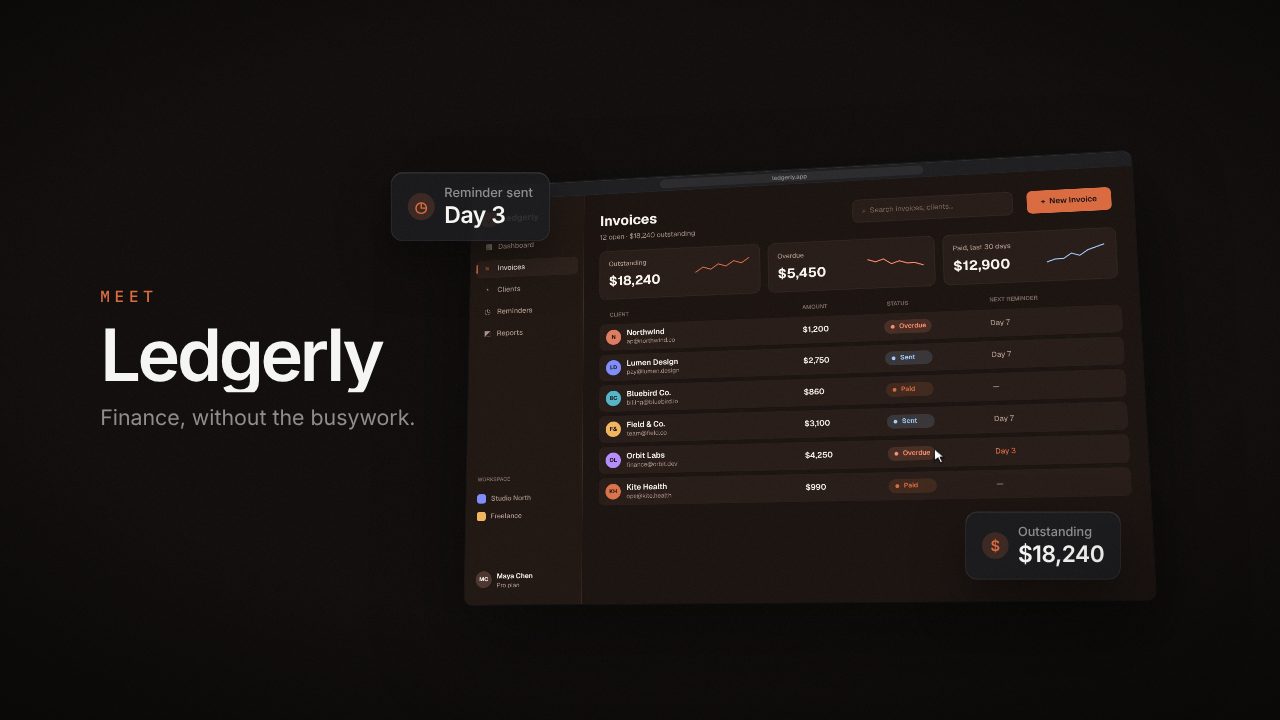
A short, quiet loop above the fold tells visitors what your product does before they read a word. Paste your product URL and Filmagic builds the loop in your brand, ready to drop into your hero section.
Free to preview, no account needed. Free exports have no watermark.
Templates that fit
Hero video specs at a glance
| Spec | Recommendation |
|---|---|
| Length | 8 to 20 seconds, looping seamlessly |
| Sound | None. Browsers only autoplay muted video |
| File size | Under about 3 MB on desktop, smaller for mobile |
| Formats | WebM (VP9 or AV1) first, MP4 (H.264) as the fallback |
| Resolution | 1280 to 1920 px wide for a full-width hero, 720 px for a contained one |
| Poster | A still of the first frame, so something shows before the video loads |
| Motion | Slow and calm. Text on screen should be readable or absent |
| Accessibility | Respect prefers-reduced-motion, and give a pause control for loops longer than 5 seconds |
Copy-paste HTML
<video autoplay muted loop playsinline preload="metadata"
       poster="/hero.jpg" aria-label="Product demo loop">
  <source src="/hero.webm" type="video/webm">
  <source src="/hero.mp4" type="video/mp4">
</video>
`playsinline` stops iPhones from opening the video full screen. `muted` is required for autoplay in every major browser.
To pause it for visitors who ask for less motion:
<script>
  if (matchMedia('(prefers-reduced-motion: reduce)').matches) {
    document.querySelectorAll('video[autoplay]').forEach(v => { v.pause(); v.removeAttribute('autoplay'); });
  }
</script>
What to show
- The product doing its main job, not a logo animation.
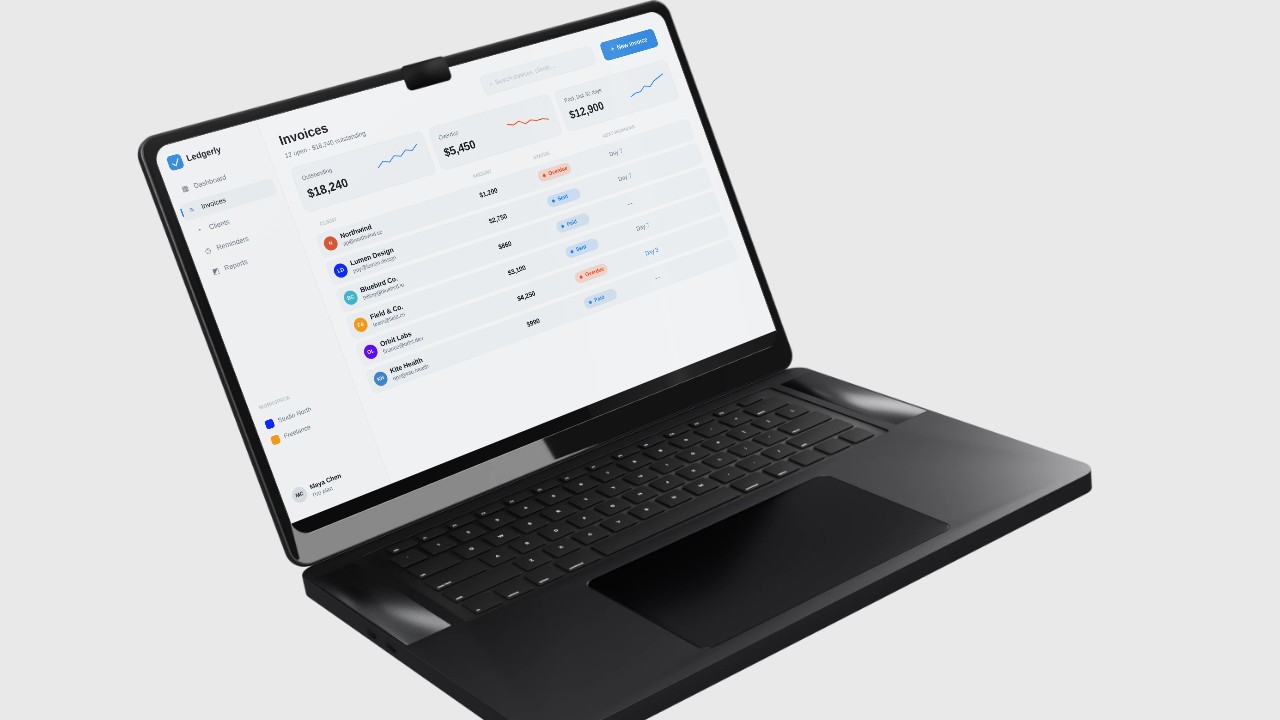
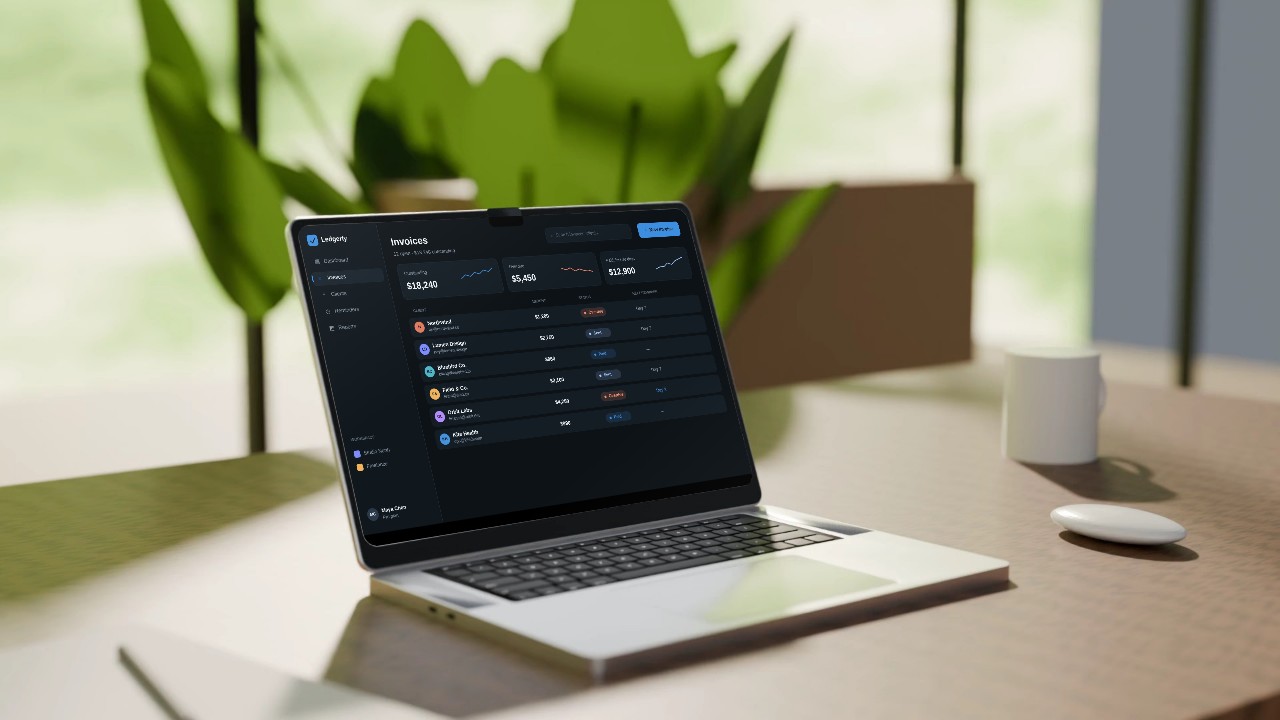
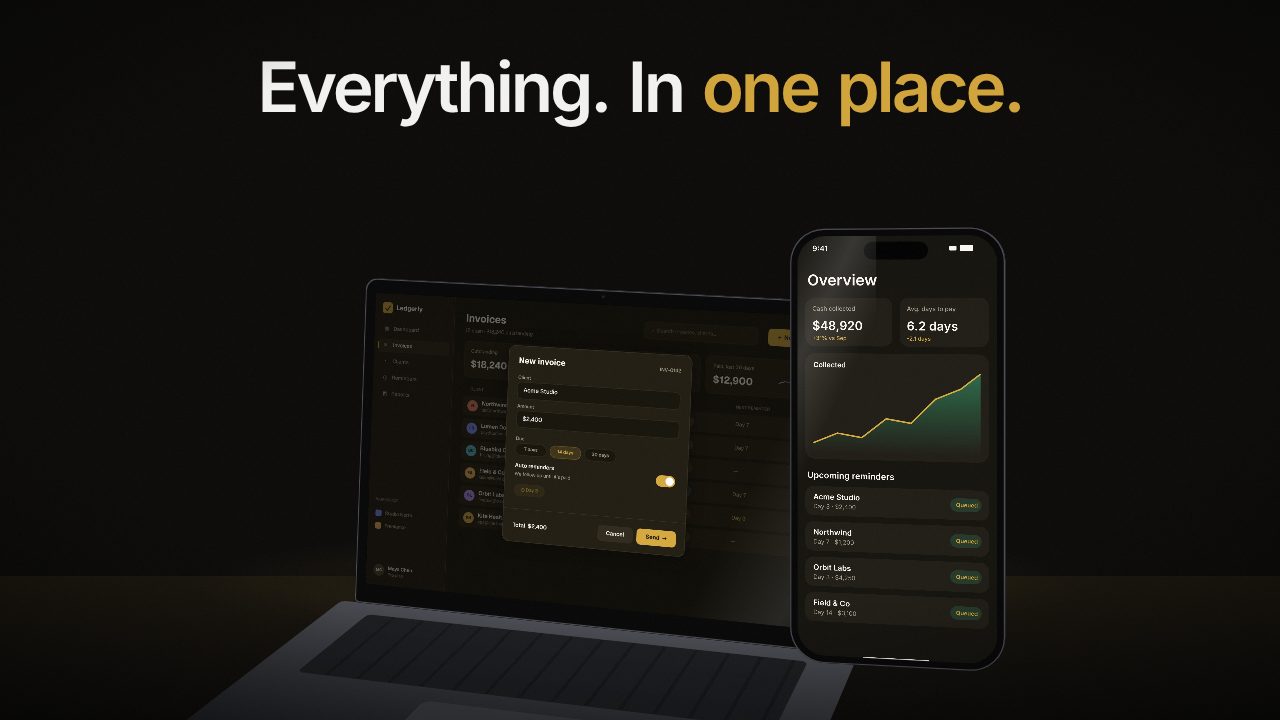
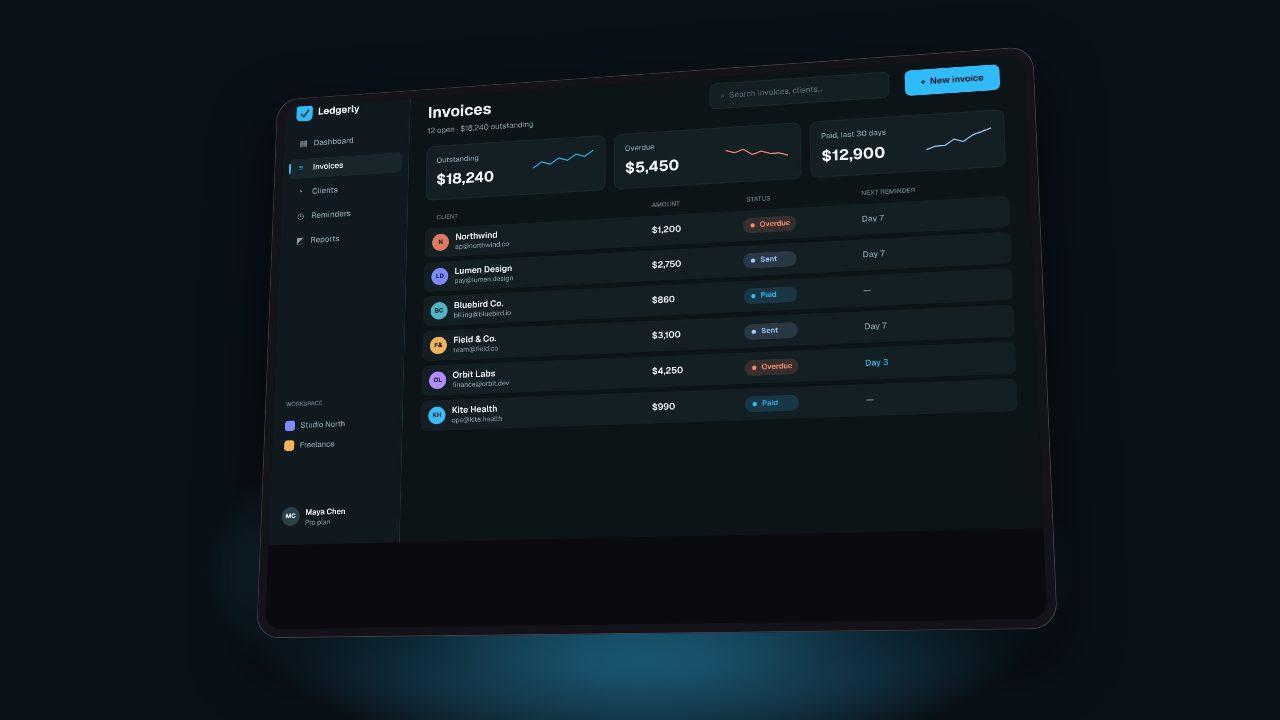
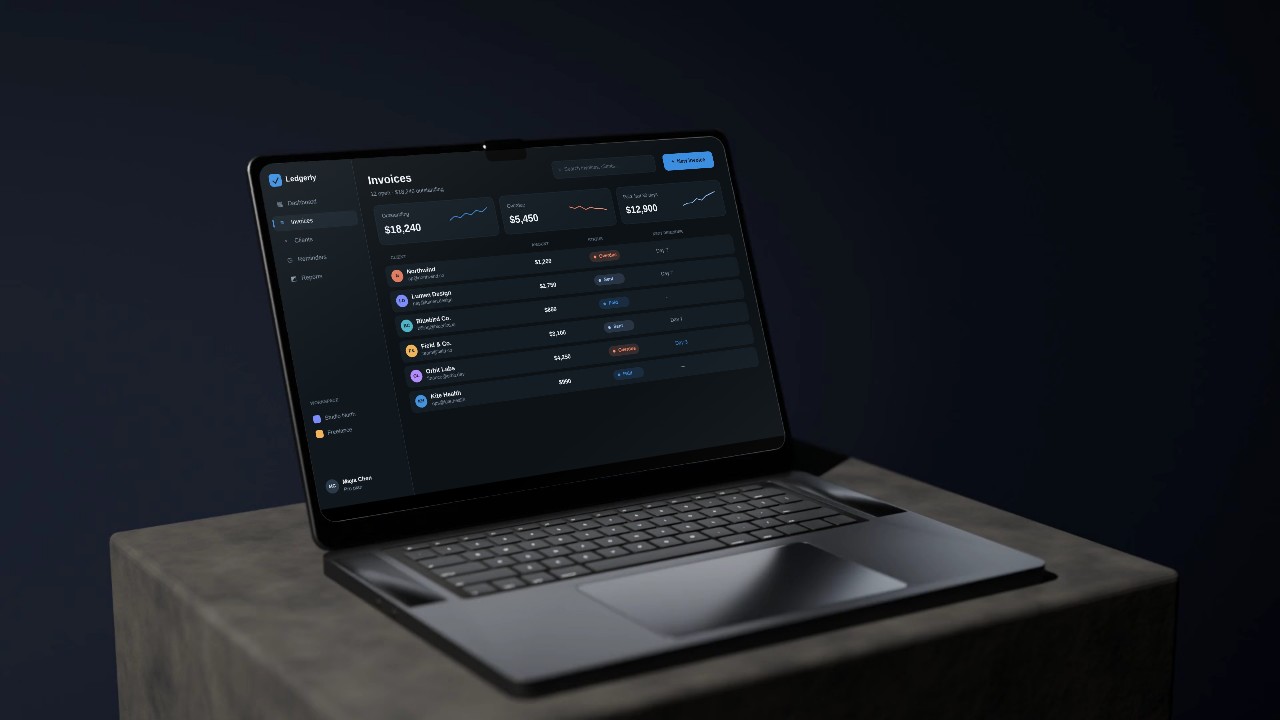
- Real screens in a device or a clean frame, so it reads as software at a glance.
- Little or no text. Your headline sits next to the video; the loop should support it, not repeat it.
- A loop point you can't see. End on the same frame you start on.
How to make it in Filmagic
- Paste your product URL. Filmagic picks up your brand colour, fonts, logo and screens.
- Pick a calm, product-first style. Flagship, Laptop and Desk Mockup keep the interface as the hero.
- Trim the text. Remove or shorten lines so the loop works next to your headline.
- Set a short length and export 16:9, or 1:1 for a split hero.
- Compress for the web. Convert to WebM and MP4 under about 3 MB with our free video compressor, or with ffmpeg:
ffmpeg -i hero.mp4 -an -vf "scale=1280:-2" -c:v libvpx-vp9 -b:v 0 -crf 36 hero.webm
ffmpeg -i hero.mp4 -an -vf "scale=1280:-2" -c:v libx264 -crf 26 -preset slow -movflags +faststart hero-web.mp4
Frequently asked questions
How long should a homepage hero video be?
8 to 20 seconds, looping. Longer loops add file size without adding much, since most visitors scroll on within seconds.
Will a background video slow down my website?
It can. Keep it under about 3 MB, add a poster image, use `preload="metadata"`, and serve WebM with an MP4 fallback. The poster shows instantly while the video loads.
Why won't my hero video autoplay on iPhone?
It needs both `muted` and `playsinline`. Without them, iOS Safari won't autoplay or opens the video full screen.
Should a hero video have sound?
No. Browsers block autoplay with sound, and visitors don't expect it. If you have a narrated demo, link to it with a play button instead.
Should the hero video include text?
As little as possible. Your headline and subheading already sit beside it. Short labels on screen are fine; full sentences compete with your copy.
Can I use the same video for my homepage and socials?
Start from the same edit, then export a quiet, text-light cut for the homepage and a punchier version with lines on screen for socials. Filmagic exports 16:9, 9:16 and 1:1 from one edit.