SaaS demo video
A SaaS demo video from your URL
Paste your SaaS website and add a few screens from inside the product. Filmagic turns them into a short demo video in your brand, with your real interface on screen and lines you can rewrite.
Free to preview, no account needed. Free exports have no watermark.
Templates that fit
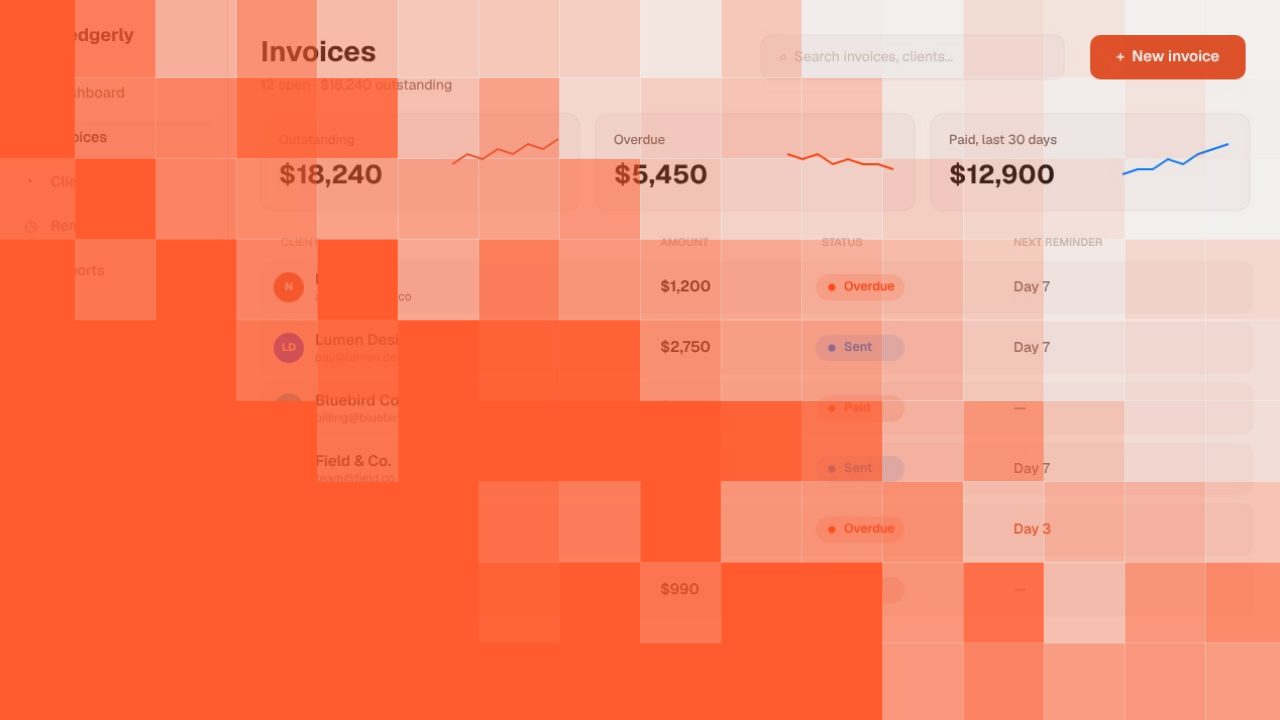
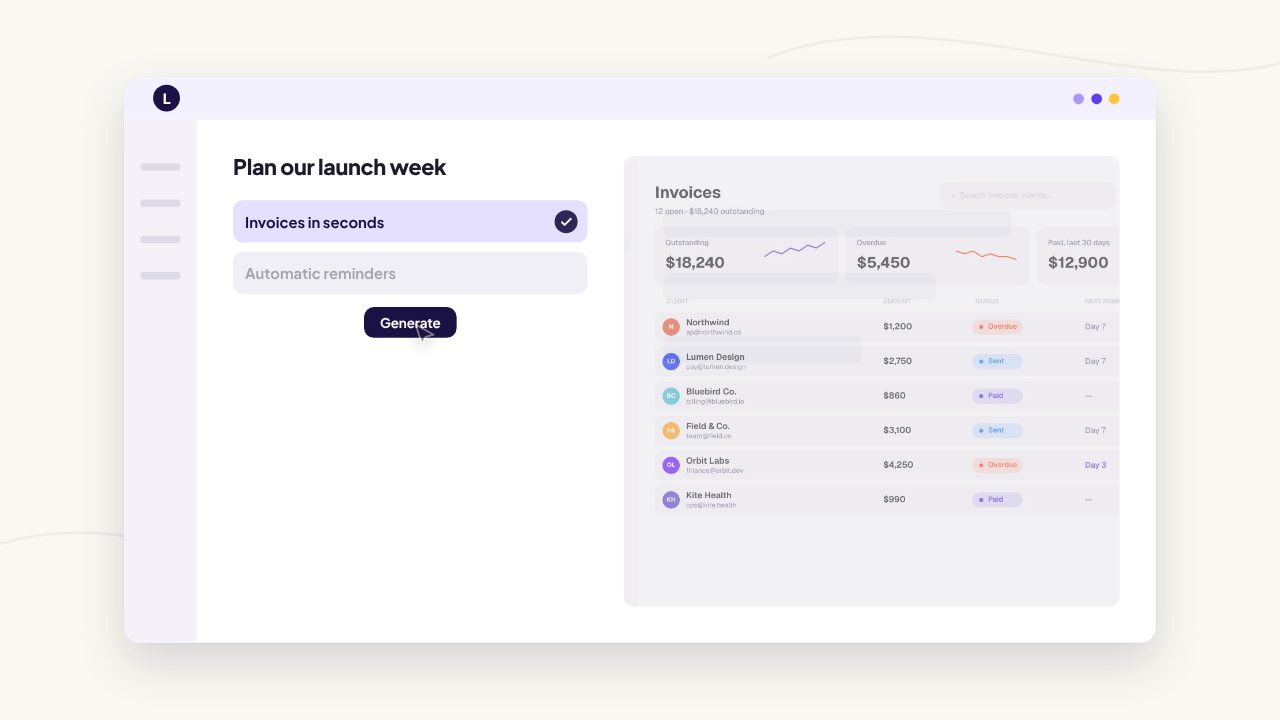
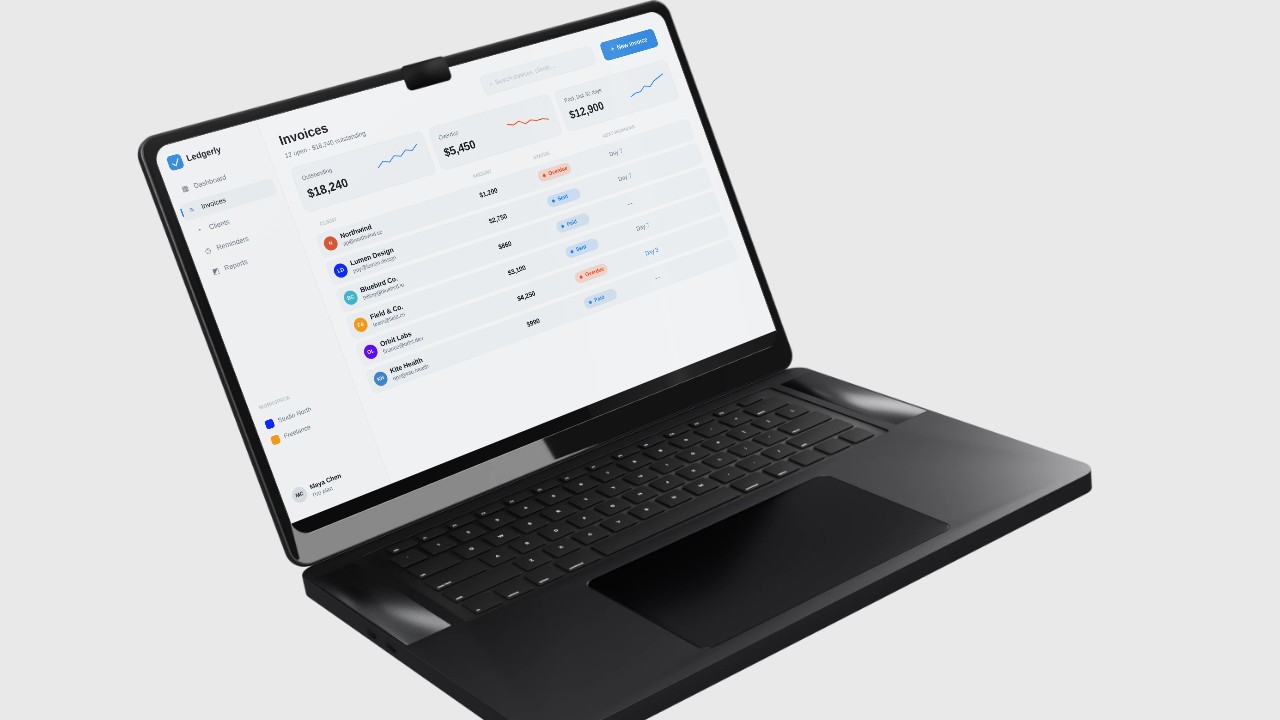
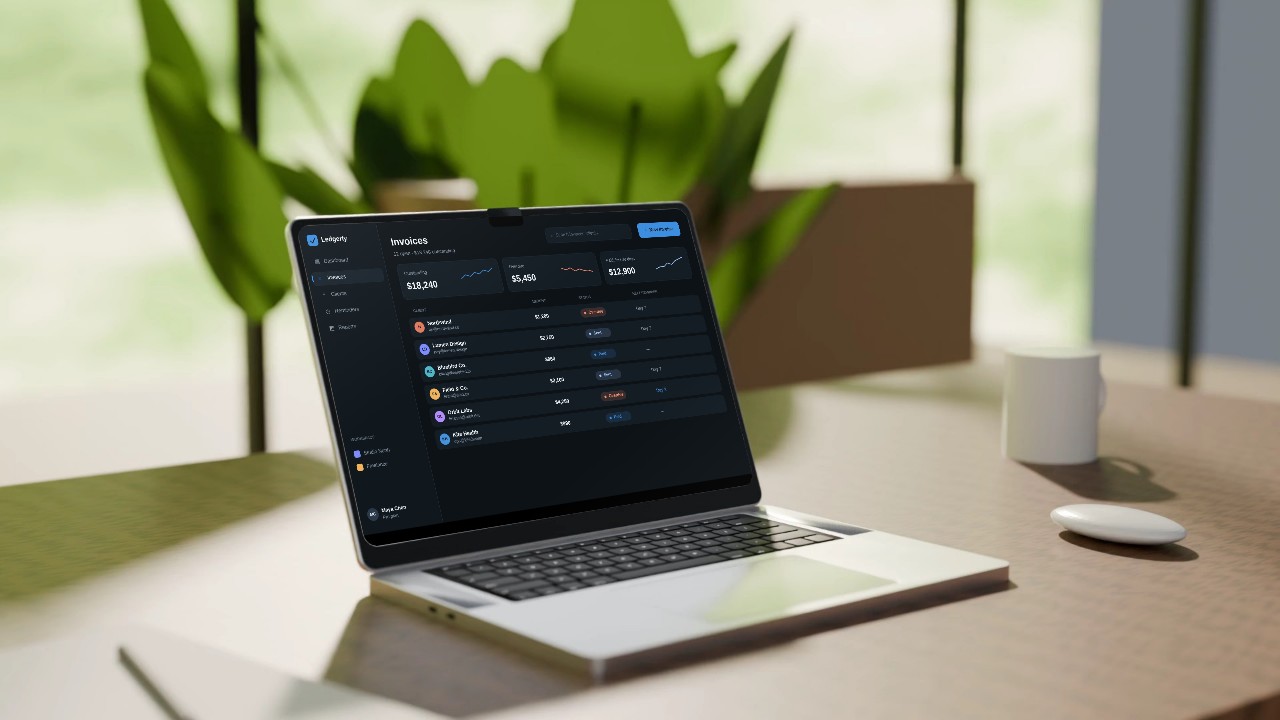
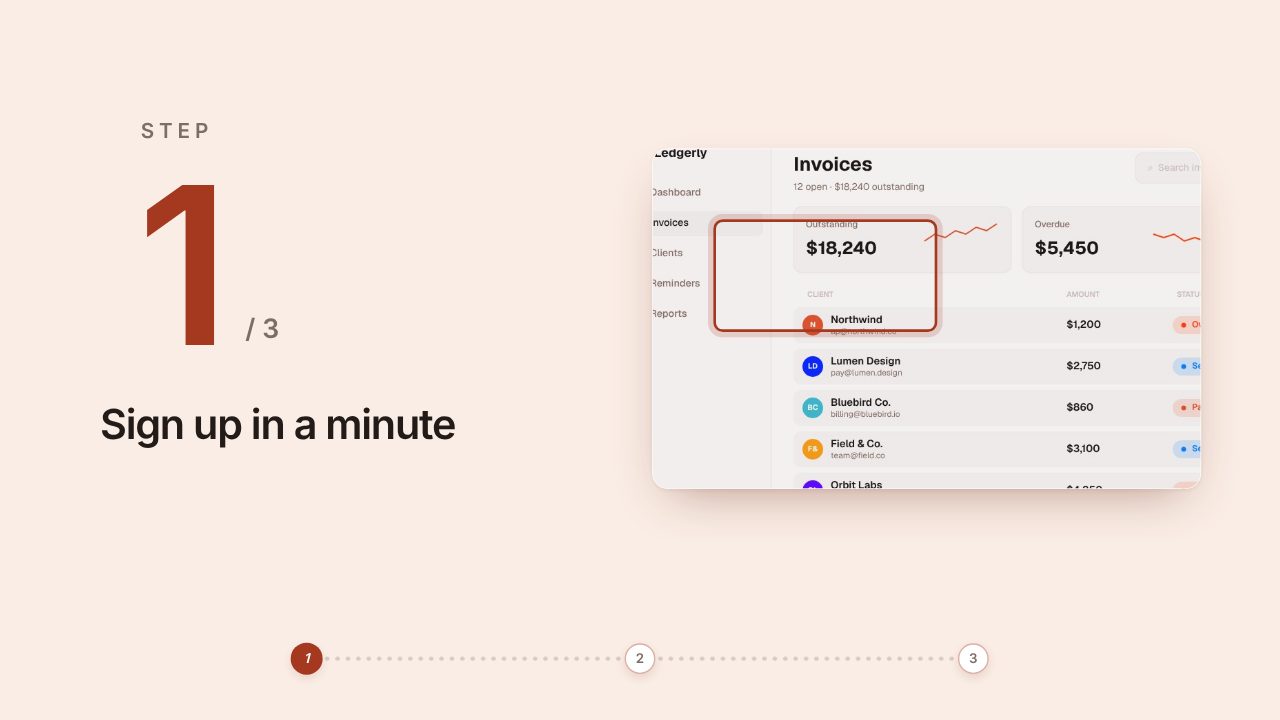
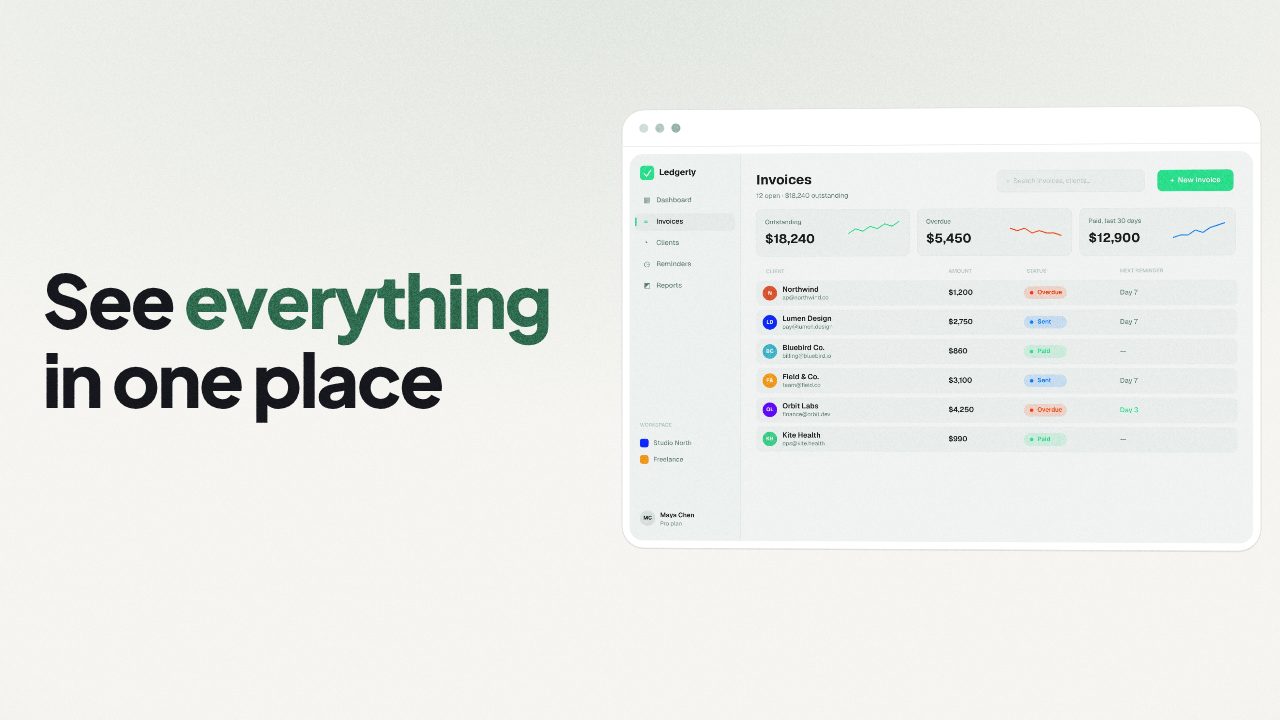
What a short SaaS demo needs to show
| Scene | What to show |
|---|---|
| The problem | One line your buyer would say out loud |
| Your product at work | The screen where the problem goes away |
| Feature one and two | One screen and one short line each |
| Call to action | Your address and a single next step |
Real screens, not an avatar
Many URL to video tools turn your page into a narrated slideshow or put an AI presenter in front of your copy. Filmagic makes a product trailer instead: your interface on screen, your colours and fonts, short lines and a cut timed to music. People see the software, not a stand-in.
Getting the logged-in product on screen
Your website shows the outside of your product. The inside lives behind a login, which no URL tool can read. Add:
- Two to four screenshots of the screens that matter most.
- Or a short screen recording. Filmagic trims it to its most active moments and places it in the scenes.
Where a SaaS demo video goes
- Product Hunt gallery and launch posts
- Your homepage hero and pricing page
- LinkedIn and X posts
- Sales emails and onboarding
Related: SaaS launch video guide, URL to video vs screen recording and URL to video.
Frequently asked questions
How long should a SaaS demo video be?
30 to 45 seconds for a launch or homepage. Longer walkthroughs belong in your docs or a sales call.
Can I add a voiceover?
Yes, you can add one. Most viewers on social feeds watch muted, so the on-screen lines should work without it.
Can I make it for one feature instead of the whole product?
Yes. Paste the feature's page or changelog entry, add screens of that feature, and the video stays on it. See feature announcement video.