Feature announcement video
Announce every feature with a short video
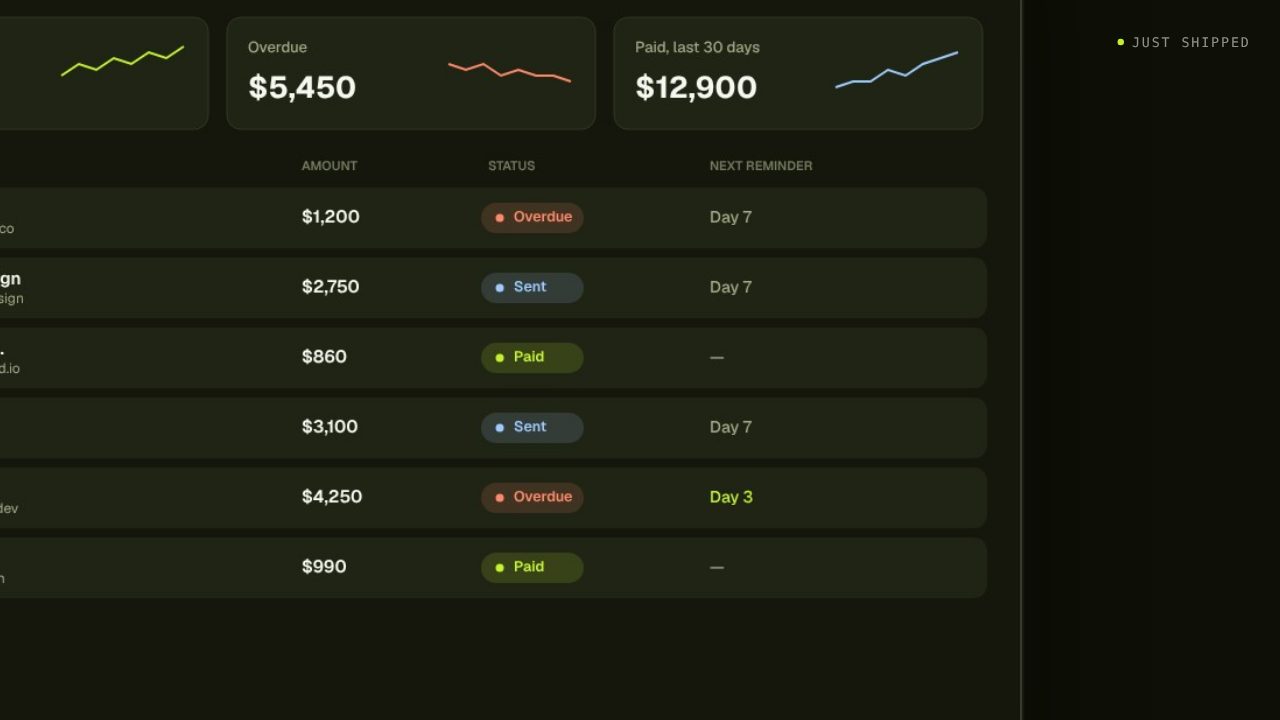
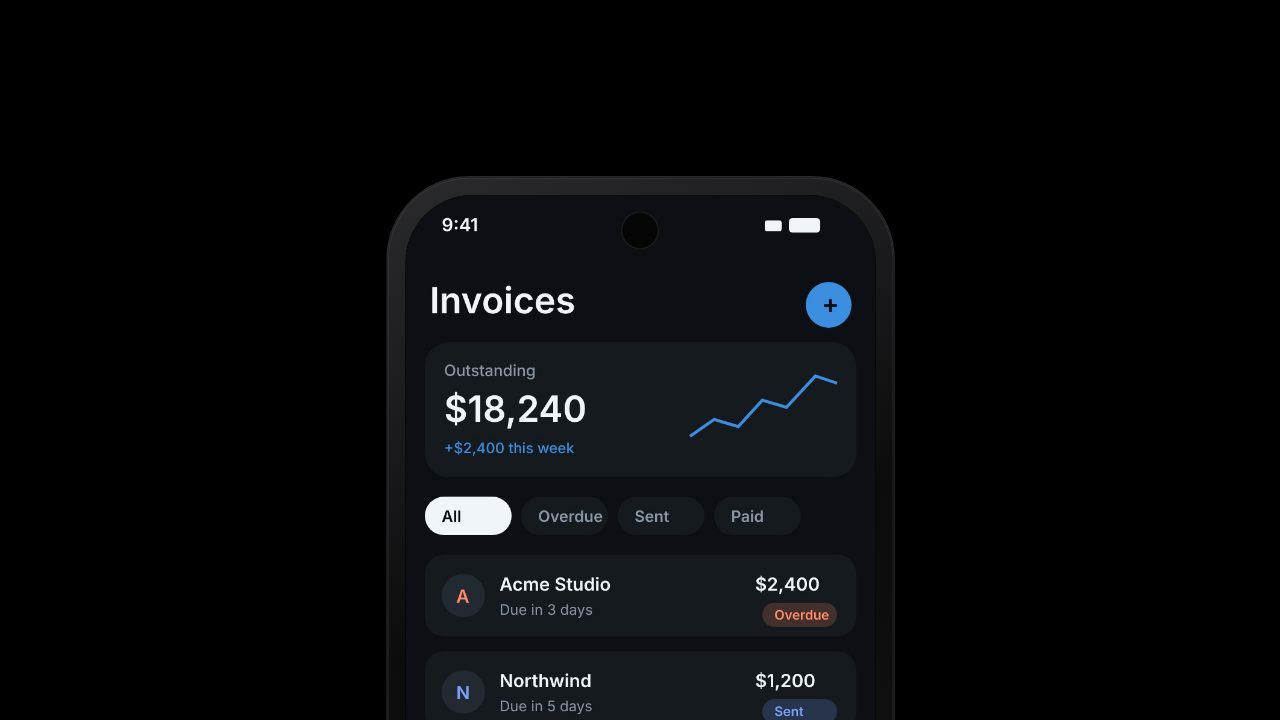
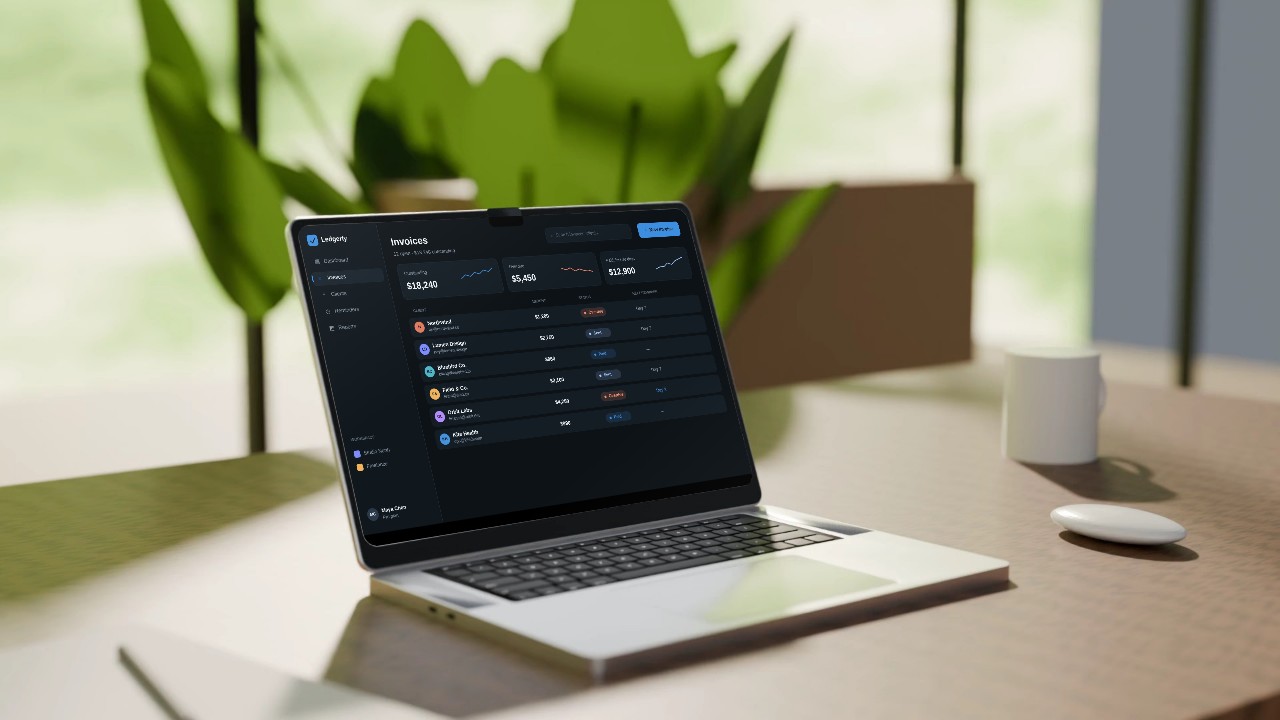
A new feature deserves more than a line in the changelog. Paste your product URL, add a screenshot of what shipped, and Filmagic cuts a short product update video for X, LinkedIn and your release notes.
Free to preview, no account needed. Free exports have no watermark.
Templates that fit
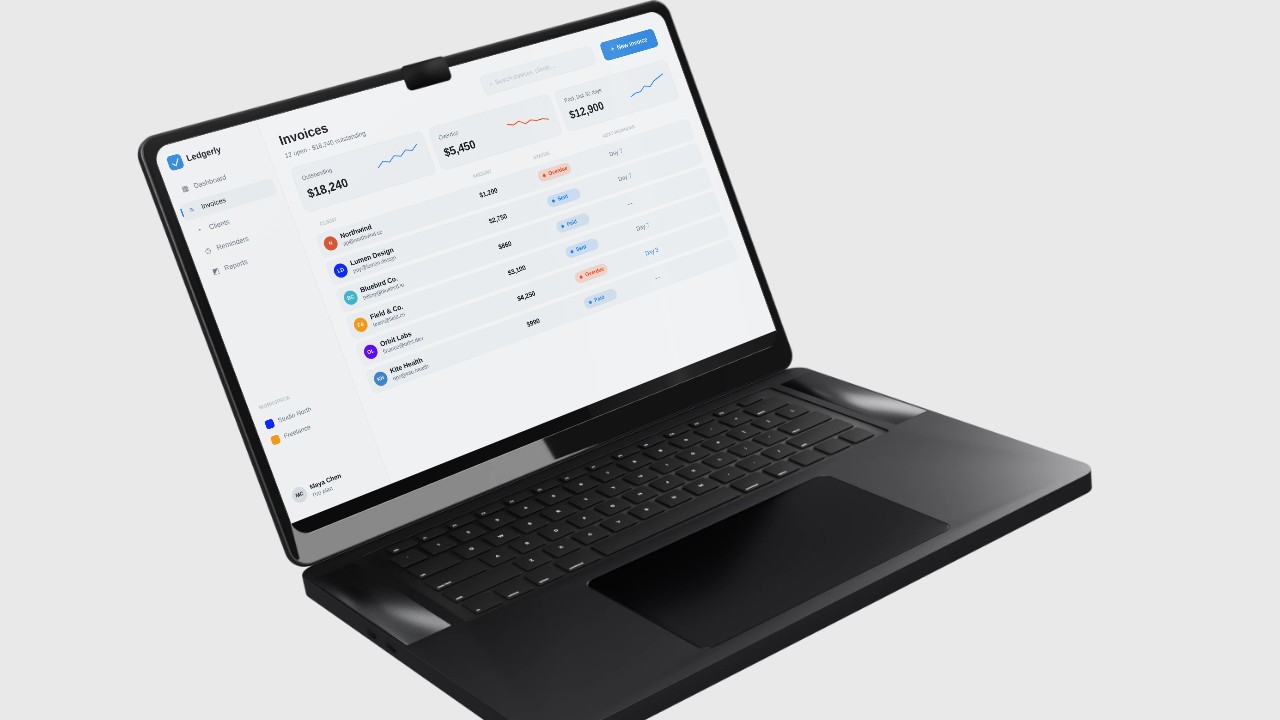

What makes a good feature announcement video
- One feature, one video. A roundup of six changes reads like a changelog. Cut one video per headline feature and list the rest in the post.
- Show the before and after. The old way, then the new way, makes the change obvious without narration.
- Name the benefit, not the setting. "Export in one click" beats "New export modal".
- End on where to find it. "Live now in Settings" or "Out today for all plans".
Length and size by channel
| Channel | Length | Shape |
|---|---|---|
| X | 15 to 30 seconds | 16:9 or 1:1 |
| 20 to 45 seconds | 1:1 or 16:9 | |
| Instagram Reels, TikTok, Shorts | 15 to 30 seconds | 9:16 |
| Changelog or release notes page | 10 to 20 second loop | 16:9 |
| A GIF or poster image linking to the video | 16:9 |
Filmagic exports 16:9, 9:16 and 1:1 from one edit, so one cut covers every row.
How to make it in Filmagic
- Paste your product URL. Filmagic picks up your name, brand colour, fonts and logo.
- Add what shipped. A screenshot or a short screen recording of the new feature. Filmagic builds the scenes around it.
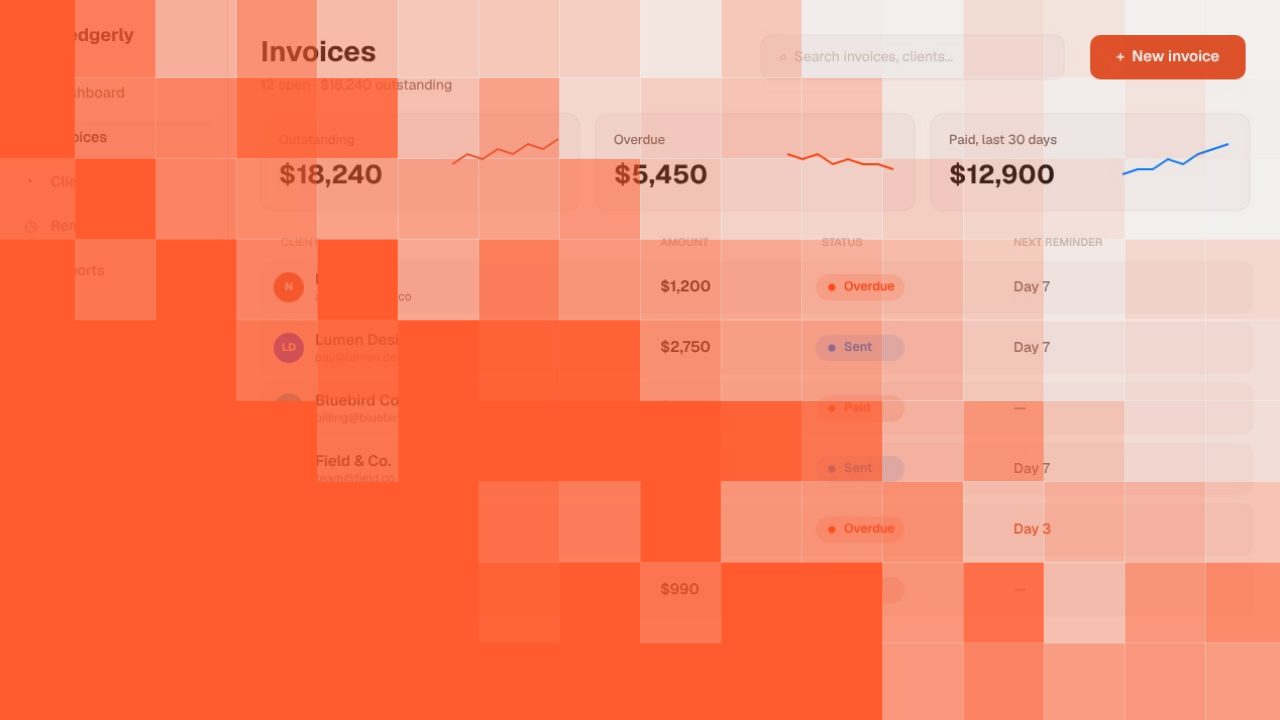
- Pick a style. Drop is made for feature drops and changelogs. X Style suits a post on X. Beam works for a bigger launch.
- Rewrite the lines. Keep each one short: the problem, the feature, the result, where to find it.
- Export for each channel and post it with the release.
Make it a habit
Teams that ship every week get the most from short update videos. Keep one project per product in Filmagic, swap the screenshot and the lines for each release, and the brand, music and pacing stay the same. A consistent series is easier to recognise in a feed than a new look every time.
Frequently asked questions
How long should a feature announcement video be?
15 to 30 seconds for X, Reels and TikTok, and up to 45 seconds for LinkedIn. One feature per video keeps it short.
What's the difference between a feature announcement video and a launch video?
A launch video introduces the whole product. A feature announcement shows one new thing to people who may already know the product, so it can skip the setup and open on the feature.
Do I need a screen recording?
No. A couple of screenshots work, and Filmagic animates them. A short screen recording helps when the feature is about motion, like a drag and drop or a live update.
Can I make a changelog video every week?
Yes. Keep the same project, swap the screenshot and the lines, and export. Your brand, music and pacing stay consistent across releases.
Is it free?
Building and previewing is free, no account needed. A free account exports the free templates at 720p with no watermark a few times a month, and plans start at $12 a month for 150 credits.