On this page
There is no single best launch video tool. The right one depends on what your video needs to show: a polished screen recording, a custom motion piece, a 3D device reveal, or a finished trailer made from your product. This roundup covers the tools founders actually use, what each is good at, and where it falls short.
At a glance
| Tool | Best for | Platform | Starting price |
|---|---|---|---|
| Filmagic | A launch trailer from your product link | Web | Free tier, paid from $12/mo |
| Screen Studio | Polished screen recordings | Mac | About $9/mo billed yearly |
| Jitter | Custom motion design | Web | Free plan, Pro about $18/mo |
| Rotato | 3D device mockups | Mac and web beta | One-time from $79 |
| Canva | All-round design with video | Web, desktop, mobile | Free plan, Pro about $15 to $18/mo |
| CapCut | Free hands-on video editing | Desktop, mobile, web | Free, with a paid Pro tier |
| Arcade | Interactive, clickable demos | Web | Free plan, paid tiers |
Prices change often. They are shown as published at the time of writing, so check each tool's pricing page before you buy.
1. Filmagic
Best for: founders who want a finished launch video quickly, without editing from scratch.
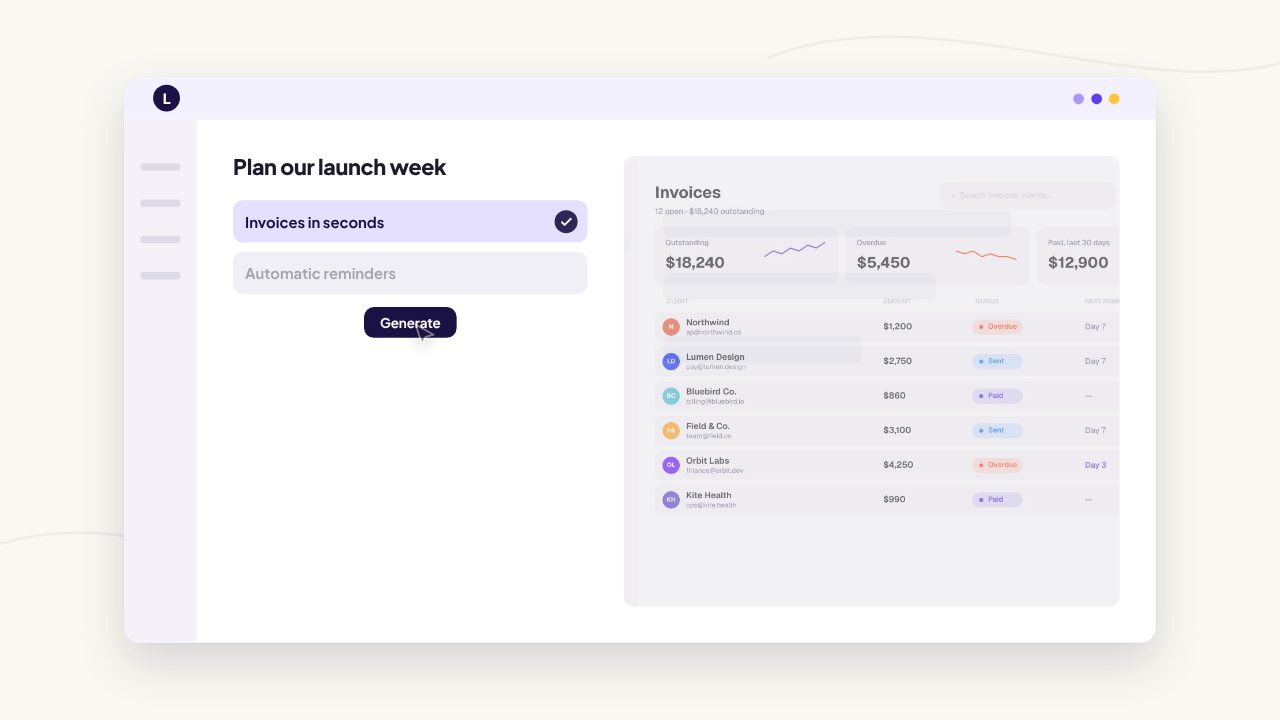
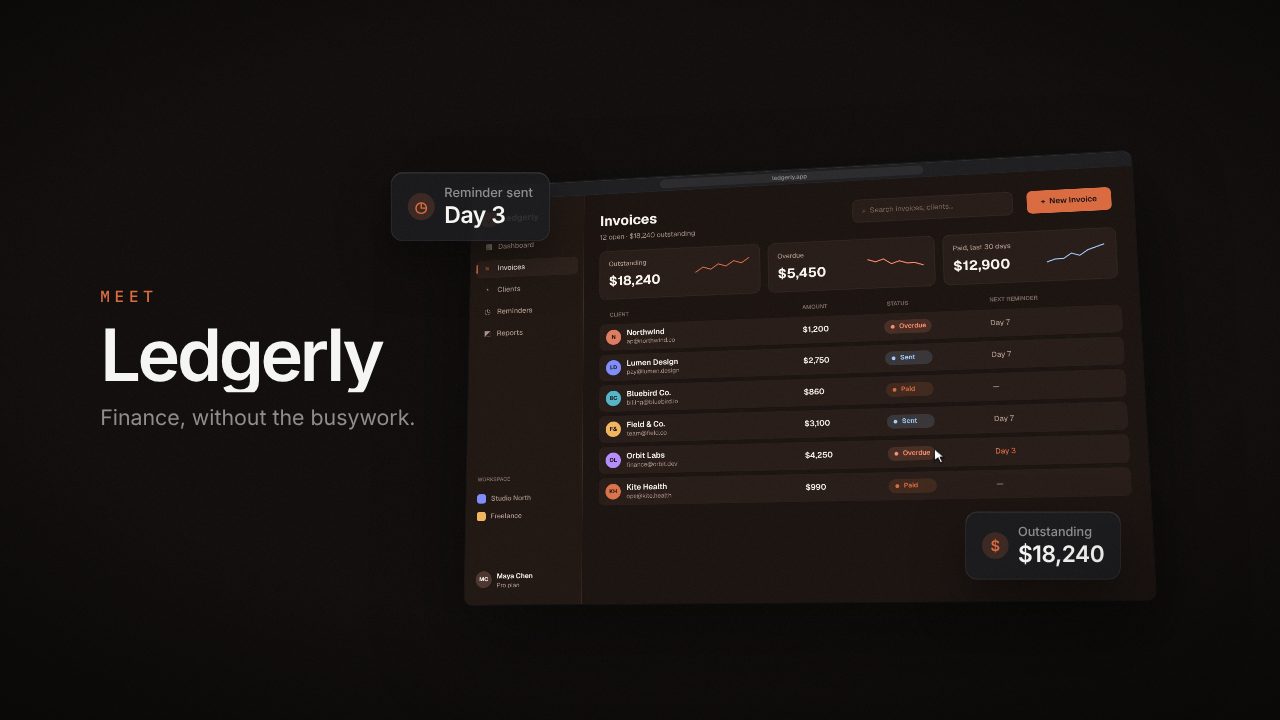
Paste your product link and Filmagic reads your site, writes the scenes, picks up your brand colours, fonts and logo, places your screenshots or screen recording, and cuts the film to music. You then edit any scene, reorder the timeline, add a voiceover and export 16:9, 9:16 and 1:1 versions. There are 50+ launch video templates, with new ones every week.
- Strengths: fastest route from nothing to a finished trailer; brand matching; every platform format from one cut.
- Limits: template-based, so it is not the tool for character animation or filmed footage.
- Price: free tier with the free templates at 720p; paid plans from $12 a month.
2. Screen Studio
Best for: beautiful screen recordings on a Mac.
Screen Studio records your screen and polishes it automatically, with smooth cursor movement, automatic zooms on clicks and motion blur. It is a favourite for product walkthroughs and feature demos.
- Strengths: the best-looking screen recordings with almost no editing.
- Limits: Mac only; it records what is on your screen, so the story, titles and pacing are still up to you.
- Price: about $29 a month, or about $108 a year.
3. Jitter
Best for: designers who want full control over custom motion.
Jitter is a web-based motion design tool with a Figma plugin. You animate your own layers on a timeline with keyframes and easing, then export to MP4, GIF or Lottie.
- Strengths: precise, custom animation without After Effects; great for UI motion.
- Limits: you design every frame, so it takes time and some design skill.
- Price: free plan; Pro about $18 a month, cheaper billed yearly.
4. Rotato
Best for: 3D device mockups and cinematic hardware reveals.
Rotato puts your screens on realistic 3D phones, laptops and tablets with camera moves and lighting. It works well as one shot inside a bigger launch video.
- Strengths: high-quality 3D device animation.
- Limits: focused on device shots rather than a full story; the paid app is Mac only, with a web version in beta.
- Price: one-time payment from $79, with a free web beta.
5. Canva
Best for: teams who already design everything in Canva.
Canva's video editor comes with a huge template and stock library. You write the script, place your screenshots and time the scenes yourself. See our full Filmagic vs Canva comparison.
- Strengths: one tool for video, social graphics and decks; very beginner friendly.
- Limits: you build the launch video by hand from a general template.
- Price: free plan; Pro roughly $15 to $18 a month depending on region.
6. CapCut
Best for: free, hands-on editing of footage you already have.
CapCut is a capable free editor with effects, captions and transitions, popular for short-form social video.
- Strengths: free, powerful and quick for vertical video.
- Limits: a general editor, so you assemble the launch story yourself.
- Price: free, with a paid Pro tier for extra features.
7. Arcade
Best for: interactive demos people click through.
Arcade turns a product walkthrough into an embeddable, clickable demo. It complements a launch video rather than replacing it: the video earns attention and the demo lets people try the flow.
- Strengths: interactive demos for your site and docs.
- Limits: not a trailer tool; best paired with a launch video.
- Price: free plan with paid tiers.
How to choose
- You want a finished trailer today: Filmagic.
- The video is mostly a screen recording: Screen Studio, then add titles in your editor or in Filmagic.
- You are a designer who wants custom motion: Jitter.
- You need a 3D device hero shot: Rotato.
- You edit everything yourself and want it free: CapCut or Canva.
- You want people to click through the product: Arcade, alongside a video.
Planning for next year? See the best launch video makers for 2027 and what's changing.
Many teams combine tools: a Screen Studio recording or Rotato shot dropped into a Filmagic cut, or a Filmagic trailer on Product Hunt with an Arcade demo on the landing page.
Frequently asked questions
What is the best tool to make a product launch video?
It depends on the video. For a finished launch trailer made from your product link, Filmagic. For polished screen recordings on a Mac, Screen Studio. For custom motion design, Jitter.
Is there a free launch video maker?
Yes. Filmagic has a free tier that exports its free templates at 720p, and CapCut, Canva and Jitter all have free plans.
Can AI make a launch video for me?
Filmagic uses AI to read your product site and write the scenes, then builds the video in your brand. You review and edit it before exporting.
Which launch video maker works on Windows?
Filmagic, Jitter, Canva, CapCut and Arcade run in the browser or on Windows. Screen Studio is Mac only, and Rotato's paid app is Mac only with a web beta.
Try Filmagic
Try Filmagic free, or browse the launch video templates. Planning your first one? Read how to make a product launch video.
Pricing and features were checked against each tool's pricing page or published reviews in October 2026 and may have changed since.