On this page
Launch feeds are full of AI products right now, and most of their videos look the same: glowing orbs, a typing cursor, and a promise to "supercharge your workflow." Viewers have learned to scroll past that. An AI launch video stands out when it shows one real input and one real output, clearly, fast.
This guide is for teams launching an AI tool, an agent, a copilot or an AI feature inside an existing product.
Who this is for
- Founders launching an AI app, agent or API
- Product teams announcing an AI feature in an existing product
- Makers launching on Product Hunt or X, where AI launches compete hardest
Show the task, not the technology
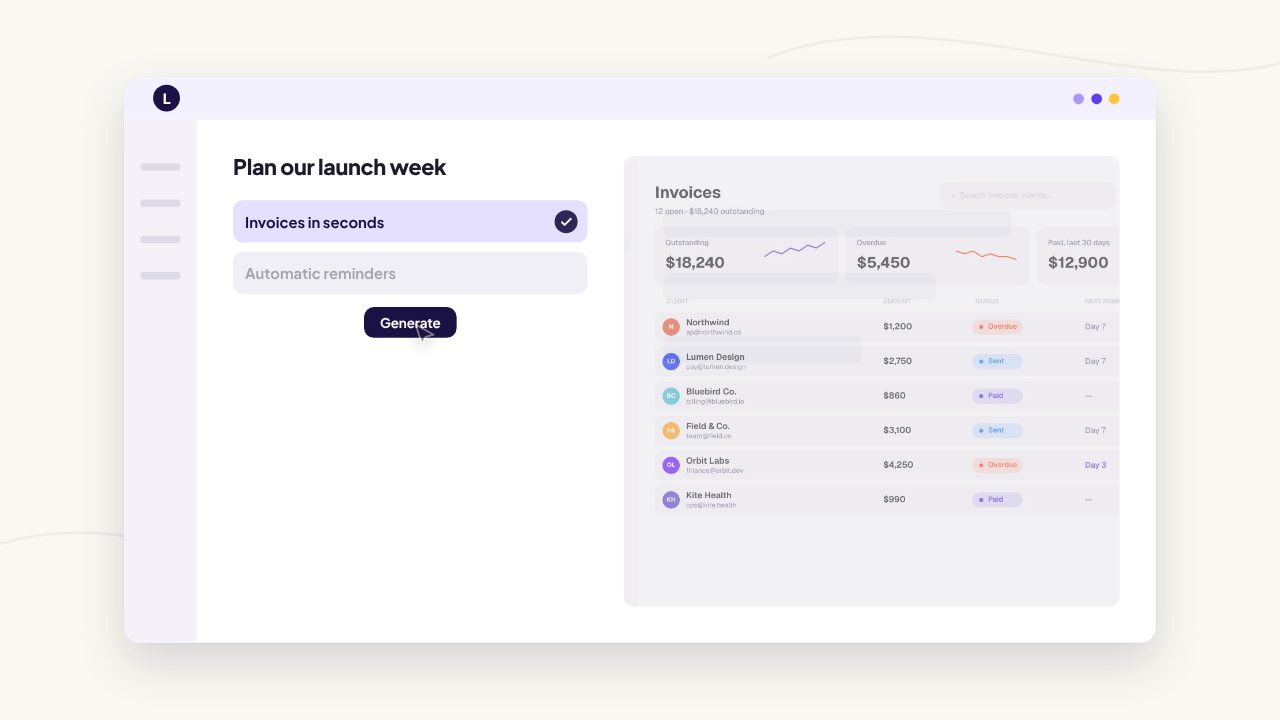
Viewers don't care which model you use. They care what job gets done. Pick one task your best users do every week and show it end to end:
- the input: a prompt, a file, a link or a messy draft
- the work: a quick, honest glimpse of the product thinking or working
- the output: the finished result, readable on screen
One clear before and after beats five quick demos.
A 40 second structure
- 0 to 4 s, the task. Name the job in plain words. "Turning a call recording into follow-up emails."
- 4 to 8 s, the product name. Logo, name and a one line description.
- 8 to 28 s, input to output. Show the prompt or upload, a short beat of the product working, then the result. Repeat once or twice with a different task.
- 28 to 35 s, the detail. One thing that makes yours different: it cites sources, it works in your tools, it keeps your data private. Only say it if it's true.
- 35 to 40 s, the call to action. Your URL and one action.
Make the prompt and result readable
- Shorten the prompt. Show a realistic but short prompt. Long prompts become a wall of text at phone size.
- Speed up the waiting, honestly. Trim the generation time, but don't fake results the product can't produce.
- Highlight the answer. Zoom or crop into the part of the output that matters, and write the benefit on screen.
Claims to avoid
AI viewers are skeptical, and AI search systems weigh trust too. Keep the copy specific and verifiable:
- Avoid "10x", "revolutionary" and "the only" unless you can prove it.
- Avoid invented numbers and anonymous testimonials.
- Prefer concrete facts: "drafts a reply in under a minute", "works with Gmail and Slack", "used by 300 beta testers", when they're true.
Skip the AI clichés
Glowing spheres, neural network graphics, purple gradients and floating chat bubbles have become a signal that the video says nothing specific. Use your real interface and real results instead. Your product is the most distinctive thing you can show.
Cut it for every channel
Export 16:9 for Product Hunt, YouTube and X, 9:16 for TikTok, Reels and Shorts, and 1:1 for LinkedIn. Keep the input and output near the centre of the frame so they survive every crop. More in our guide to launch video length by platform.
Make yours from your link
Filmagic builds AI launch videos from your product link. It uses your real screenshots, your brand colours and fonts, and avoids the generic AI look by design. Browse the launch video templates, including templates built around a prompt and a result, or start with the Product Hunt launch video guide.
Frequently asked questions
How do I make an AI demo video that isn't boring?
Show one concrete task end to end: the input, a short beat of the product working, and a readable result. Trim the waiting time and cut anything that doesn't move toward the result.
Should I show the actual prompt?
Yes, if it's short. A short, realistic prompt helps viewers picture using the product. Long prompts become unreadable on a phone.
How long should an AI product launch video be?
30 to 45 seconds works well. It leaves room for one or two input-to-output demos and a clear call to action.
What should I avoid in an AI launch video?
Abstract AI visuals, invented numbers, vague promises and results the product can't actually produce. Specific, verifiable claims build more trust.