On this page
On launch day, most people decide whether to upvote your product in a few seconds, from the gallery at the top of your page. A good launch video is often the fastest way to show what you made, because it moves while everything around it is still.
This guide covers what a Product Hunt launch video should do, how to set it up, and a structure you can copy.
What the video has to do
Visitors on Product Hunt are curious, busy and comparing you with everything else launching that day. Your video should answer three questions, in this order:
- What problem is this? One line they recognise.
- What does it look like? The real product, doing the job.
- Why now? What is new or different about your take.
That is it. Save the pricing, the team story and the roadmap for your maker comment.
How long should it be?
Aim for 30 to 60 seconds. Under 30 seconds can work for a simple product, but many teams find it hard to show the product doing its job in less time. Over a minute, people start to drift before the end.
If you are unsure, cut a 45 second version. It leaves room for a short walkthrough without feeling slow.
How to add a video to your launch
At the time of writing, Product Hunt takes launch videos as a YouTube link rather than a direct file upload. That means:
- Upload the final video to YouTube before launch day.
- Set it to public or unlisted. Private videos will not play for visitors.
- Paste the full YouTube URL into the gallery when you prepare your launch.
- Check the gallery order the night before. Put your strongest asset, usually the video or a clear hero image, where people see it first.
Product Hunt changes its launch flow from time to time, so check the current submission form when you schedule your launch.
Design it for silent autoplay
A lot of people browse with sound off. Your video should make sense completely muted:
- Put every key line on screen as text.
- Keep one line on screen at a time, large and high contrast.
- Show your product name in the first few seconds, not only at the end.
Then make the sound good for the people who turn it on. Music that matches the pace of the cuts goes a long way. A voiceover is a nice addition, but it should never be the only place the message lives.
A structure you can copy
Here is a 45 second outline that works for most software launches:
- 0 to 4 s, the hook. Name the pain plainly. "Writing release notes takes longer than shipping the feature."
- 4 to 7 s, the turn. "So we made it automatic."
- 7 to 10 s, the name. Logo and product name, with a one line description.
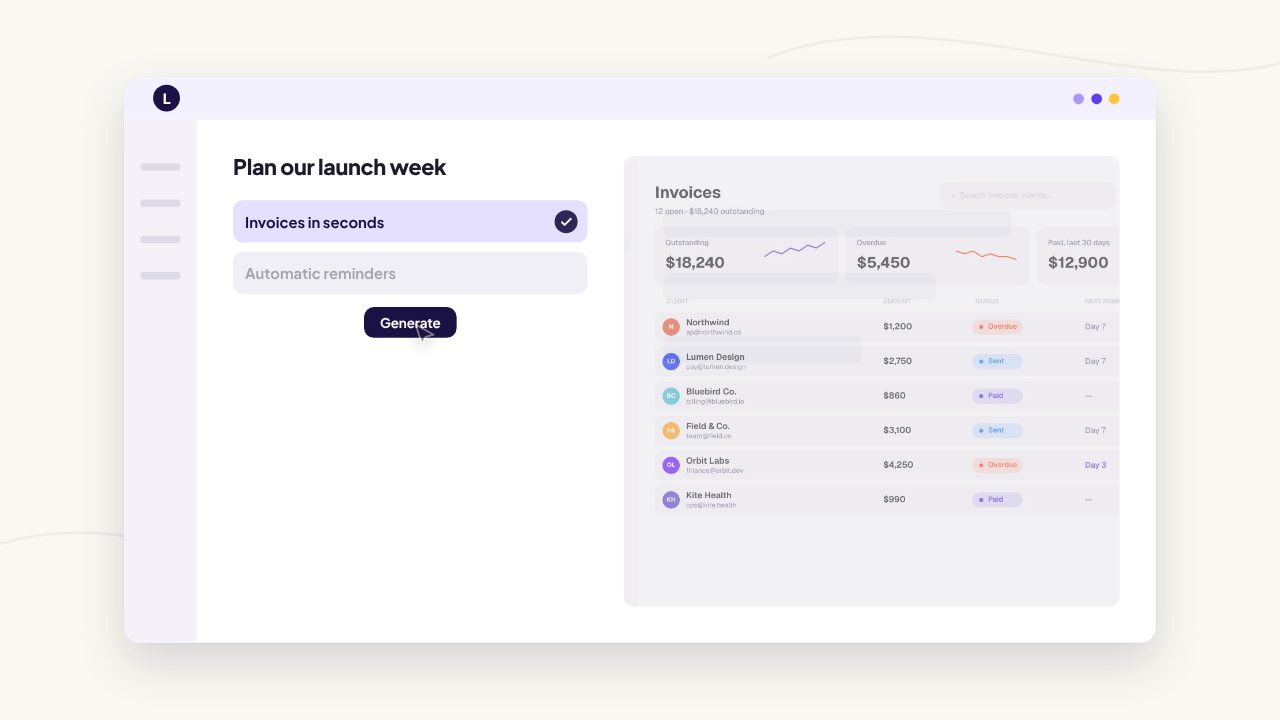
- 10 to 30 s, the product. Three short moments on your real interface, one benefit each. Show the input, the result, then one detail people will not expect.
- 30 to 38 s, the proof. A number, a quote from a beta user or a before and after.
- 38 to 45 s, the call to action. "Live on Product Hunt today" and your URL.
Mention Product Hunt in the last scene only if you plan to keep a separate version for your site. Otherwise end on your product name and URL so the video stays useful after launch day.
Make the thumbnail work
The frame people see before they press play matters as much as the video. On YouTube, upload a custom thumbnail that shows your product name and your strongest line. Avoid a blank or dark first frame. It looks like the video has not loaded.
Reuse it everywhere on launch day
The same film can carry your whole launch:
- a 16:9 version for Product Hunt, YouTube and X
- a 9:16 cut for TikTok, Reels and Shorts
- a square or 4:5 version for LinkedIn
Post the video natively on each platform rather than sharing a YouTube link. Native video tends to autoplay in the feed, which a link preview does not. See our guide to launch video length by platform for the details of each one.
Common mistakes
- Starting with the logo. Viewers do not know you yet. Start with their problem.
- Too much text. If a scene needs two sentences, it needs to be two scenes.
- Fake UI. Polished mockups that do not match the product make people suspicious when they sign up.
- No ending. Close on one clear action and your URL, held long enough to read.
Make yours from your link
Filmagic builds launch videos like this from your product link. It reads your site, writes the scenes, uses your screenshots, brand colours and logo, and cuts everything to music. Then you edit any scene and export 16:9, 9:16 and 1:1 versions in one go.
Try Filmagic free, or browse the launch video templates to find a look for your launch. New to this? Start with how to make a product launch video.
Frequently asked questions
Can I upload an MP4 to Product Hunt?
At the time of writing, launch videos are added as a YouTube link rather than a file upload. Upload your video to YouTube as public or unlisted, then paste the link into your gallery.
How long should a Product Hunt video be?
Aim for 30 to 60 seconds. That is long enough to show the product doing its job and short enough that people finish it before deciding whether to upvote.
Does a launch video help on Product Hunt?
A clear video helps visitors understand your product quickly, which is what earns upvotes and sign-ups. It works best when the product is on screen within the first few seconds.
Should the video mention Product Hunt?
Only if you keep a separate version for your website. Otherwise end on your product name and URL, so the same video keeps working after launch day.