App Store preview video
Make your App Store preview and launch promo in one go
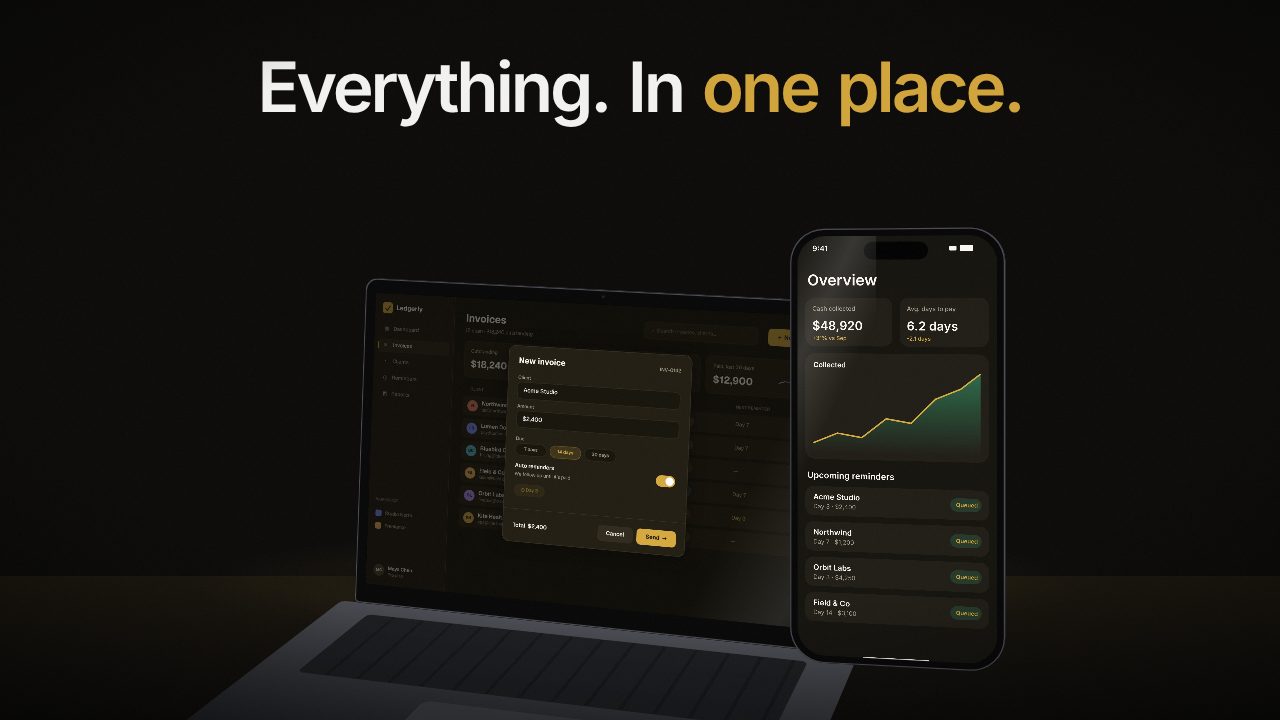
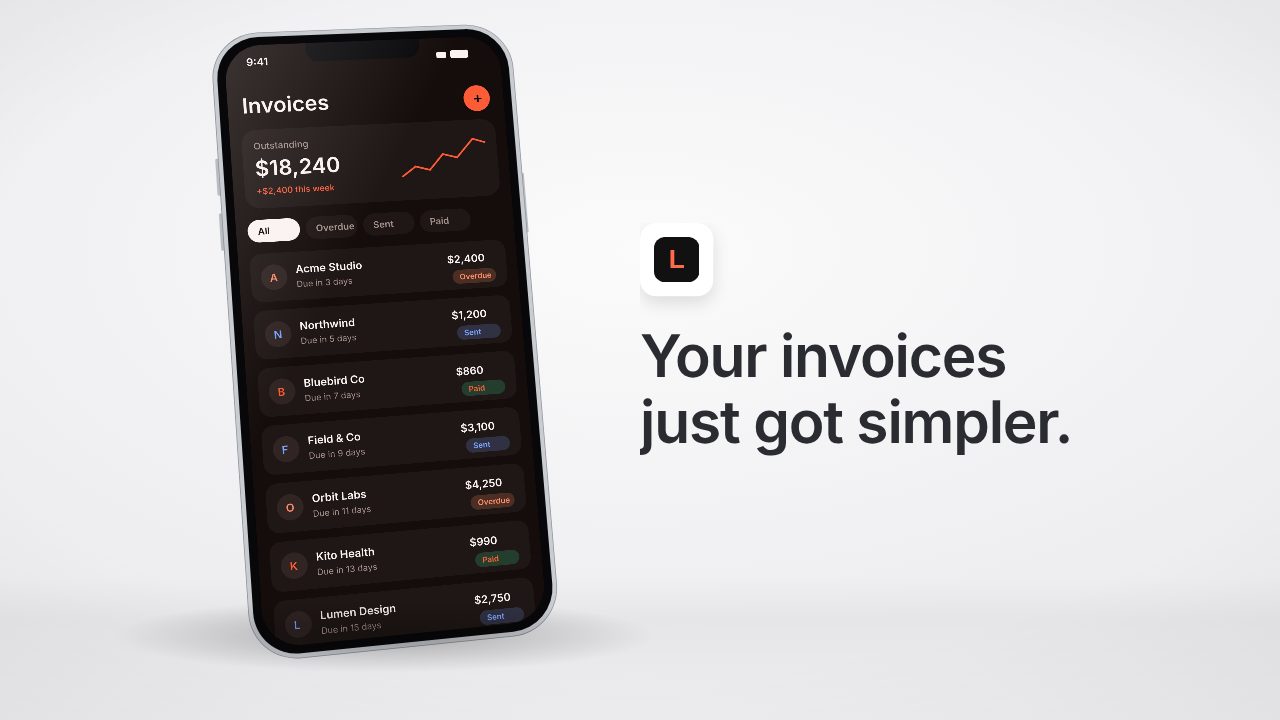
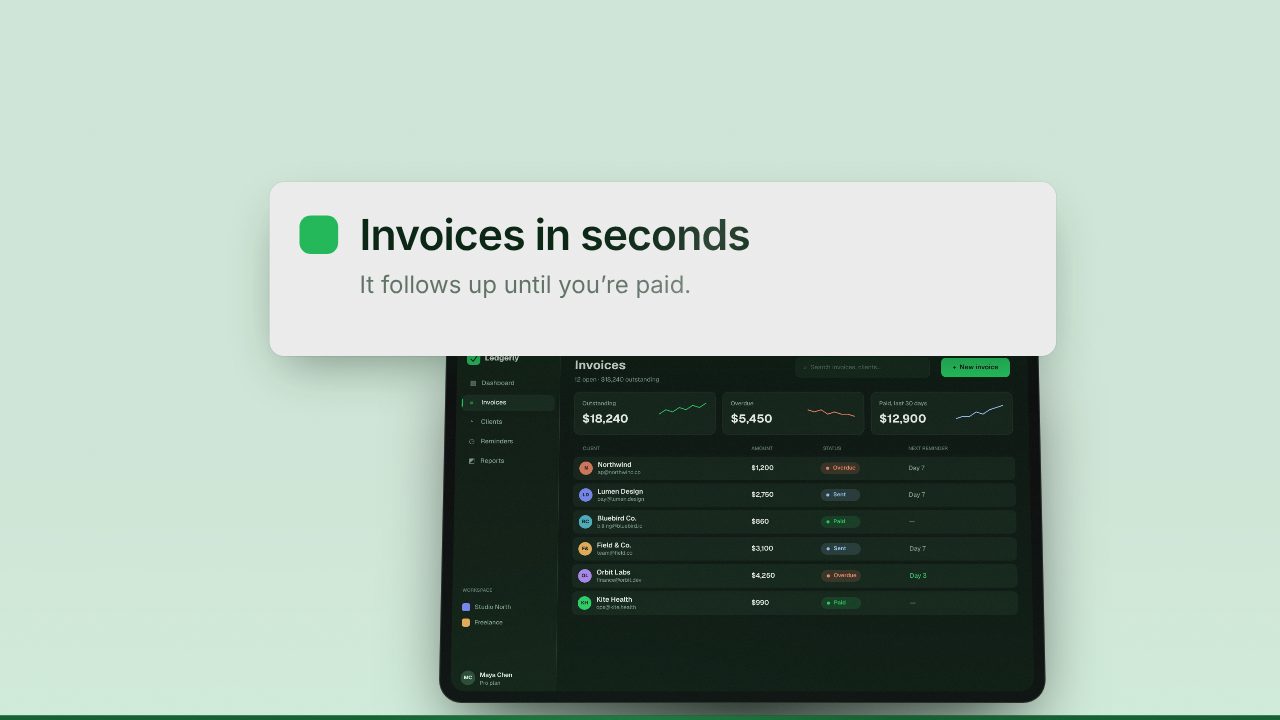
Apple wants a 15 to 30 second preview at an exact size. Socials want a punchier promo in 9:16 and 1:1. Build both from your app's screens in Filmagic, then export the size each place needs.
Free to preview, no account needed.
Templates that fit

App preview specs at a glance
| Rule | What Apple expects |
|---|---|
| Length | 15 to 30 seconds. Shorter or longer is refused at upload |
| Format | H.264 or ProRes 422 (HQ only), in .mov, .m4v or .mp4 |
| Frame rate | 30 fps. A 60 fps file is often refused |
| File size | Up to 500 MB |
| How many | Up to 3 previews per device size, per language |
| Audio | Optional. Previews autoplay muted, so captions matter more |
| Fit | Fill the frame. Black bars or a stretched picture can fail review |
App preview sizes by device
Each device slot takes one exact size. A close aspect ratio is not enough.
| Device slot | Portrait | Landscape |
|---|---|---|
| iPhone 6.1 to 6.9 inch | 886 × 1920 | 1920 × 886 |
| iPhone 5.5 inch | 1080 × 1920 | 1920 × 1080 |
| iPhone 4.7 inch | 750 × 1334 | 1334 × 750 |
| iPad 11 to 13 inch | 1200 × 1600 | 1600 × 1200 |
| iPad 9.7 inch | 900 × 1200 | 1200 × 900 |
| Mac | n/a | 1920 × 1080 |
| Apple TV | n/a | 1920 × 1080 |
| Apple Vision Pro | n/a | 3840 × 2160 |
Apple updates these from time to time, so check App Store Connect's app preview specifications before you upload.
What Apple will and won't accept
App previews are meant to show the app as people will use it. Review usually accepts:
- Screen captures of your app, cut together
- Text overlays and captions that explain what's on screen
- Music, narration and sound effects
And usually rejects:
- People, hands or devices filmed around the app
- Footage of other apps, or features your app doesn't have
So keep the App Store preview close to the screen, and save the device mockups, big type and brand moments for your launch promo on X, Instagram and TikTok.
How to make both in Filmagic
- Add your screens. Paste your app's website, then add a short screen recording or a few screenshots of the app.
- Pick a screen-first style for the preview. Device Showcase, App Promo and Slate keep your app's UI as the hero. Pick a bolder one like Pocket or X Style for the promo.
- Set the length to 15, 20 or 30 seconds so the preview lands inside Apple's limit.
- Export 9:16 for iPhone and 16:9 for Mac, at 30 fps. The 9:16 export is 1080 × 1920, the exact iPhone 5.5 inch size. The 16:9 export is 1920 × 1080, the exact Mac and Apple TV size.
- Crop for the other slots. Keep key text inside the middle of the frame, then crop the 9:16 export to 886 × 1920 for the iPhone 6.1 to 6.9 inch slot, or scale and crop it to 1200 × 1600 for iPad. Our free App Store preview resizer makes every size in your browser, or use ffmpeg.
For ffmpeg, the iPhone 6.9 inch crop is:
ffmpeg -i preview-9x16.mp4 -vf "crop=886:1920" -r 30 -c:v libx264 -pix_fmt yuv420p -c:a aac preview-886x1920.mp4Make the first 3 seconds count
The preview autoplays muted in search results and on your product page, right next to your screenshots. Most people decide in the first few seconds:
- Open on the one thing your app does best, not a logo or a splash screen
- Put a short caption on every scene, since most people watch without sound
- Pick a poster frame that reads on its own, because it shows when autoplay is off
Frequently asked questions
How long can an App Store preview video be?
Between 15 and 30 seconds. App Store Connect refuses a file outside that range at upload.
What size is an App Store preview video?
It depends on the device slot. The iPhone 6.1 to 6.9 inch slot takes 886 × 1920 in portrait, the iPhone 5.5 inch slot 1080 × 1920, iPad 11 to 13 inch 1200 × 1600, and Mac and Apple TV 1920 × 1080.
Can I use the same video for the App Store and social media?
You can start from the same edit, but they need different cuts. The App Store preview should be mostly real app footage within 15 to 30 seconds at an exact size. A social promo can be bolder, use device mockups and run in 9:16 or 1:1.
Do I need sound in my app preview?
No. Previews autoplay muted, so captions carry the message. Music helps the people who turn the sound on.
Can Filmagic export at 886 × 1920?
Filmagic exports 9:16 at 1080 × 1920 and 16:9 at 1920 × 1080, which match the iPhone 5.5 inch, Mac and Apple TV slots exactly. For the iPhone 6.1 to 6.9 inch slot and iPad, run the export through the free App Store preview resizer, or crop it with ffmpeg as shown above.