Launch template
Release Style
Release and version launches for developer and AI tools.
- Length
- 15s, 20s, 30s
- Formats
- 16:9, 9:16 and 1:1
Motion
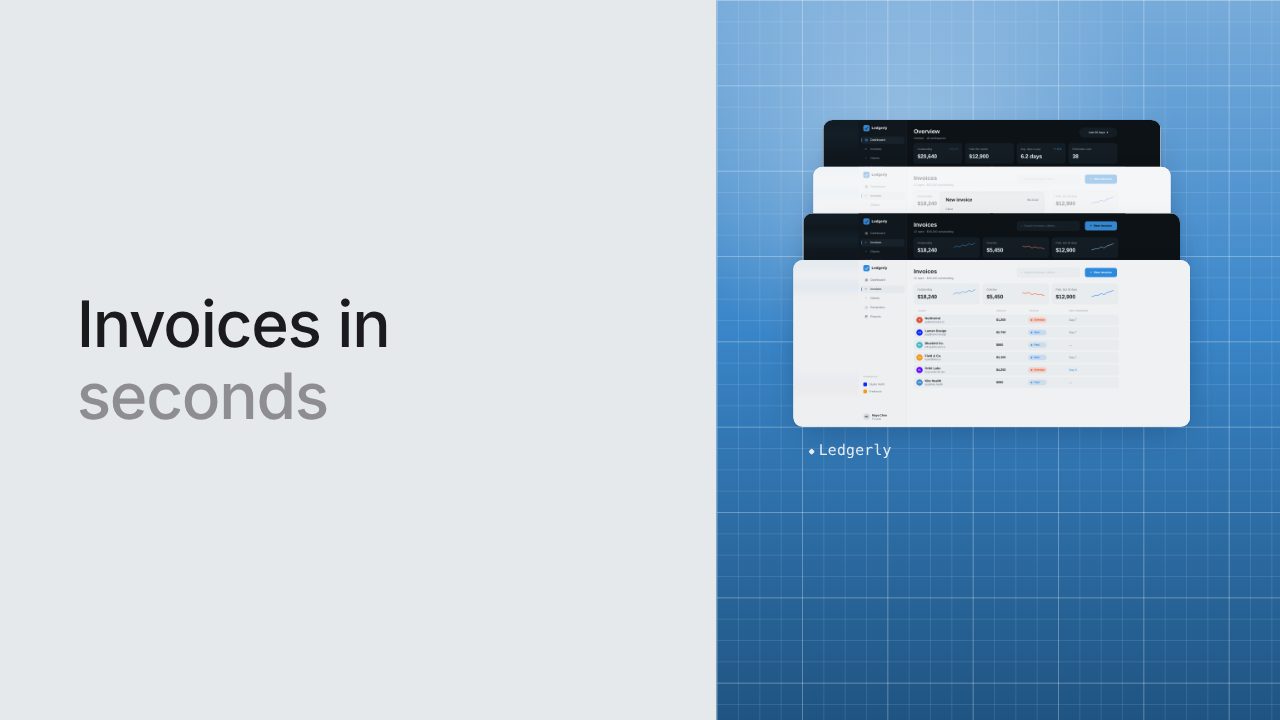
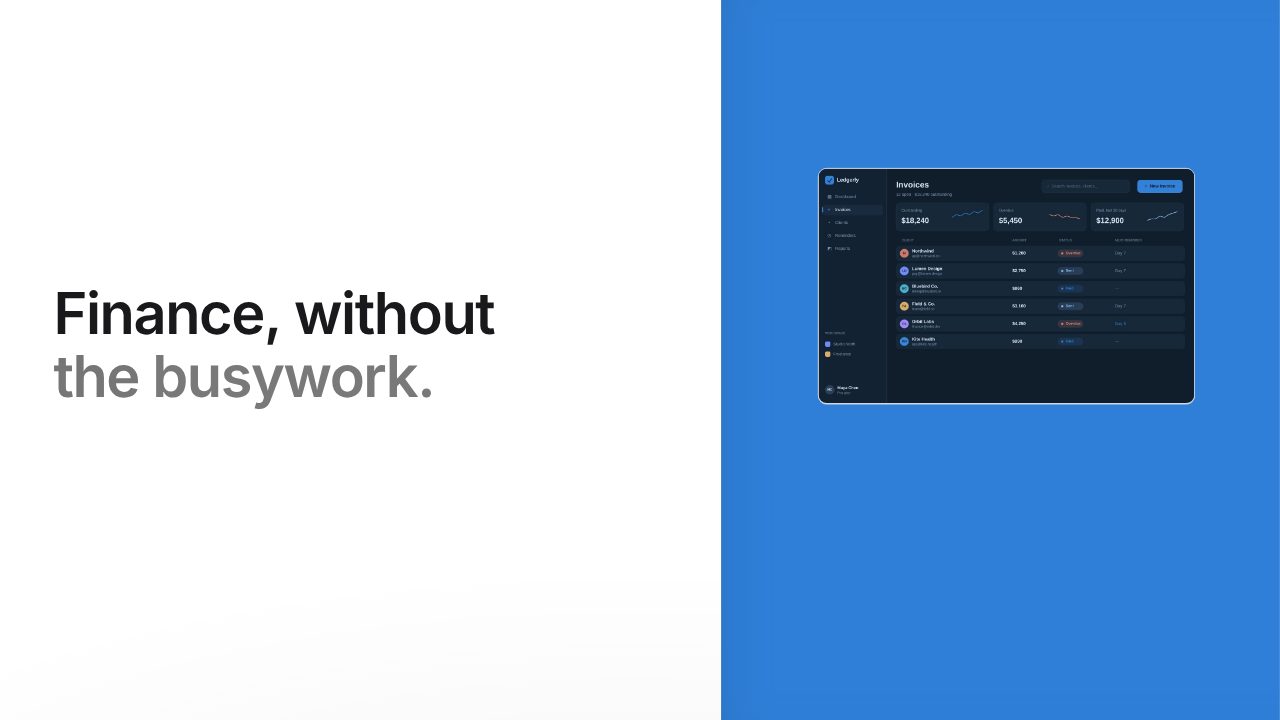
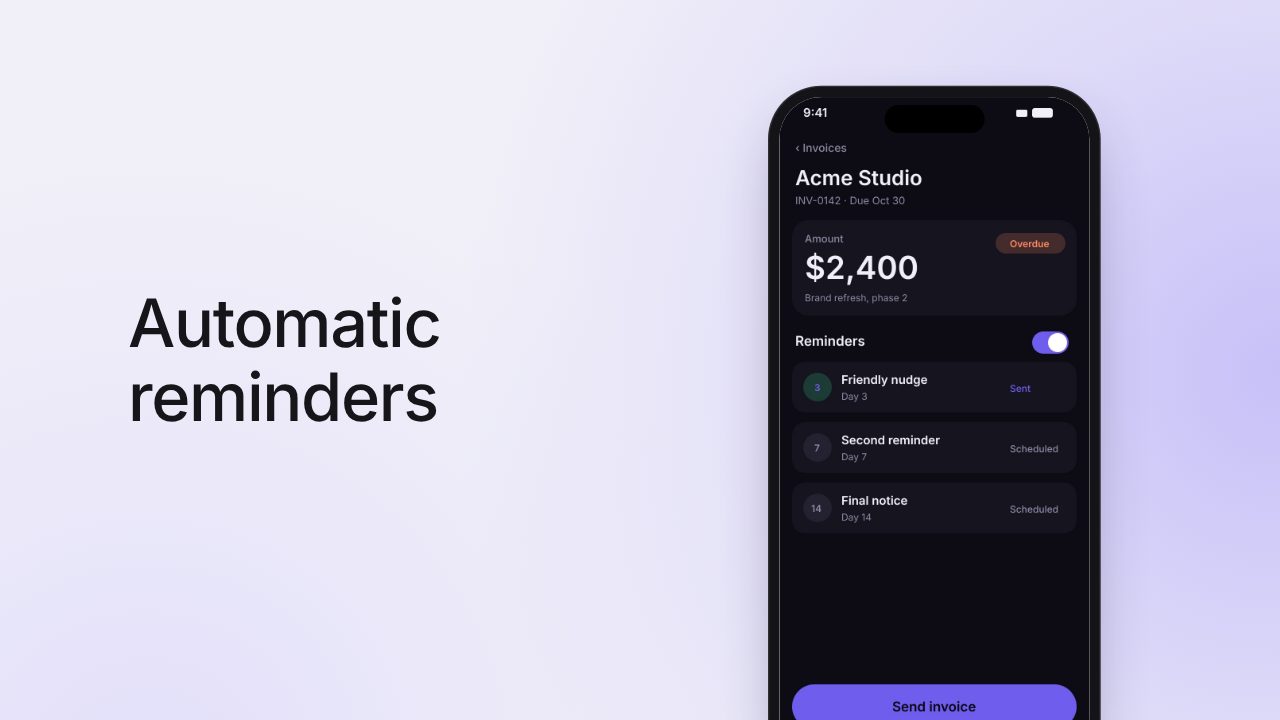
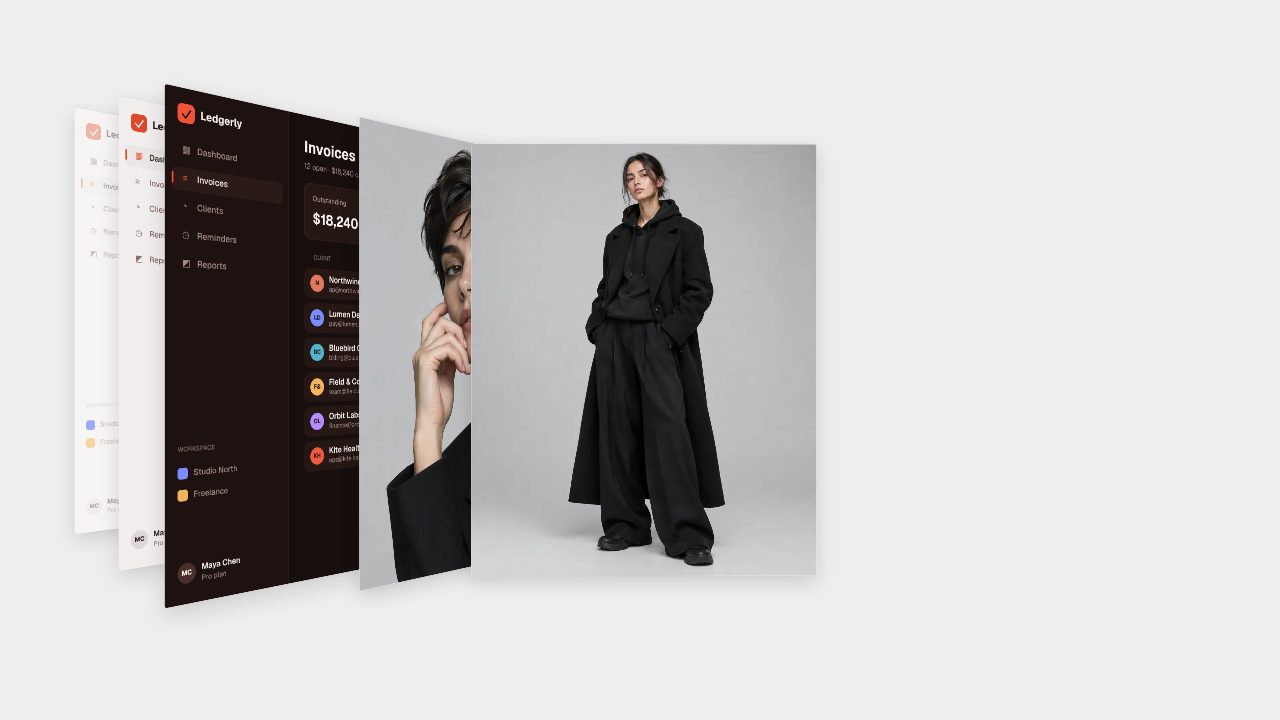
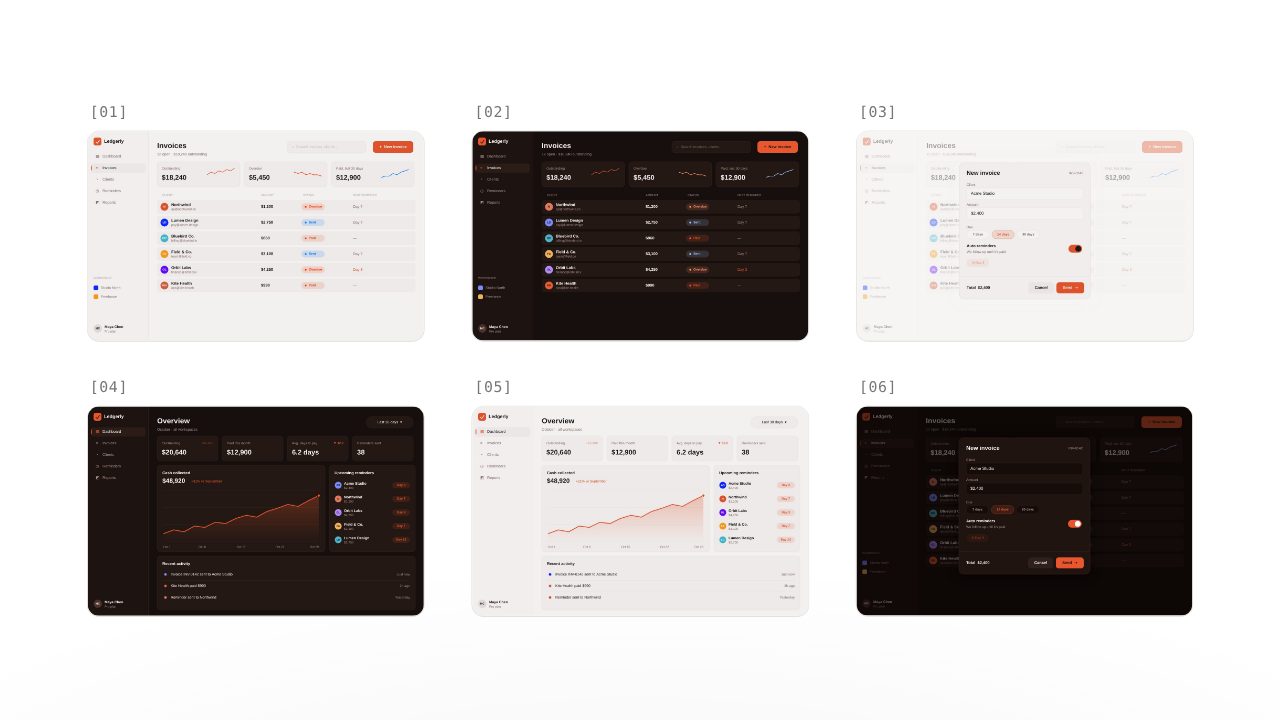
Your name and version over your logo at the centre of a network, a big line with your figure in your colour, your screens spreading into numbered cards, and a slate in your colour typed with a block cursor
Sound
Bright tech pulse
How it works
- Paste your link. Filmagic reads your site for your name, tagline, colours and fonts.
- Add your screens. Drop in screenshots or a short recording, or let it pull images from your site.
- Edit and export. Change any line, pick a length and export for X, LinkedIn, YouTube, TikTok and Reels.
Questions about Release Style
What is Release Style best for?
Release and version launches for developer and AI tools. Release Style sits in the Launch collection, and its motion is: Your name and version over your logo at the centre of a network, a big line with your figure in your colour, your screens spreading into numbered cards, and a slate in your colour typed with a block cursor.
How long is a Release Style video?
You can pick 15s, 20s, 30s. Filmagic re-times the scenes to the beat of the music for the length you choose.
Which sizes can I export?
16:9, 9:16 and 1:1: landscape for X, LinkedIn and YouTube, vertical for Reels, TikTok and Shorts, and square for feeds. One edit gives you all three.
Can I change the music?
Yes. The default sound is: Bright tech pulse. You can pick another music style in the Music section of the editor.
Do I need an account to try it?
No. You can build and preview Release Style in your browser without an account. A free account exports any template 3 times a month at 720p: templates marked Free with no watermark, the others with a small Filmagic mark. See pricing for what each plan adds. Pricing