Launch video in minutes
A launch video in minutes, not days
No script, no timeline, no editor to hire. Paste your product URL and Filmagic builds a first cut in about a minute: your screens, your brand, short lines and music. Spend the rest of your time on the parts that matter.
Free to preview, no account needed. Free exports have no watermark.
Templates that fit
Where the time goes
| Step | Usual way | With Filmagic |
|---|---|---|
| Script and storyboard | Hours | Written from your site, then you edit |
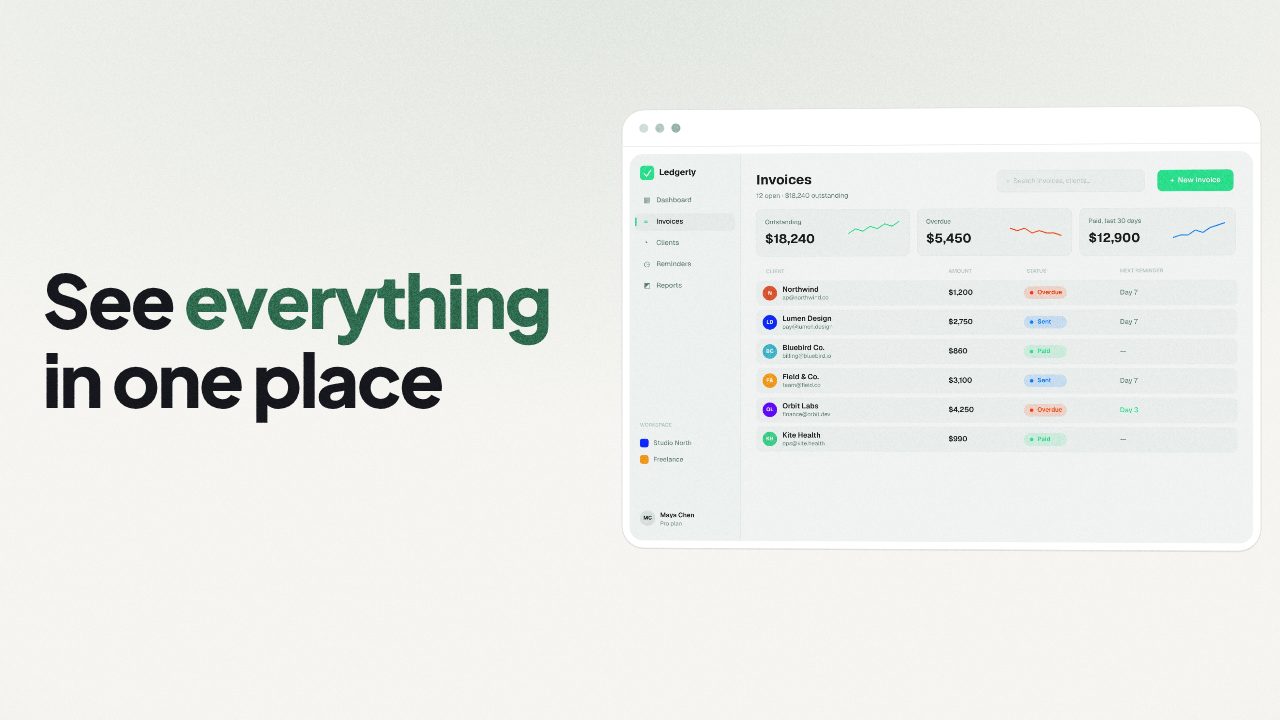
| Screens and assets | Hours of capture and cleanup | Read from your site, plus any screenshots you add |
| Edit to music | Hours in an editor | Cut to the beat automatically |
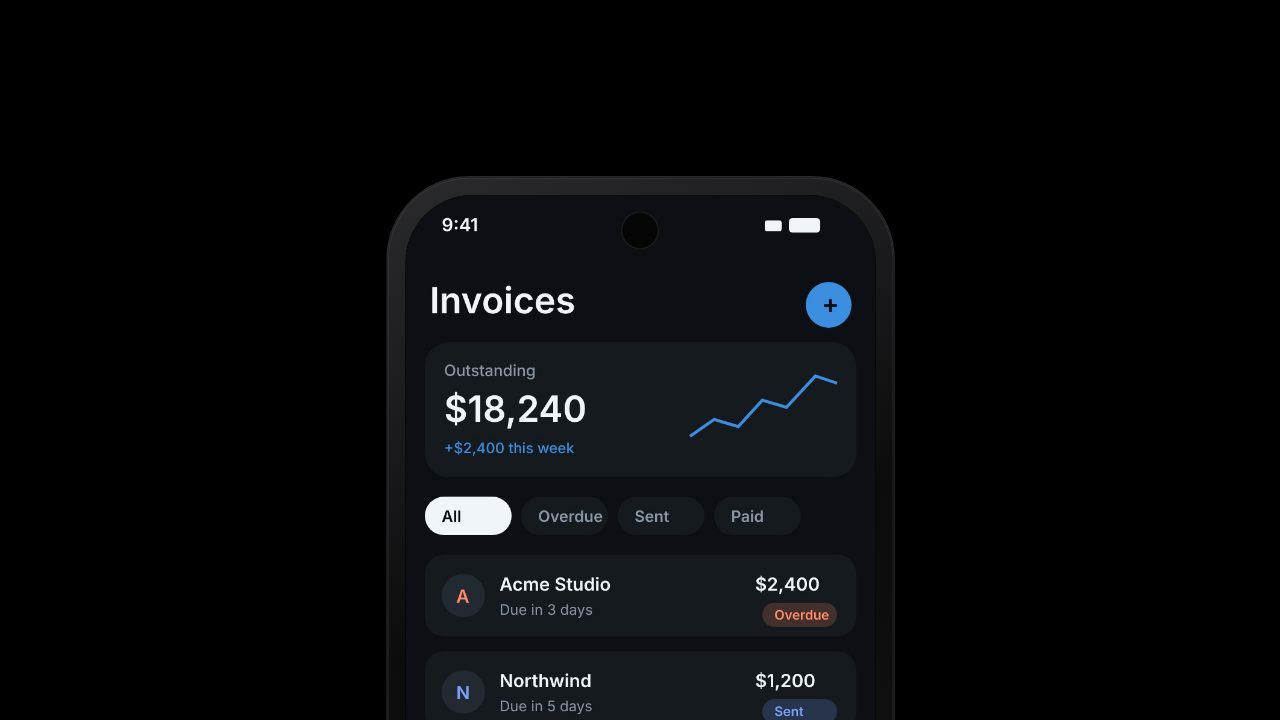
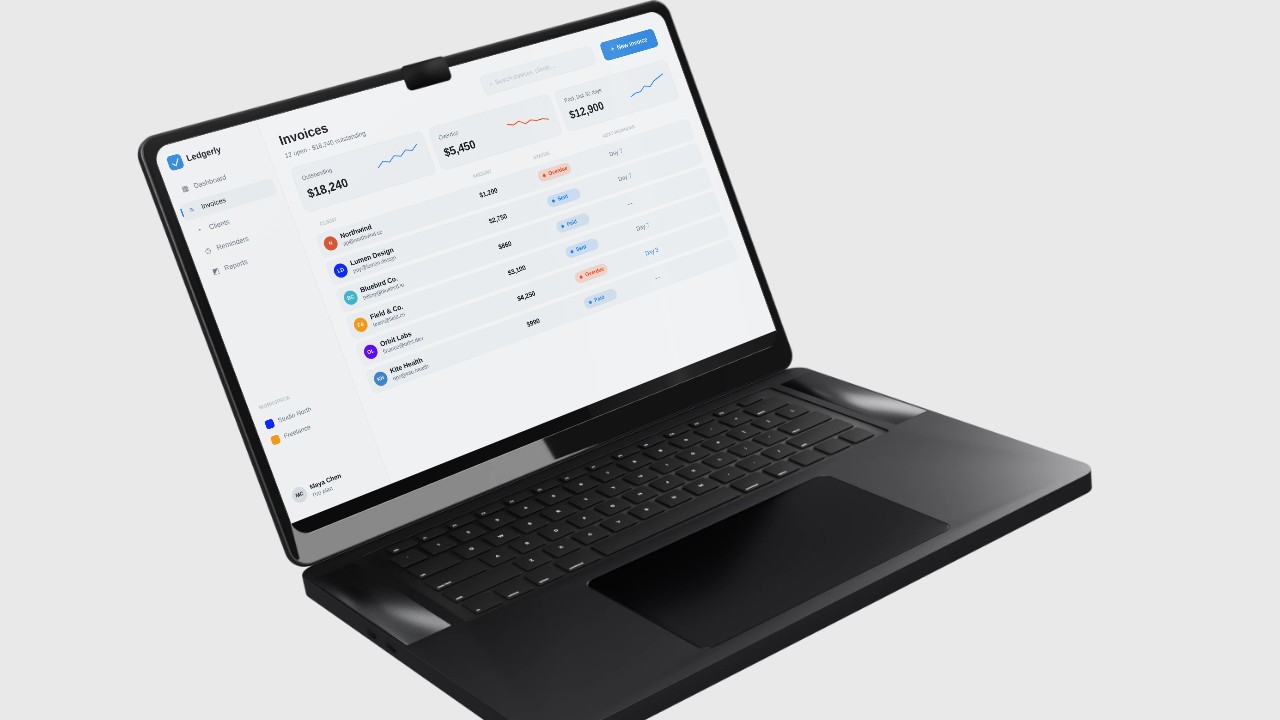
| Resize for every channel | Re-edit per shape | 16:9, 9:16 and 1:1 from one edit |
Five minutes of prep that make it better
- Pick the page. Your homepage for a launch, a feature page for an update.
- Grab two or three screenshots of your best screens, especially anything behind a login.
- Write one line that says what your product does in under eight words.
Then
- Paste the URL above and add your screenshots.
- Pick a template or let Filmagic choose.
- Fix the lines that don't sound like you.
- Export for every channel.
For the full walkthrough, read how to make a launch video in under a minute. Want a specific length? See 30 second launch video and 15 second video ad.
Frequently asked questions
Is the first cut good enough to post?
Often it's close. Spend a few minutes shortening lines and swapping in your best screens, and it usually is.
Do I need editing experience?
No. Every scene is edited from a side panel: change a line, swap an image, pick music.
Does it work for any website?
Any public page. Pages behind a login can't be read, so add screenshots of those screens.