On this page
Rotato and Filmagic both put your product on screen in motion, but they do different jobs. Rotato is a 3D mockup tool: you drop your screens into realistic phones and laptops and animate the camera around them. Filmagic builds a whole launch trailer from your product link, with the script, scenes, music and every format done for you.
How each one works
Rotato is a 3D mockup and animation tool for Mac, with a web version in beta. You pick a device, place your screenshots or a screen recording on it, then animate the camera, the device and the lighting. Paid Mac plans are one-time purchases and include video templates.
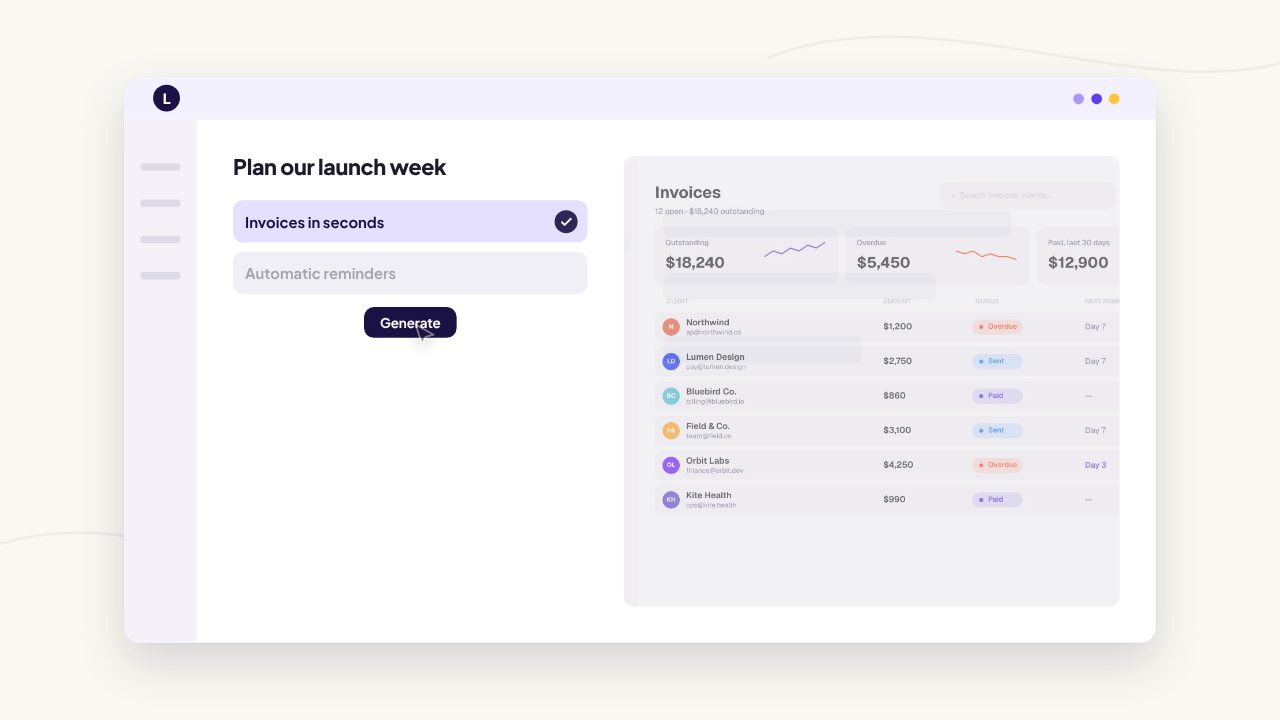
Filmagic starts from your product link. It reads your site, writes the scenes, matches your brand colours, fonts and logo, places your screenshots and cuts the film to music. It includes 3D device mockup templates as well as launch, story, demo and social styles, and exports 16:9, 9:16 and 1:1 from one edit.
Side by side
| Rotato | Filmagic | |
|---|---|---|
| Made for | 3D device mockups and shots | Complete launch trailers |
| Starting point | Your screenshots or recording | Your product link |
| Story, text and script | Up to you | Written for your product, editable |
| Music and voiceover | Add your own in an editor | Music cut to scenes, voiceover on paid plans |
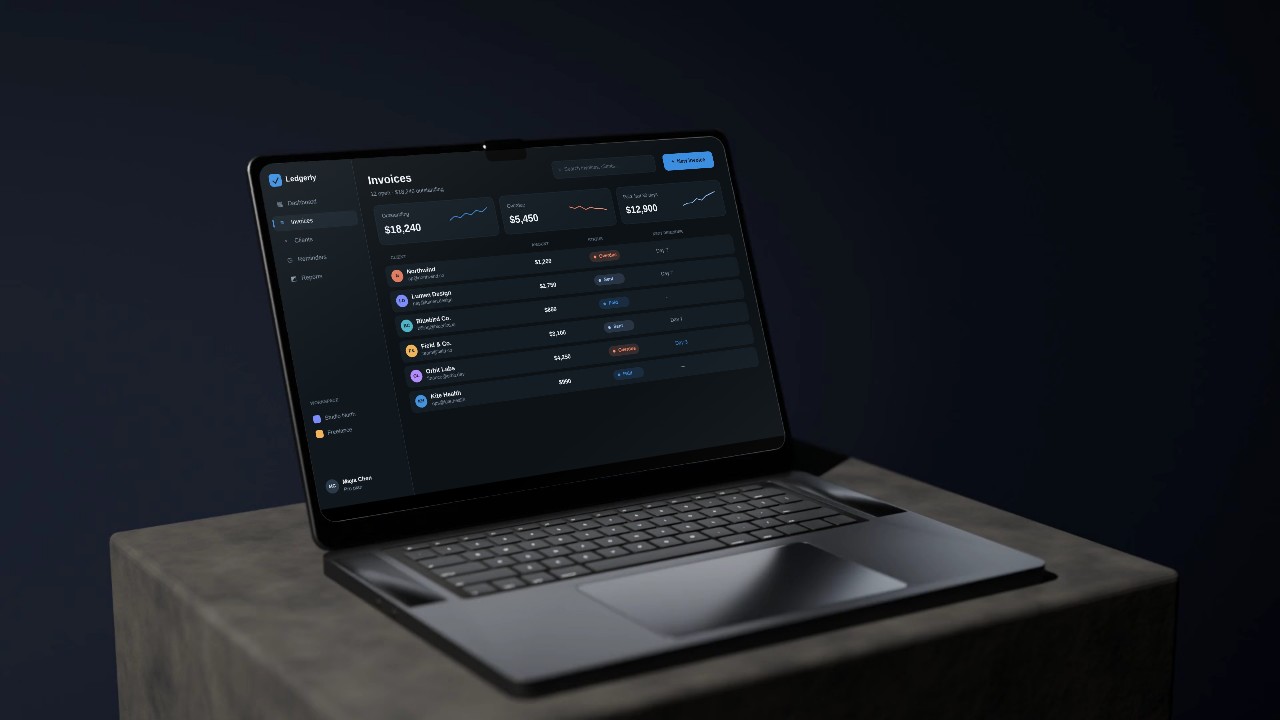
| 3D devices | The main feature, with many devices | Laptop, desk and pedestal mockup templates |
| Platform | Mac app, web beta | Web |
| Typical time for a 30 s launch video | Hours, plus editing elsewhere | Minutes for a first cut |
| Price | One-time Mac plans from $79 | Free tier, paid from $12/mo |
When Rotato is the better choice
- You want hero shots of your app on many device models, for your website or App Store art.
- You plan to cut the final video yourself in a video editor.
- You prefer a one-time purchase over a subscription.
When Filmagic is the better choice
- You need a finished launch video, not just device shots.
- You want the story, on-screen text, music and pacing handled for you.
- You need 16:9, 9:16 and 1:1 versions for Product Hunt, X, LinkedIn and Reels from one edit.
- You launch often and want a fresh video for every feature.
Use them together
Some makers use Rotato for a signature device shot on their homepage, then use Filmagic for the launch trailer and the regular feature videos that follow.
Frequently asked questions
Is Filmagic a Rotato alternative?
For launch videos, yes: Filmagic produces the whole trailer, including device mockup styles. For detailed 3D shots on many specific device models, Rotato is the specialist tool.
Does Filmagic have 3D device mockups?
Yes. Filmagic includes laptop, desk and pedestal mockup templates that put your real screens inside a 3D scene, alongside its other launch styles.
Is Rotato a one-time purchase?
At the time of writing, Rotato's Mac plans are one-time payments, with a free web version in beta. Check rotato.app for current details.
Which is faster for a launch video?
Filmagic, because it writes and edits the full video for you. With Rotato you create the device shots, then assemble the story, text and music in another editor.
Try Filmagic
Try Filmagic free, browse the launch video templates, or compare more options in the best launch video makers in 2026.
Rotato details are from rotato.app's published pricing in October 2026 and may have changed.