On this page
Clipchamp and Filmagic can both produce a product video, but they start in very different places. Clipchamp is a general video editor from Microsoft: a timeline, templates, stock media and text tools. Filmagic is built only for launch videos: it starts from your product link and gives you a finished trailer to edit.
How each one works
Clipchamp is a browser and Windows video editor. You start from a blank timeline or a template, then add clips, stock footage, text, music and effects. It includes features like auto captions and text-to-speech, with a premium plan for more stock media and brand kits.
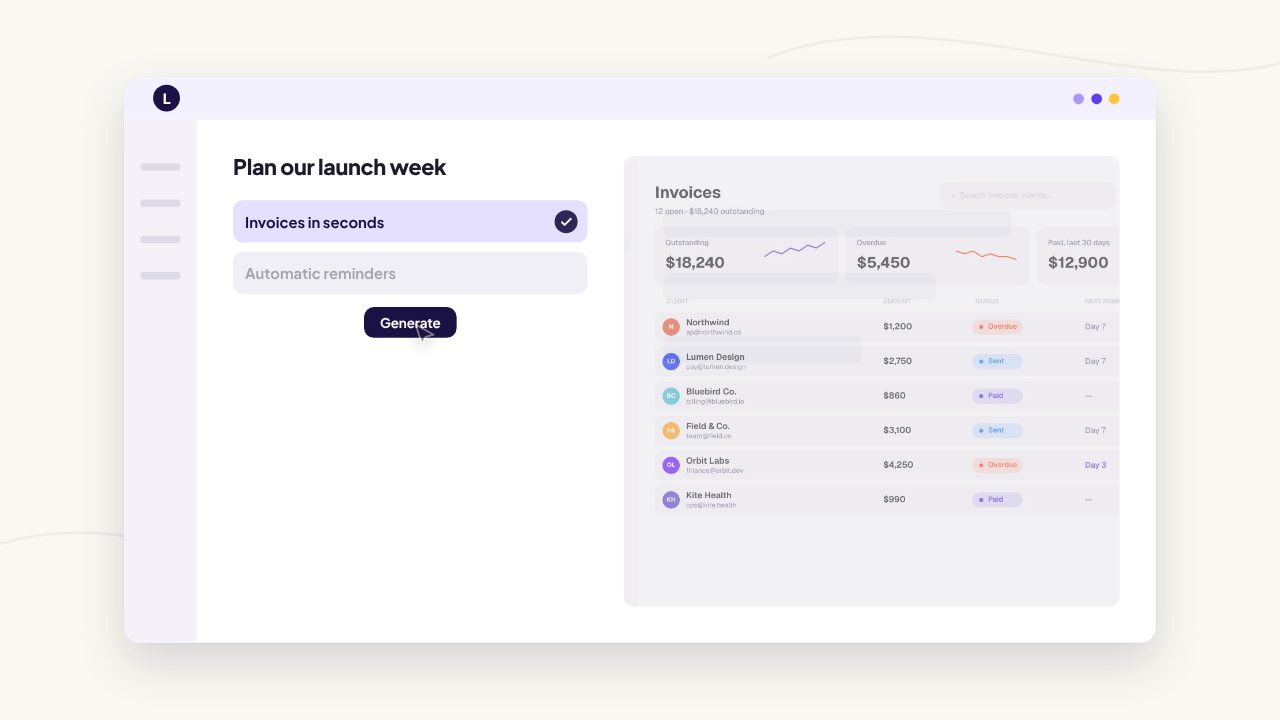
Filmagic starts from your product link. It reads your site, writes the scenes, matches your brand colours, fonts and logo, places your screenshots and cuts the film to music. Every template is designed for a product launch. You change the words, screens and scenes, then export 16:9, 9:16 and 1:1 from one edit.
Side by side
| Clipchamp | Filmagic | |
|---|---|---|
| Made for | Any kind of video | Product launch videos |
| Starting point | Blank timeline or template | Your product link |
| Script and story | Up to you | Written for your product, editable |
| Brand colours and fonts | Brand kit on premium | Read from your site automatically |
| Music | Stock library | Music cut to your scenes |
| Skill needed | Basic video editing | None |
| Typical time for a 30 s launch video | An hour or more | Minutes for a first cut |
| Price | Free plan, premium about $12/mo | Free tier, paid from $12/mo |
When Clipchamp is the better choice
- You edit many kinds of video, not just launches: tutorials, vlogs, recordings.
- You already have footage and want a free editor to cut it.
- You use Windows or Microsoft 365, where it is easy to reach.
When Filmagic is the better choice
- You want a launch video without editing it from scratch.
- You want your brand picked up from your website, not set up by hand.
- You want the pacing, music and on-screen text designed for launches.
- You need every format for Product Hunt, X, LinkedIn and Reels from one edit.
Frequently asked questions
Is Filmagic a Clipchamp alternative?
For launch videos, yes. For general editing of your own footage, Clipchamp is the more flexible tool.
Is Clipchamp free?
Clipchamp has a free plan with 1080p exports, and a premium plan with more stock media and brand features. Check clipchamp.com for current details.
Can I make a Product Hunt video in Clipchamp?
Yes, if you build it yourself: script, scenes, screenshots, text and music. Filmagic does those steps for you and leaves you to edit.
Which is faster?
Filmagic, because the first cut is generated from your product link. In a general editor, you assemble every scene yourself.
Try Filmagic
Try Filmagic free, browse the launch video templates, or compare more options in the best launch video makers in 2026.
Clipchamp details are from published 2026 reviews and may have changed. Check clipchamp.com for current information.