AI app builder launch video
A launch video for the tool that builds things
People need to see a prompt turn into a real product. Paste your URL, add your screens, and Filmagic cuts a launch film that types the prompt into your product window and shows what comes out.
Free to preview, no account needed. Free exports have no watermark.
Templates that fit
What a builder's launch video has to show
Tools that build apps, sites or workflows have one problem in common: the product is the moment between an idea and a result. A screenshot of an empty editor shows neither. A good launch video shows both ends and the step in between.
- The output first. Real screens people built with your tool, or the templates and starter projects you ship. They prove what's possible before anyone reads a feature list.
- One result opened up. Click into one of them and scroll it, so viewers see a working page, not a thumbnail.
- The prompt. Type the request the way a user would. Short, specific and believable: "Make this a store for handmade ceramics" reads better than "Build anything".
- Your product window. The request docked in your interface while the preview changes, so people see where the work happens.
- One clear next step. Your call to action and your address, on its own at the end.
Blue Hour: a template built for this
Blue Hour follows that order scene by scene, on a deep ground lit from below in your brand colour:
| Scene | What it shows |
|---|---|
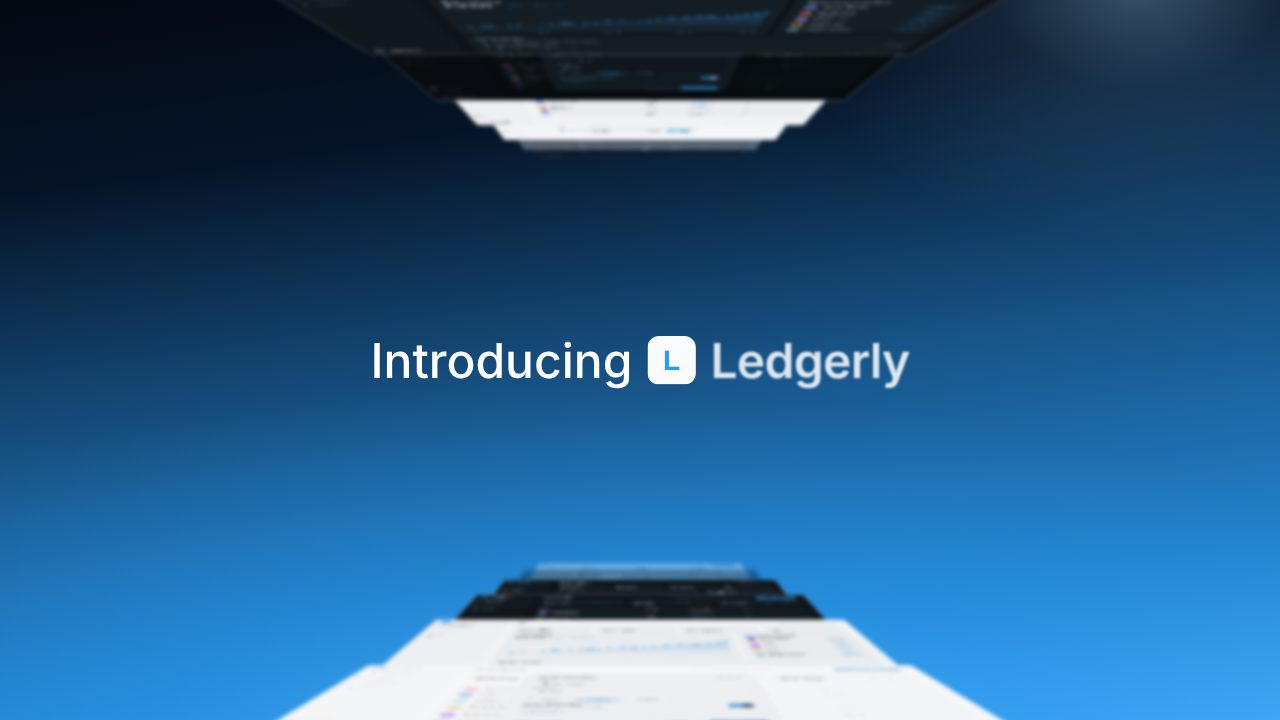
| Introducing | Two stacks of your screens recede to the centre while your name builds word by word |
| Strengths | A wall of your screens rises and zooms onto one, with two lines beside it |
| Browse | A cursor clicks a screen open into a browser window and the page scrolls |
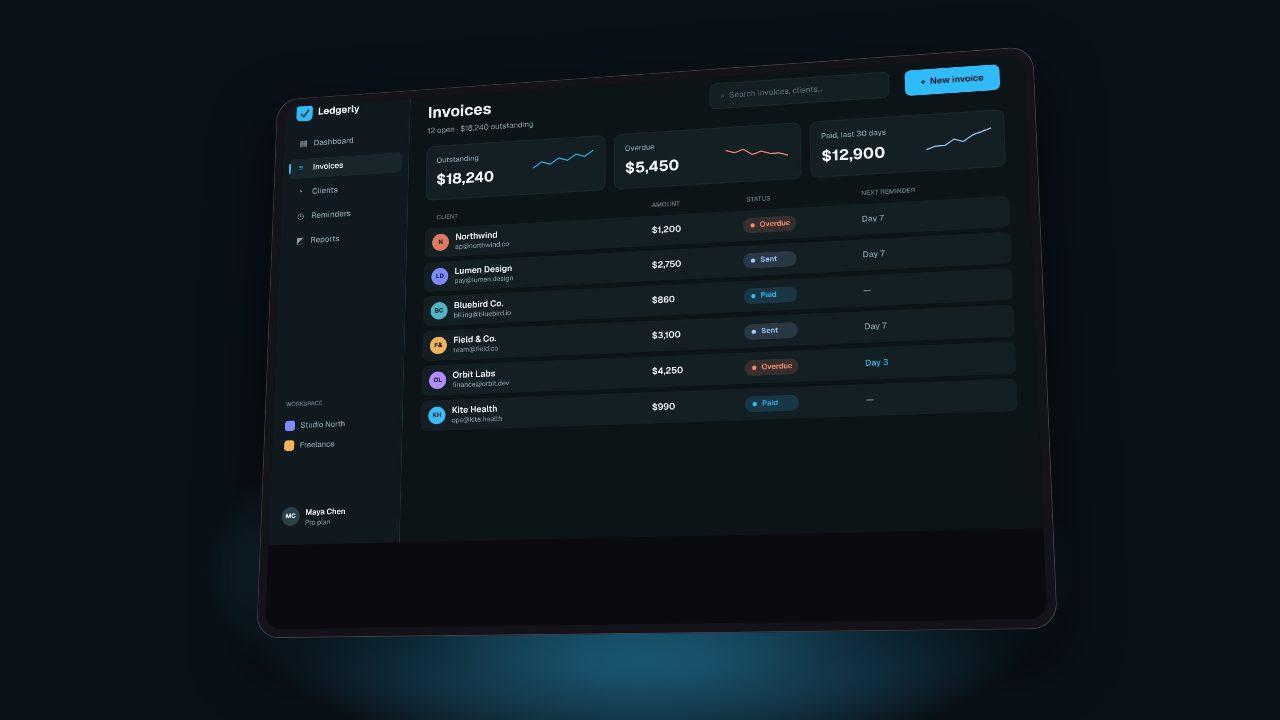
| Three screens | Three of your screens slide in, each with its name |
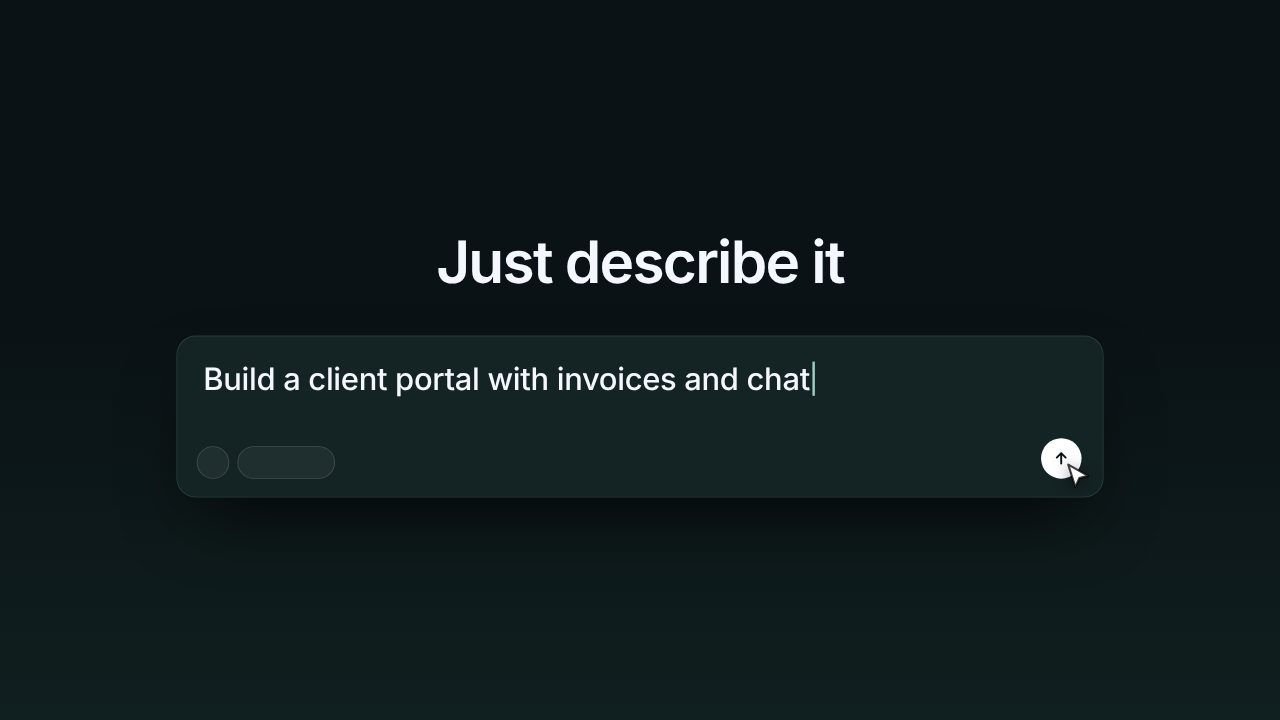
| Prompt | A caret types and erases a line, then a prompt box grows around it and types your request |
| Product window | The prompt docks in your product's side panel while the preview changes |
| Call to action | A closing line, a short note and your call to action as the light rises |
Every line is yours to edit, and every screen comes from your site or your screenshots. It exports in 16:9, 9:16 and 1:1 at 20 or 30 seconds, with a tech score, keys under the typing and whooshes on each move.
Where it goes
| Place | Length | Shape |
|---|---|---|
| Product Hunt gallery | 20 to 30 seconds | 16:9 |
| X and LinkedIn posts | 20 to 30 seconds | 16:9 or 1:1 |
| Homepage hero | 20 to 30 seconds, looping | 16:9 |
| Reels, TikTok and Shorts | 20 seconds | 9:16 |
See launch video length by platform for the details.
How to make it in Filmagic
- Paste your product URL. Filmagic reads your name, lines, colours and fonts.
- Add screenshots of things people built with your tool, and of your product window. A tall full-page screenshot scrolls in the browser scene.
- Pick Blue Hour. It fills every scene from your product.
- Write the prompt. One request a real user would type, under 90 characters.
- Export 16:9 for Product Hunt and your site, 9:16 for short-form video.
For the full walkthrough, read how to make a demo video for an AI app builder.
Frequently asked questions
What should an AI app builder's launch video show?
The output first, then the prompt that makes it, then your product window at work, then one call to action. Viewers believe a builder when they see a finished result, so lead with real screens rather than an empty editor.
How long should it be?
20 to 30 seconds for Product Hunt, X and your homepage. Keep a 20 second cut for Reels, TikTok and Shorts.
Can I use the screens my users built?
Use screens you have the right to show: your own templates and starter projects, or work your users agreed to share. Filmagic uses whatever screenshots you add, and never makes up screens.
Does it work for website builders and no-code tools?
Yes. Blue Hour shows screens, a browser and a prompt typed into your product. If your tool has no prompt, write the action your users take instead, such as a template name or a search.