Free URL to video
Turn a URL into a video for free
Paste your product URL, add a few screenshots, and build a full video without signing up. A free account exports the free templates at 720p with no watermark, a few times a month.
Free to preview, no account needed. Free exports have no watermark.
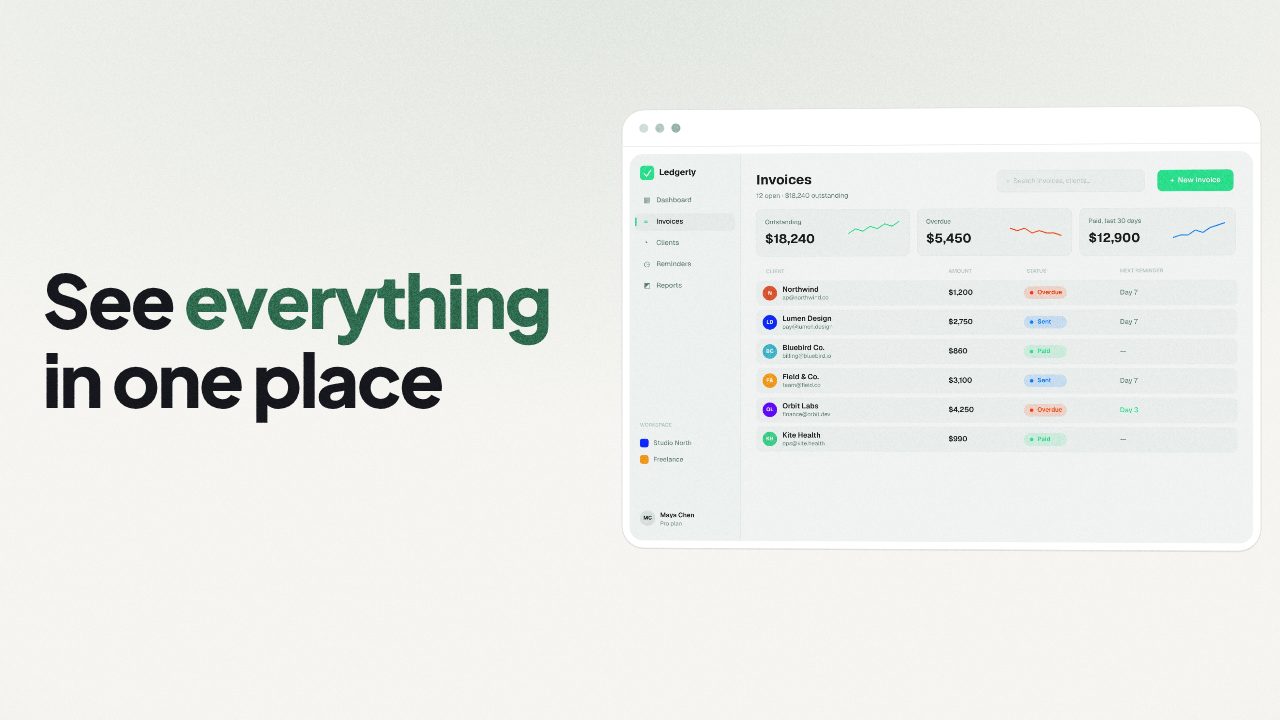
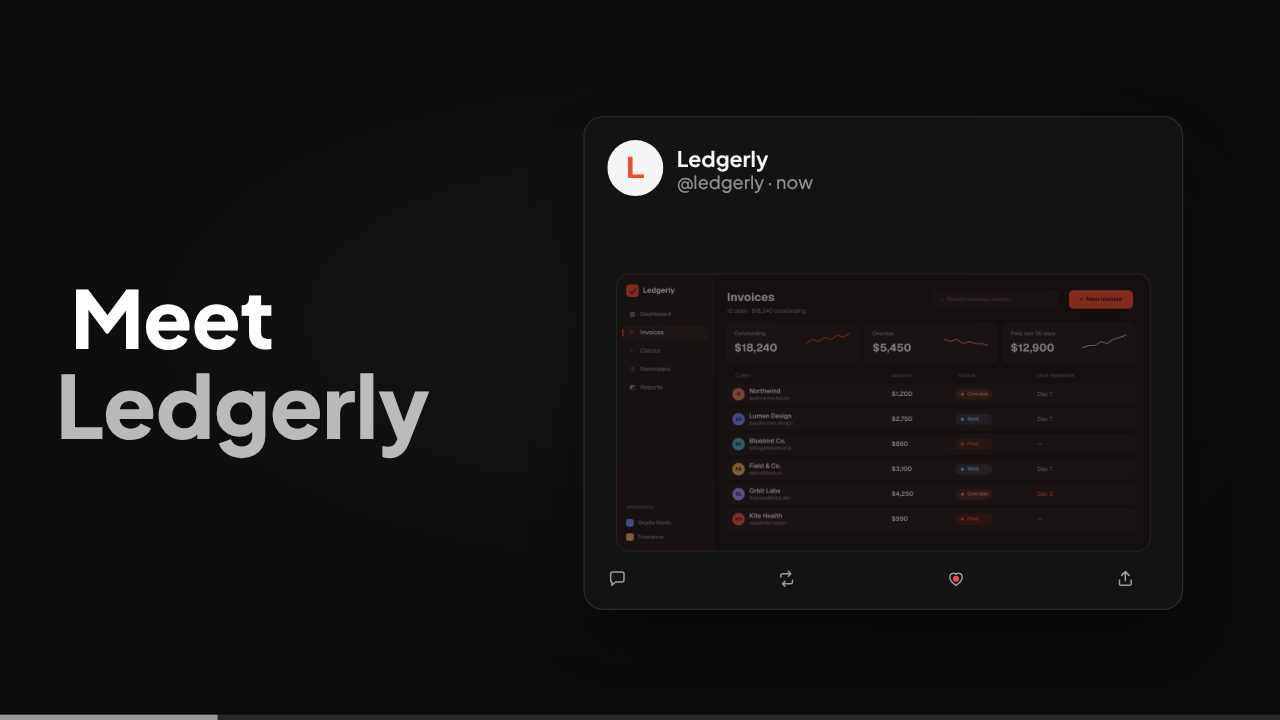
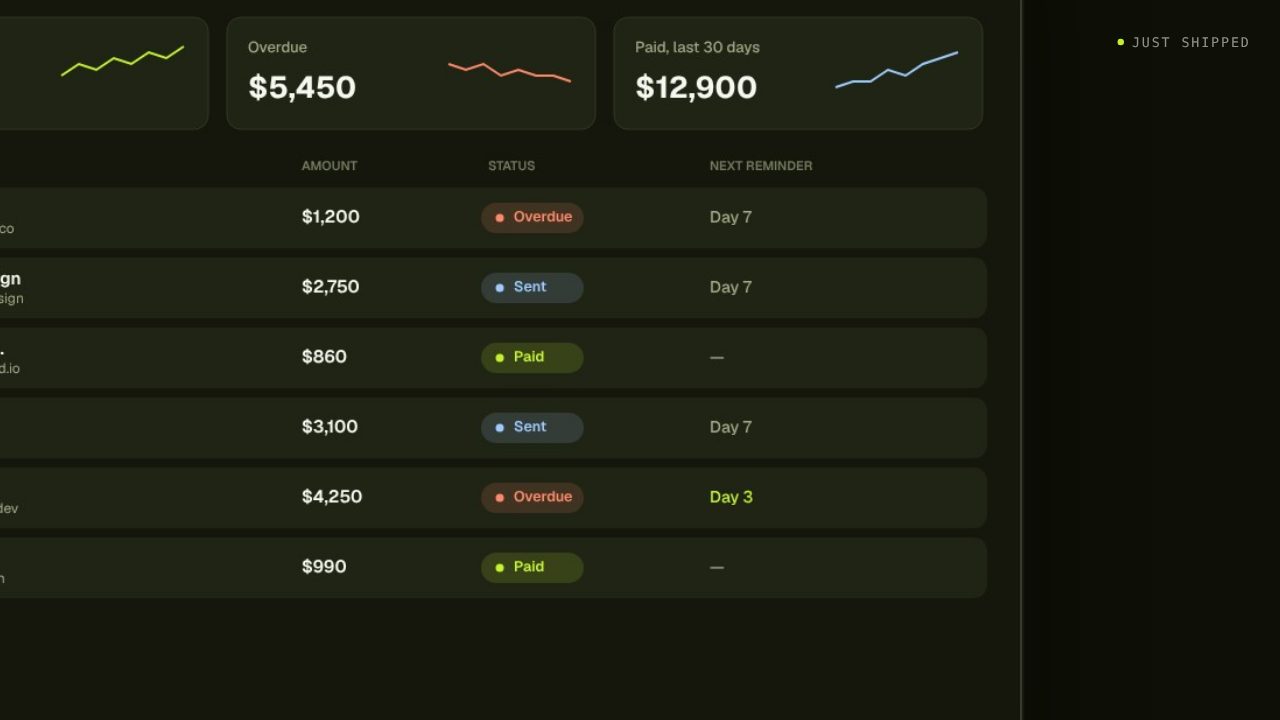
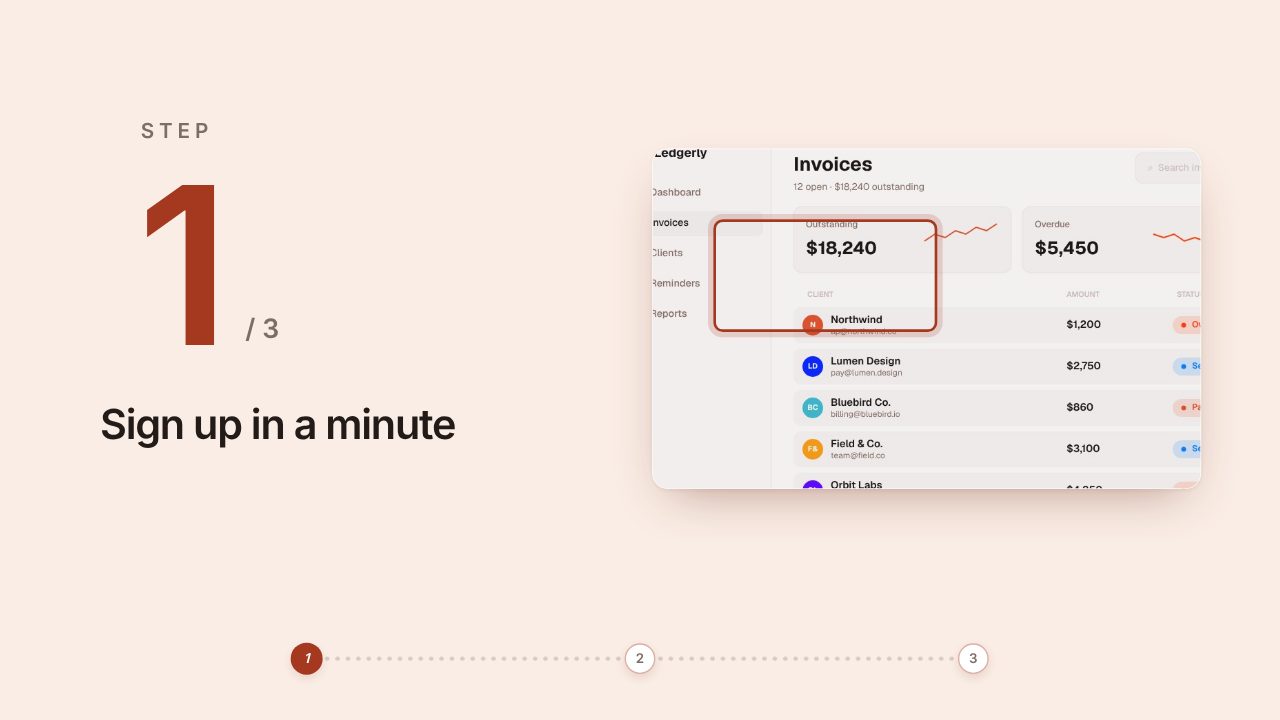
Templates that fit

What's free
| Free | With a plan | |
|---|---|---|
| Build and preview a video | Yes, no account | Yes |
| Edit every line, image and scene | Yes | Yes |
| Export templates marked Free | 720p, no watermark, a few a month | Yes |
| Export every template | No | Yes |
| Filmagic reads your site and captures its screens | Add your own screenshots instead | 2 credits |
| AI rewrites | Needs a plan | 1 credit each |
| 1080p and higher | No | 1080p on every plan, up to 4K and 60 fps on Pro and Studio |
Plans start at $12 a month for 150 credits. See pricing for the full list.
No watermark on free exports
Many free video tools stamp their logo on your video. Free exports from Filmagic don't carry a watermark, so you can post them as they are.
How to make one for free
- Paste your product URL above and add two or three screenshots of your product.
- Pick a template marked Free.
- Edit the lines so they sound like you.
- Make a free account and export at 720p.
When a plan is worth it
- You want any template, not only the free ones.
- You want Filmagic to read your site and capture its screens for you.
- You need 1080p or higher, or more than a few exports a month.
For how URL to video works in general, see URL to video and the URL to video guide.
Frequently asked questions
Is it really free with no watermark?
Yes. Free exports of the templates marked Free are 720p with no watermark.
Do I need a credit card?
No. Building and previewing need no account, and a free account doesn't ask for a card.
How many free exports do I get?
A few a month with a free account. The exact number shows in the app when you export.