On this page
X is where a lot of launches start. Makers post a short video, friends repost it, and if it lands, it carries the launch for the rest of the day. But the feed moves fast. You have about two seconds to make someone stop.
This guide covers what works for launch videos on X: length, format, the opening, a structure you can copy, and how to post it.
Length: shorter than you think
Standard accounts can post videos of up to 2 minutes 20 seconds, and Premium accounts can post much longer. But for a launch, aim for 15 to 45 seconds.
People decide in the first two seconds whether to keep watching, and many drop off before the end of anything long. A tight 20 second video that people finish usually beats a 90 second one they abandon.
Format: square takes more of the feed
- 1:1 (square) fills more of the screen on mobile, which is where most people scroll X.
- 16:9 works well too, especially if you will reuse the same cut on YouTube and Product Hunt.
- 9:16 also plays, but it gets cropped in the timeline preview, so keep key text away from the top and bottom.
Export as MP4. If you are unsure, post square.
The first two seconds
This is the whole game on X. Options that work:
- Name the pain. "Writing changelogs is the worst part of shipping."
- Show the result first. Open on the most impressive screen of your product, then explain.
- Movement. A screen that animates in, a device that turns, a line that types itself. A static first frame looks like an image and gets scrolled past.
What does not work: a logo animation, a black frame, or "Hi, I'm...".
Design for sound off
X autoplays video muted. So:
- Put every key line on screen as large, high-contrast text.
- One line at a time.
- Show your product name early, not only at the end.
Then use music with cuts that land on the beat, for the people who tap to unmute.
A 20 second structure you can copy
- 0 to 2 s, the hook. The pain, or the result.
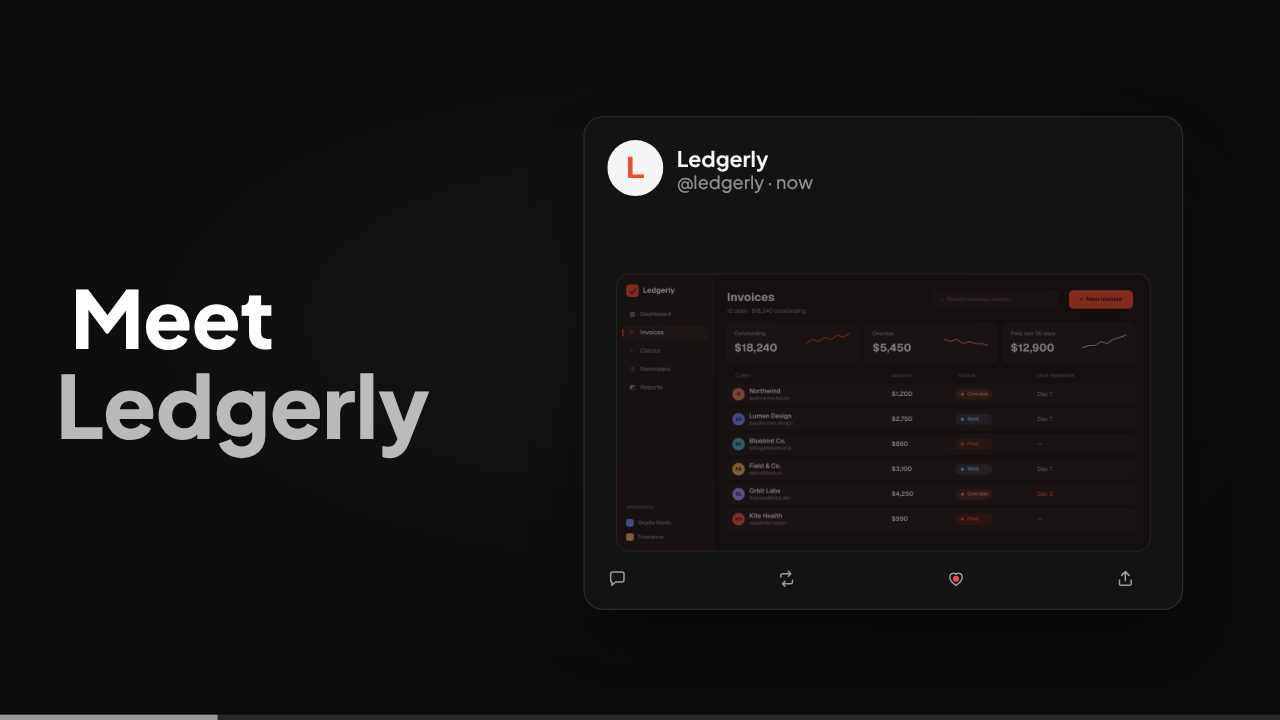
- 2 to 5 s, the name. "Meet [product]: [what it does]."
- 5 to 15 s, the product. Two or three quick shots of your real interface, one benefit each.
- 15 to 20 s, the ending. Product name and URL, held for at least two seconds.
Need more lines? Use our launch video script template for 15, 30 and 60 second versions.
How to post it
- Upload natively. Native video autoplays in the feed. A YouTube link does not.
- Write the post like a headline. One line on what it is, one on why now, then the link.
- Put your URL in the post text. People will not type a URL they saw in a video.
- Pin it to your profile for launch week.
- Reply to your own post with a second detail or a screenshot, so the thread keeps moving when people engage.
- Add a custom thumbnail frame if your first frame is dark or mostly text.
Reuse the same edit
The X version is usually your shortest cut. Export the same edit as 16:9 for Product Hunt and YouTube, and 9:16 for Reels, TikTok and Shorts. See launch video length by platform for the details.
Make it from your link
Filmagic turns your product URL into a launch video in under a minute. The X Launch template is built for the feed: caption bursts, a typed post card and a dive into your screenshot, tuned to autoplay muted. Edit any line, then export square, 16:9 and vertical from the same edit.
Frequently asked questions
How long can a video be on X?
Standard accounts can post videos up to 2 minutes 20 seconds. Premium accounts can post longer videos. For a launch, 15 to 45 seconds tends to perform best.
What is the best aspect ratio for X video?
Square (1:1) takes up the most space in the mobile feed. 16:9 also works well and is easier to reuse on YouTube and Product Hunt.
Should I post a YouTube link or upload the video to X?
Upload it natively. Native video autoplays in the feed, while a link shows a static preview that fewer people click.
Do X videos autoplay with sound?
No, they autoplay muted by default. Put every key line on screen as text so the video works without sound.