VEED alternative
A VEED alternative for launch videos without the editing
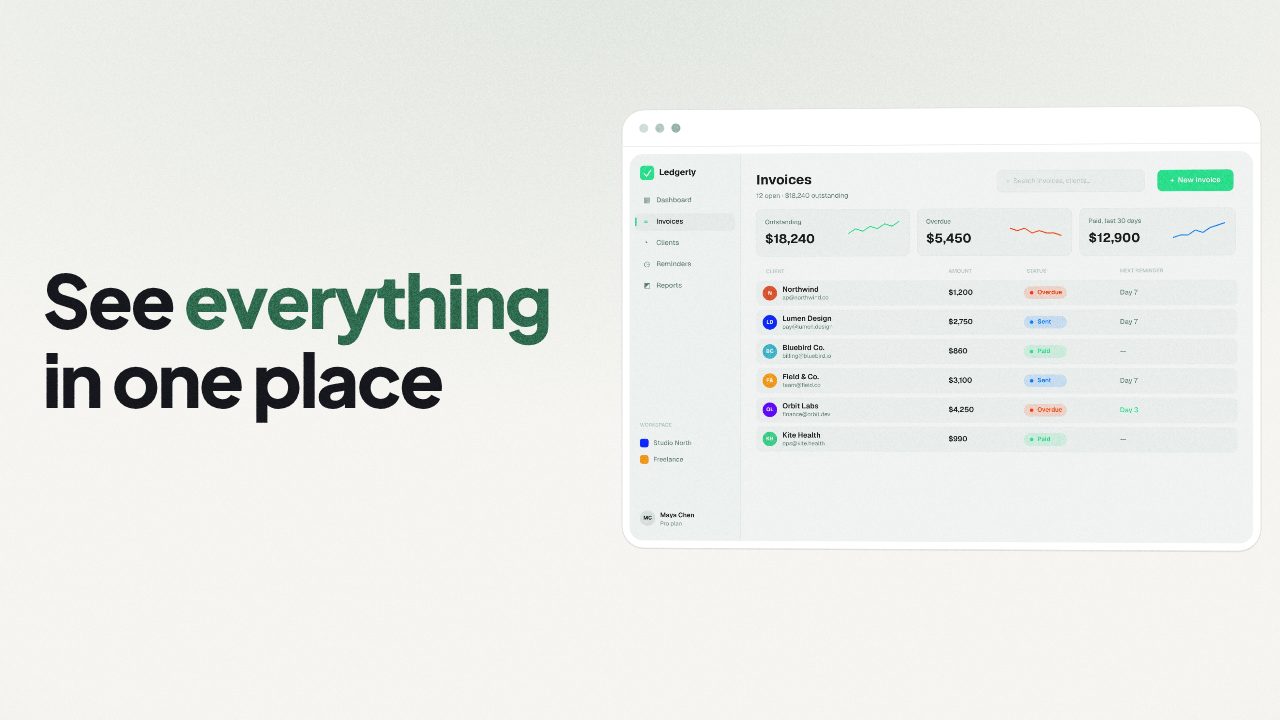
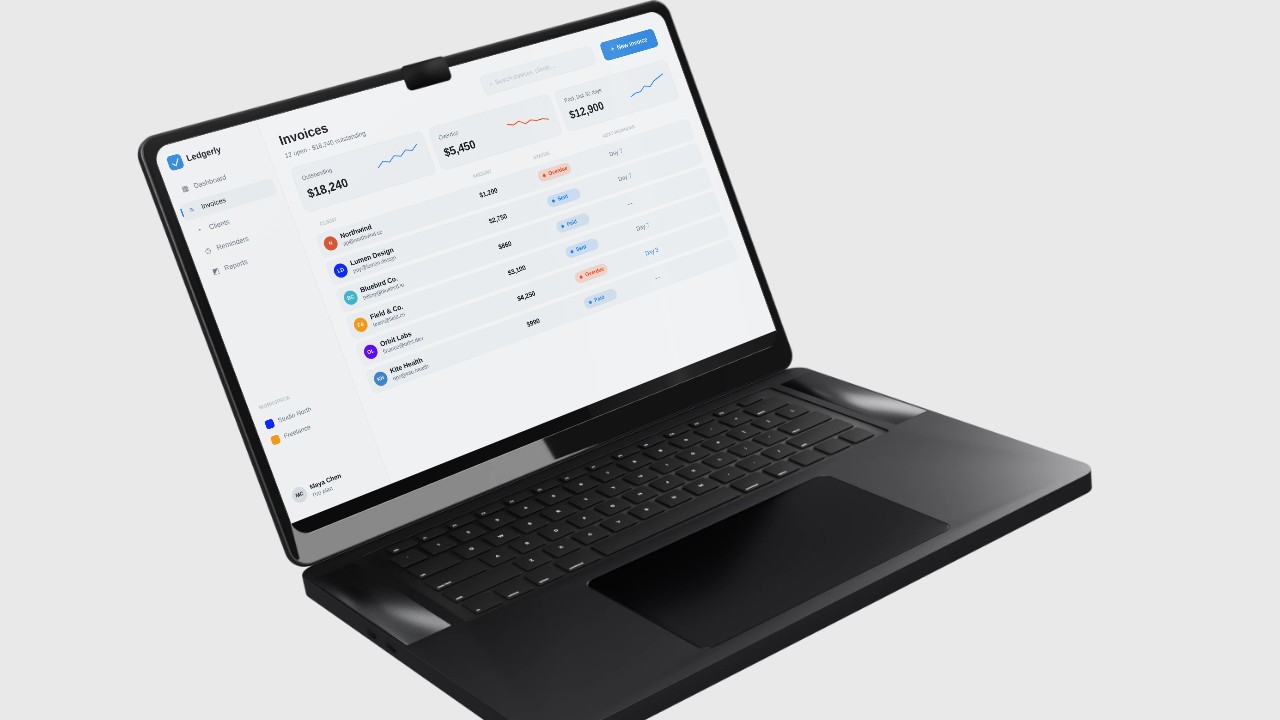
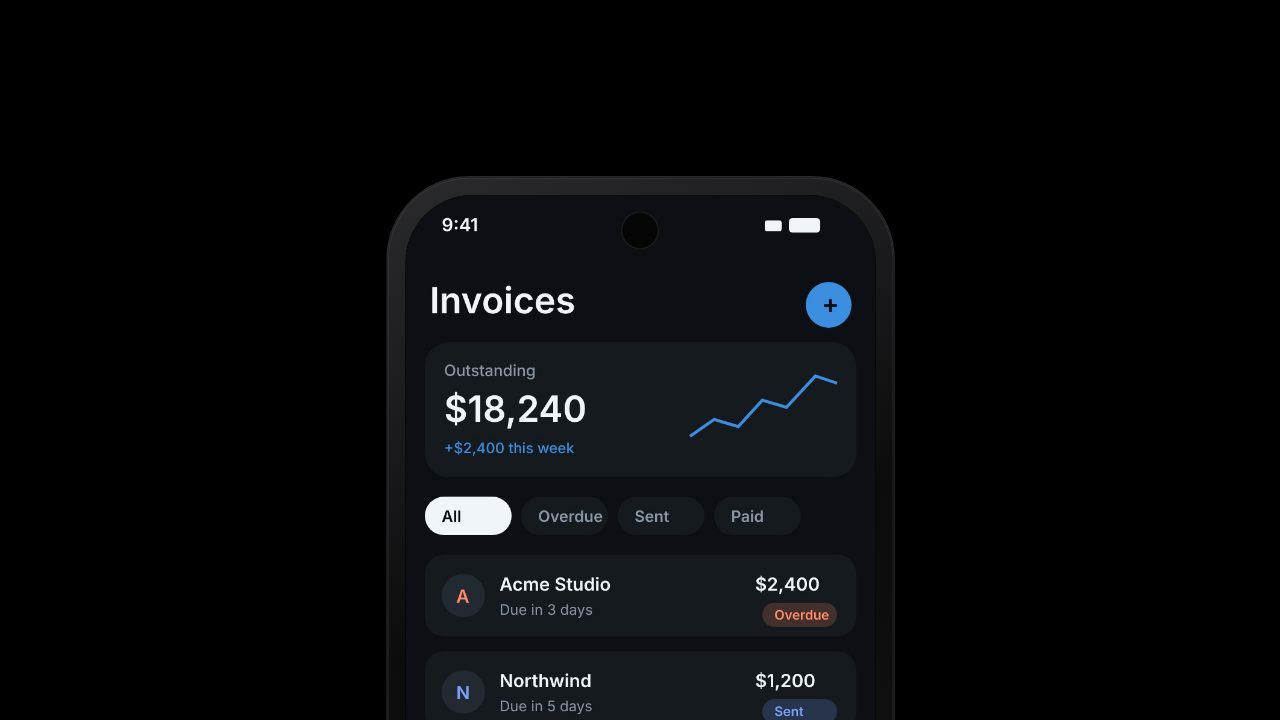
VEED is a strong online editor for footage, subtitles and translation. If you need a launch trailer and don't have footage to edit, paste your product link and Filmagic builds one in your brand.
Free to preview, no account needed. Free exports have no watermark.
Templates that fit
Why people look for a VEED alternative
- There's no footage to edit yet. A pre-launch product has screens and a website, not a shoot.
- Free exports carry a watermark.
- Per-editor pricing adds up for small teams.
- They want motion design, not just cuts and captions.
Filmagic vs VEED at a glance
| Filmagic | VEED | |
|---|---|---|
| Starting point | Your product link | Your footage or a recording |
| What it does best | Branded launch trailers cut to music | Editing, subtitles, translation |
| Editing | Edit lines, images and scenes | Full timeline editor |
| Best for | Launches, feature drops, social promos | Talking-head, tutorials, social clips |
| Free plan | No watermark on free templates at 720p | Watermarked exports |
| Price | Paid from $12/mo | Paid per editor, from roughly $9 to $12/mo billed yearly |
Other VEED alternatives
- CapCut for a free full editor with auto captions.
- Descript for editing video by editing the transcript.
- Kapwing for collaborative online editing.
- Filmagic for a launch trailer built from your site.
Need subtitles on a clip? Our free subtitle tool runs in your browser.
When to stick with VEED
- You edit recorded footage: interviews, tutorials, talking-head clips.
- Subtitles and translation are the main job.
- Your team reviews and comments on edits together.
See the full VEED vs Filmagic comparison.
Frequently asked questions
What is the best VEED alternative for a product launch video?
Filmagic. It builds a branded launch trailer from your product URL, with music, motion and on-screen text, and exports 16:9, 9:16 and 1:1 from one edit.
Is there a free VEED alternative without a watermark?
Yes. Filmagic's free account exports the free templates at 720p with no watermark. CapCut is also free for general editing.
Can Filmagic add subtitles?
Filmagic videos are built with on-screen text in every scene. For subtitles on your own footage, use our free subtitle tool.
Do I need video editing skills for Filmagic?
No. You edit text, images and scenes in a simple editor. There is no timeline.